Unity
Craft engaging and captivating 3D content for AR, VR, mobile, desktop, and web platforms. Create interactive and dynamic experiences that will leave your audience in awe. Explore the endless possibilities …
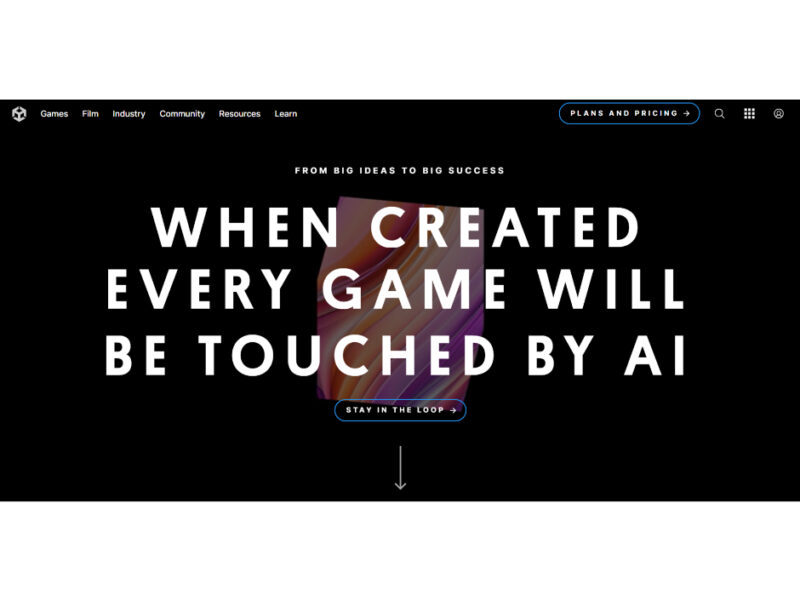
About Unity
Use Cases
Use Case 1: Rapid Asset Prototyping and Placeholder Generation
Problem: Game developers and solo creators often face high friction when they need temporary assets (sprites, textures, or sounds) to test a mechanic. Switching between external AI generators or stock sites breaks the creative flow and results in assets that aren't properly formatted for Unity.
Solution: Unity AI’s Generators allow developers to create properly formatted sprites, textures, animations, and sounds directly inside the Editor. These assets are automatically tagged with AI metadata, making them easy to track and replace with production-ready art later in the development cycle.
Example: A developer building a top-down shooter needs a "cyberpunk laser sound" and a "neon metal floor texture." Instead of searching a library, they use plain-language prompts within the Unity AI interface to generate these assets instantly, apply them to GameObjects, and continue testing the gameplay loop without leaving the software.
Use Case 2: Context-Aware Debugging and Technical Learning
Problem: Debugging complex C# scripts or understanding obscure console errors can take hours, especially for junior developers or those working with unfamiliar Unity features like VFX Graphs or the Input System. Searching documentation often provides generic answers that don't account for the specific context of the user's project.
Solution: The Assistant provides contextual help by "referencing" specific assets. Users can drag their broken scripts or specific Prefabs directly into the Assistant window. The AI analyzes the project-specific code and provides a tailored explanation or a corrected code snippet.
Example: A developer encounters a "NullReferenceException" in a complex inventory script. They drag the script and the associated Inventory Manager GameObject into the Assistant. The Assistant identifies that a specific UI reference is unassigned in the Inspector and provides the exact line of code to add a safety check.
Use Case 3: Automated Scene Management and Bulk Refactoring
Problem: As projects grow, performing repetitive tasks—such as renaming hundreds of assets, locating lights with specific intensities, or identifying objects missing Rigidbodies—becomes a massive time sink and a source of human error.
Solution: Unity AI supports agentic actions that can execute bulk commands within the Editor. Developers can use natural language to find, modify, and organize objects across a scene or the entire project hierarchy simultaneously.
Example: A level designer wants to ensure all street lamps in a city scene are on the "Lighting" layer and have a specific "Flicker" script attached. They prompt the Assistant: "Find all GameObjects with 'Lamp' in the name, move them to the Lighting layer, and add the FlickerComponent to any that don't have it." The AI performs these steps automatically in seconds.
Use Case 4: Deploying Local AI for Unique Runtime Experiences
Problem: Integrating advanced AI behaviors (like natural language NPCs or real-time pattern recognition) usually requires expensive cloud APIs, which introduce latency and require an active internet connection for the player.
Solution: The Inference Engine (formerly Sentis) allows developers to pull pre-trained AI models (from sources like Hugging Face) and run them locally on the user's device. This enables high-performance, real-time AI interactions that don't consume Unity Points or require cloud calls during gameplay.
Example: A developer creates a fitness game that uses a local pose-estimation model to track a player’s movements via webcam. By using the Inference Engine, the game processes the player's movement locally on their PC or console, providing instant feedback on their form without the lag or privacy concerns of sending video data to a cloud server.
Key Features
- Context-aware project assistance
- Multi-modal generative asset creation
- Automated in-editor agentic actions
- AI-powered C# code generation
- High-performance local model inference
- Natural language scene automation
- Integrated third-party model access
Similar Tools You Might Like
Discover more tools in the same category
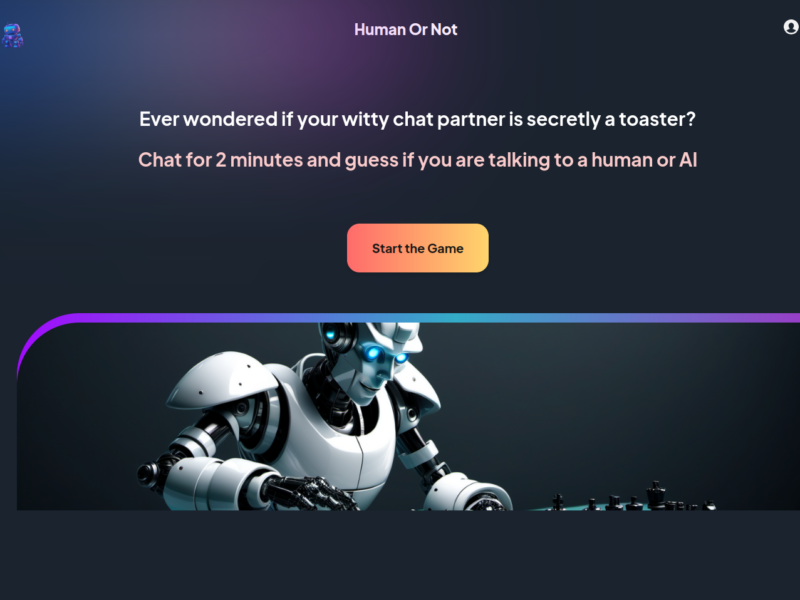
Human or Not
Join the ultimate social game powered by AI – humanornot.io! Engage in quick 2-minute chats …



Explore Related Categories
Live Preview:
Updates automatically with live stats
Copied to clipboard!