Typper
Unlock your design potential with Typper, the AI design assistant that’s here to transform your creative process. Typper harnesses the power of GPT-based AI technology to provide a wide array …

About Typper
Use Cases
Use Case 1: Scaling Design Systems for Enterprise Applications
Problem: Large organizations often struggle to maintain consistency across hundreds of digital interfaces. Designers frequently spend hours manually updating components or creating new layouts that must adhere to strict, complex design systems.
Solution: Leveraging the "AI for Design" features and the team's expertise in scalable Design Systems, Typper can automate the generation of UI components. It ensures that new screens and elements automatically follow the established brand guidelines, spacing, and accessibility standards.
Example: A UX lead at a financial institution uses Typper to generate 20 variations of a transaction dashboard. The AI ensures every button, font size, and color contrast ratio is compliant with the company’s internal design system and international accessibility laws.
Use Case 2: Transforming Educational Content into Accessible Audio
Problem: Educational institutions and publishers have vast libraries of text-based content (textbooks, manuals, and classic literature) that are inaccessible to students with visual impairments or those who prefer auditory learning.
Solution: Using Typper’s "Turn Books into Audio Experiences" product, users can upload complex texts and convert them into high-quality, narrated audiobooks. This leverages their specialized AI for Education to move beyond simple text-to-speech, creating a more engaging "experience."
Example: A university library uploads a collection of classic philosophical texts, such as "Meditations" or "Beyond Good and Evil," into Typper. The tool generates structured audio modules that students can stream via the university’s learning management system during their commute.
Use Case 3: Rapid Prototyping for No-Code Startups
Problem: Early-stage founders often have the domain expertise but lack the technical design skills to create high-fidelity prototypes needed to secure funding or test with real users.
Solution: Typper’s focus on "No-Code and Low-Code solutions" combined with AI design tools allows non-technical founders to bridge the gap between an idea and a functional-looking product.
Example: An entrepreneur building a new telemedicine app uses Typper to describe their workflow. The AI generates the initial UI/UX flow for patient onboarding and doctor consultations, allowing the founder to present a professional prototype to investors within days rather than months.
Use Case 4: Automating Multi-Sector UI Adaptation
Problem: Agencies and product teams working across different sectors (e.g., legal, finance, and education) find it time-consuming to switch contexts and design specific interfaces that meet the unique "feel" and functional requirements of each industry.
Solution: Typper’s AI tools are trained on multi-sector data (as highlighted by the CPO's background). It can suggest industry-specific design patterns that are optimized for the user behaviors typical of that specific field.
Example: A design agency uses Typper to quickly pivot a basic data-entry interface into three distinct versions: a high-trust, "clean" version for a legal firm; a data-dense, "efficient" version for a fintech startup; and a colorful, "engaging" version for an edtech platform.
Key Features
- Books to audio conversion
- AI-powered design exploration
- AI-driven educational tools
- Accessibility-focused AI solutions
- Low-code AI development integration
- Scalable AI model architectures
Similar Tools You Might Like
Discover more tools in the same category
Icebreaker
Icebreaker AI is an innovative solution designed to automate and enhance the process of creating …
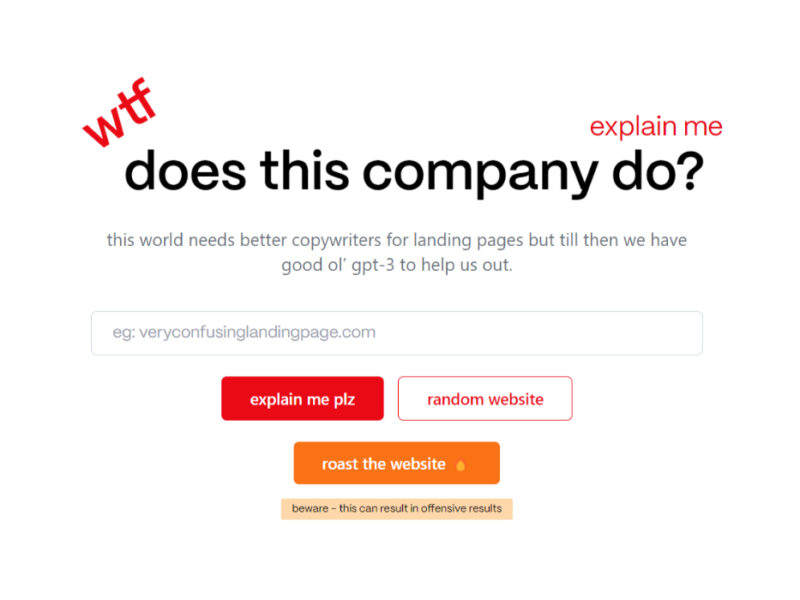
WTF Does This Company Do?
Welcome to our landing page, where you can explore and engage with our website solely …

Youtube Summarizer - Syllaby
Youtube Summarizer – Syllaby is an innovative tool designed for users who frequently use YouTube …
Explore Related Categories
Live Preview:
Updates automatically with live stats
Copied to clipboard!