ToastyAI
Looking for an expert AI podcast copywriter? Look no further! I am the #1 professional AI podcast copywriter you need for your show. With my exceptional skills and deep understanding …
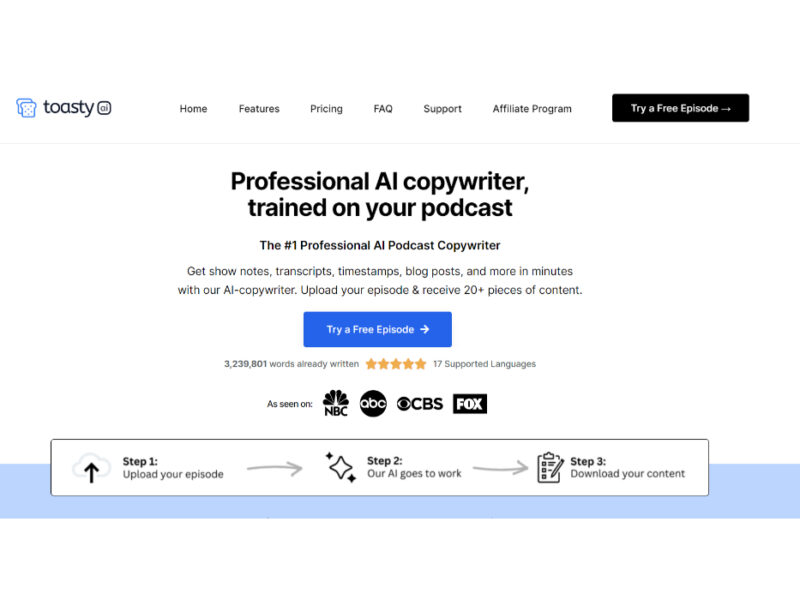
About ToastyAI
Use Cases
Use Case 1: Streamlining Podcast Distribution for Growth
Problem: Podcasters often spend more time on post-production—writing show notes, creating transcripts, and drafting social media promotion—than they do actually recording the episodes, leading to burnout and inconsistent posting.
Solution: Outcast automates the "after-show" workflow by converting a single audio or video recording into a complete marketing suite. It uses "Prompt Packs" to bypass the blank-page syndrome, generating everything from studio-grade transcripts to SEO-friendly blog posts and emails.
Example: A podcaster uploads their latest RSS feed link to Outcast. Within minutes, the AI generates a detailed episode summary, a list of time-stamped key takeaways, and three different LinkedIn posts tailored to the episode's content, allowing the creator to schedule a week's worth of promotion immediately.
Use Case 2: Turning Long-Form Webinars into Social Media "Content Waterfalls"
Problem: B2B Marketing teams record 60-minute webinars that offer immense value but get very few views after the live event because the content is too long for modern social media consumption.
Solution: The tool’s "Clip Creator" and "AI Studio" allow marketers to identify "viral moments" within long videos and repurpose them into short, captioned clips optimized for TikTok, Reels, and YouTube Shorts.
Example: A marketing manager pastes a YouTube link of a recent product keynote into Outcast. They use the Clip Editor to trim and caption four 45-second "insight nuggets." They then use the AI Studio to generate a companion blog post and an AI-generated header image for the company website to house the new clips.
Use Case 3: Scaling Executive Coaching and Educational Content
Problem: Coaches and educators record hours of one-on-one sessions or group workshops. Clients often struggle to find specific advice within these long recordings, and coaches find it difficult to extract "teasable" content to attract new clients.
Solution: Using the "Episode Chatbot" and "Clip Editor," coaches can make their entire library of recordings searchable and extract high-value segments as testimonials or educational snippets.
Example: A business coach uploads 20 past coaching sessions. When a new client asks about "scaling sales teams," the coach uses the Episode Chatbot to query their library for every time they discussed that topic. They then export those specific segments as audiograms to share with the client as a personalized resource.
Use Case 4: Efficient Internal Knowledge Management for Teams
Problem: Important decisions and project requirements discussed during recorded video meetings (like Town Halls or Sprint Reviews) often get lost in the archives, and team members don't have time to re-watch hours of footage to find one specific detail.
Solution: Outcast’s "Team Collaboration" and "Multi-Chat" features allow teams to treat their video library as a searchable database, providing instant answers and transcripts to all team members.
Example: A project manager uploads a recording of a 90-minute project kickoff. Instead of manual note-taking, they invite the development team to the Outcast project. A developer later uses the Chatbot to ask, "What were the specific API constraints mentioned by the lead architect?" and receives a concise summary and the exact timestamp in the transcript.
Use Case 5: Event and Keynote Recap Generation
Problem: Event organizers need to provide quick recaps and highlights of keynote speeches to attendees and stakeholders, but manual transcription and editing take too long to remain relevant (the "content decay" problem).
Solution: Outcast provides "studio-grade transcripts" with speaker identification and a "Long-Form Writer" tool to turn keynote audio into polished articles or newsletters in minutes.
Example: Immediately after a conference keynote, the organizer uploads the audio file. Outcast identifies the speakers and drafts a "Year in Review" article based on the speech. The organizer then uses the Clip Creator to export a "highlight reel" of the most applauded moments to send out in the post-event thank you email.
Key Features
- Multi-platform video content importing
- Ready-made AI prompt packs
- Integrated video clip editor
- Interactive episode-specific AI chatbot
- AI-powered content creation studio
- Multi-language studio-grade transcription
- Real-time team collaboration tools
- Automatic viral moment detection
Similar Tools You Might Like
Discover more tools in the same category
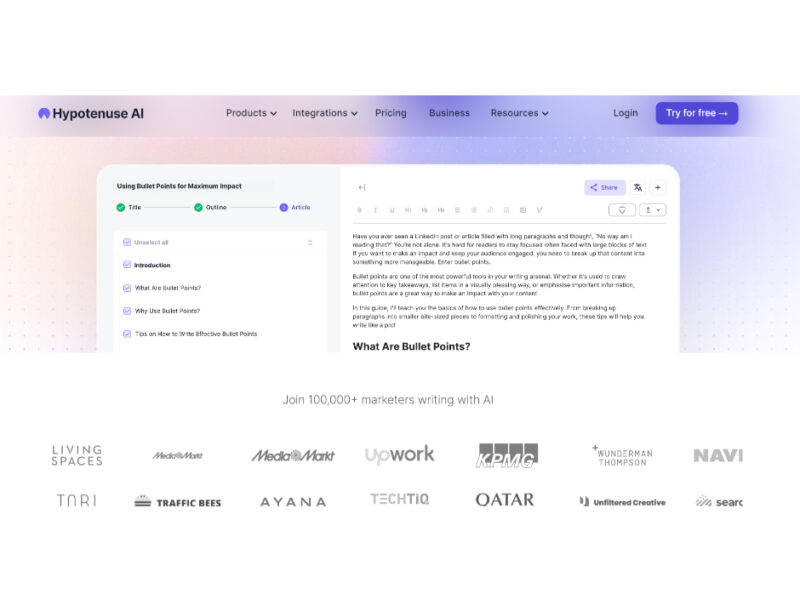
Hypotenuse ai
Hypotenuse AI is a state-of-the-art AI Writing Assistant and Text Generator designed to streamline and …
Explore Related Categories
Live Preview:
Updates automatically with live stats
Copied to clipboard!