Thinkdiffusion
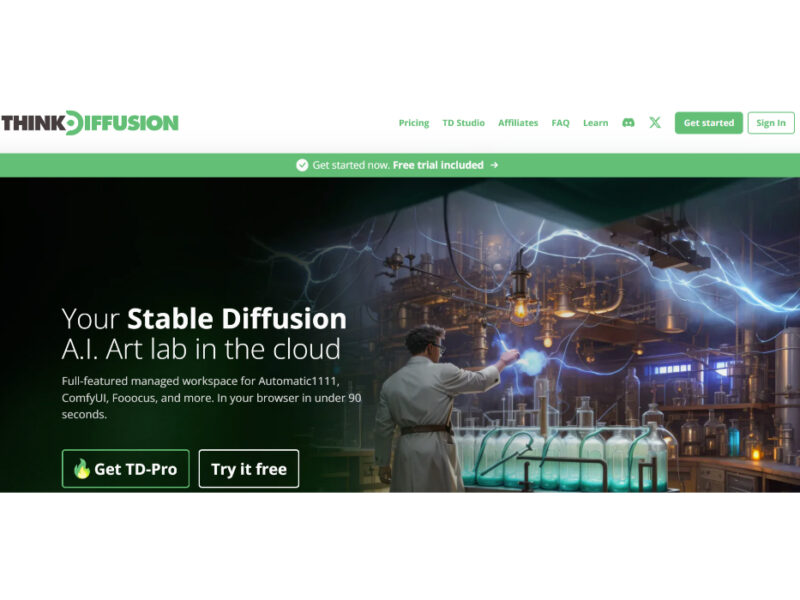
Thinkdiffusion is a groundbreaking platform that democratizes AI image generation by providing easy and fast access to advanced tools like Automatic1111, InvokeAI, and Vlad Stable Diffusion UI. This platform is …
About Thinkdiffusion
Use Cases
Use Case 1: Rapid Fashion Prototyping and Lookbook Creation
Problem: Fashion designers and brands often face high costs and long lead times when creating physical prototypes and organizing photoshoots for new collections.
Solution: ThinkDiffusion provides designers with professional-grade tools like ComfyUI and Forge in the cloud. Using features like "Scribble" to turn sketches into realistic renders or training specific LoRAs (using Kohya) for unique fabric patterns, designers can visualize entire collections without sewing a single garment.
Example: A designer at a brand like Kalikas Armour uploads a hand-drawn sketch. Using the CN Scribble extension in a cloud-based Automatic1111 instance, they generate high-fidelity images of a model wearing the design in various settings, allowing them to curate a digital lookbook for a runway show in hours instead of weeks.
Use Case 2: Scalable E-commerce Product Photography and Relighting
Problem: Small to medium-sized businesses often lack the budget for professional studio lighting and specialized photography equipment, resulting in flat or inconsistent product images.
Solution: The platform includes IC-Light, a specialized tool for background removal and advanced relighting. This allows users to take a basic photo on a smartphone and transform it into a high-end commercial asset by manipulating light sources and environments digitally.
Example: An e-commerce startup takes a simple photo of a watch. They use ThinkDiffusion’s IC-Light node to remove the kitchen background and apply "dramatic cinematic lighting" with a marble surface, creating a professional advertisement that looks like it was shot in a high-end studio.
Use Case 3: High-End Music Video and Commercial Animation
Problem: Independent filmmakers and agencies want to use cutting-edge AI video techniques (like face-swapping or portrait animation) but lack the expensive, high-VRAM hardware required to run these models locally.
Solution: ThinkDiffusion offers one-click access to FaceFusion and LivePortrait on dedicated cloud GPUs. This enables creators to animate still images or swap faces in high-resolution video files without worrying about system crashes or hardware limitations.
Example: A director like Robbie Reddy, working on a music video for a global artist, uses LivePortrait on ThinkDiffusion to animate a historical portrait so it "sings" the lyrics of a new track, using a reference video of the artist to capture precise facial expressions and emotions.
Use Case 4: Creating Consistent Brand Mascots with Custom AI Training
Problem: Marketers using standard AI generators often struggle with "character drift," where the brand mascot looks different in every generated image, damaging brand consistency.
Solution: Using Kohya on ThinkDiffusion, marketers can train their own LoRAs or Textual Inversions on a specific person or character. Because the workspace is persistent and private, they can save these models and use them across different UIs (like Forge or Fooocus) to ensure the character remains identical in every campaign.
Example: A marketing agency trains a LoRA on 20 photos of a specific brand ambassador. They then use the Forge WebUI to generate that ambassador in various holiday-themed scenarios for a year-long social media campaign, ensuring the face and features remain 100% consistent across all posts.
Use Case 5: AI Art Integration in Educational Curriculums
Problem: Educational institutions want to teach students the latest in Generative AI, but outfitting an entire computer lab with $3,000+ GPUs is cost-prohibitive and difficult to maintain.
Solution: ThinkDiffusion allows schools like the Foundation Academy or FITNYC to provide students with a "supercomputer in every tab." Students can log in from any device (including tablets or low-end laptops) to access a full suite of open-source tools with zero installation.
Example: A professor leads a workshop on AI design. Each student launches a private ComfyUI instance in their browser. They follow a tutorial on node-based workflows to create architectural renders, while the professor monitors progress without having to troubleshoot local software installation issues on 30 different student laptops.
Key Features
- One-click cloud interface deployment
- Persistent dedicated cloud storage
- Seamless Civitai and HuggingFace integration
- Simultaneous multi-machine instance launching
- Full extension and node support
- Integrated model training and fine-tuning
- Cross-device mobile and desktop access
Similar Tools You Might Like
Discover more tools in the same category



Hypotenuse ai
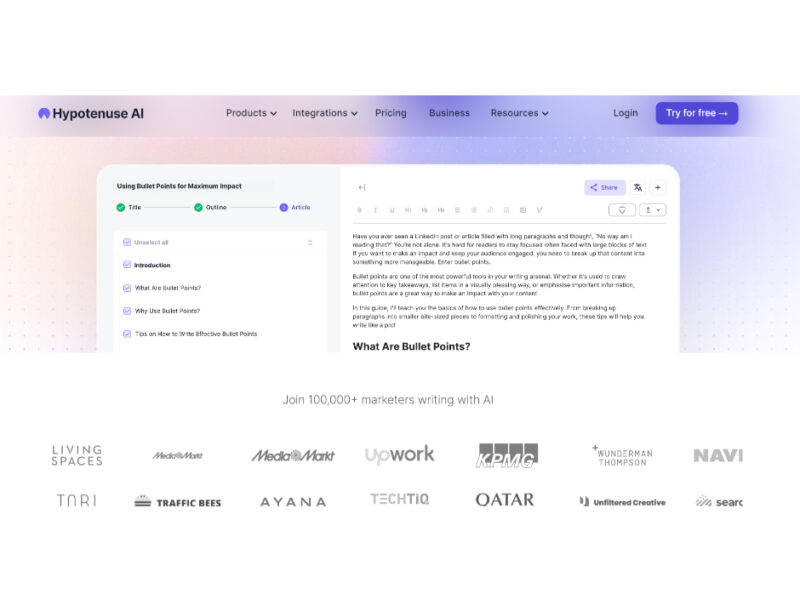
Hypotenuse AI is a state-of-the-art AI Writing Assistant and Text Generator designed to streamline and …

Live Preview:
Updates automatically with live stats
Copied to clipboard!