Stunning
Introducing the ultimate AI Website Builder – a powerful tool that makes creating websites a breeze! With our AI Website Builder, you can create stunning websites with ease. From sleek …
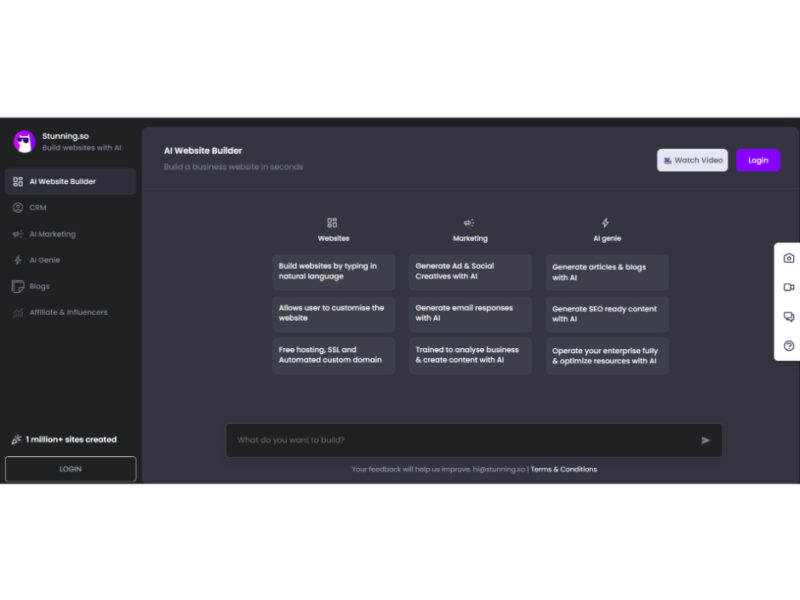
About Stunning
Use Cases
Use Case 1: Rapid MVP Development for Non-Technical Founders
Problem: Entrepreneurs with great ideas often face a high barrier to entry due to the cost and complexity of hiring a full-stack development team or learning to code. Building a Minimum Viable Product (MVP) manually can take months of effort and thousands of dollars.
Solution: Stunning allows founders to bypass the technical bottleneck by using natural language to describe their vision. Since it builds "Full Stack Apps," it handles both the user interface and the underlying logic. The "No-code" nature ensures that founders can iterate on their product without writing a single line of code, significantly reducing time-to-market.
Example: A founder wants to build a specialized marketplace for handmade baby goods. They enter a prompt describing the app’s functionality (user profiles, product listings, and a checkout system). Stunning generates the initial application, which the founder then refines using the built-in theme style and layout settings.
Use Case 2: Scalable Client Project Delivery for Freelance Agencies
Problem: Freelance web designers and small agencies often struggle with profit margins because manual design and development for every client is time-consuming. Clients often request multiple layout variations (e.g., vertical vs. horizontal menus, light vs. dark modes), which usually requires significant rework.
Solution: Agencies can use Stunning to "10x" their productivity. The tool provides a suite of granular UI controls—such as "Switcher" for theme modes, "Navigation Styles" for menu layouts, and "Header Colors"—allowing designers to pivot a website’s entire aesthetic in seconds. This makes it easy to present multiple "Stunning" options to a client rapidly.
Example: An agency is hired to build a corporate site. They use Stunning to generate a base site and then use the "Theme Primary" and "Gradient Menu" pickers to instantly align the site with the client’s brand guidelines, delivering a high-quality preview in a single afternoon.
Use Case 3: Custom Internal Operations Dashboards for Small Businesses
Problem: Many small businesses rely on messy spreadsheets because they cannot afford custom software to manage their specific workflows. Off-the-shelf software often feels cluttered or doesn't fit their unique "Full Stack" data needs (like connecting a front-end form to a back-end database).
Solution: Stunning’s ability to create full-stack applications means a business owner can build a private tool tailored exactly to their operations. Features like "Sidemenu Layout Styles" and "Fixed Header Positions" allow for the creation of professional, ergonomic dashboards that improve employee efficiency.
Example: An electronics project coordinator needs a way to track component inventory and project deadlines. They describe a "Project Tracking Dashboard with automated status updates" in the prompt box. They then select the "Modern" page style and "Vertical" navigation to create a clean, easy-to-use internal tool for their team.
Use Case 4: High-Conversion Marketing Landing Pages
Problem: Marketing teams often need to launch landing pages for specific campaigns (like "Cyber Monday") on very short notice. Waiting for the IT or Dev department to build these pages can lead to missed opportunities and lost revenue.
Solution: Using the "Dream it, describe it" prompt system, marketers can generate specific landing pages optimized for their current campaign. The tool’s support for "RTL" (Right-to-Left) directions also makes it practical for global marketing teams to launch localized versions of pages for different regions instantly.
Example: A marketing manager needs a landing page for a 30% off sale. They describe the layout in the AI prompt, then use the "Menu Colors" tool to select a "Gradient Menu" that matches their promotional graphics, and enable the "Loader" feature to ensure a premium user experience while the page assets load.
Key Features
- AI-powered full-stack app generation
- Prompt-to-web application conversion
- Zero-code development environment
- Granular UI theme customization
- Advanced layout and navigation controls
- Dynamic color and gradient management
- Built-in RTL language support
Similar Tools You Might Like
Discover more tools in the same category
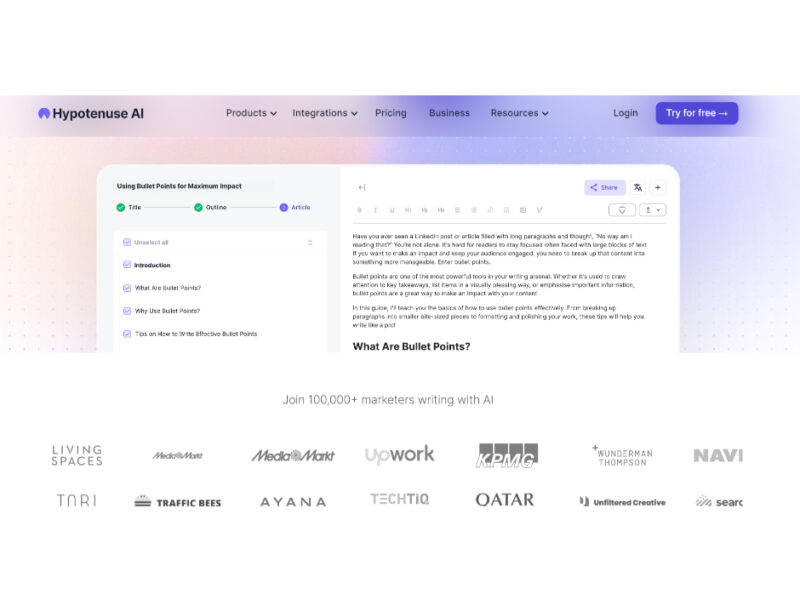
Hypotenuse ai
Hypotenuse AI is a state-of-the-art AI Writing Assistant and Text Generator designed to streamline and …
Explore Related Categories
Live Preview:
Updates automatically with live stats
Copied to clipboard!