SheetAI.app
Discover an AI-powered tool that can generate formulas for Google Sheets in a quick and efficient manner. Elevate your productivity with this exciting and enticing tool, designed to save you …
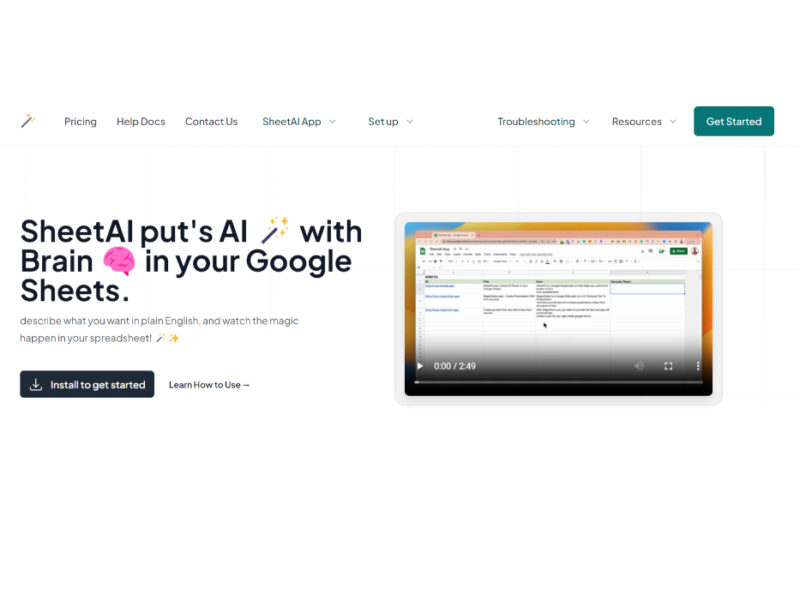
About SheetAI.app
Use Cases
Use Case 1: Bulk SEO Content Generation for E-commerce
Problem: Marketing teams often struggle to write unique, SEO-optimized product descriptions, meta titles, and alt text for hundreds or thousands of SKUs, leading to duplicate content issues or slow product launches.
Solution: SheetAI allows users to automate content creation directly within cells. By using the =SheetAI function, you can pass product names and features to the AI and generate unique descriptions in bulk, saving hundreds of hours of manual copywriting.
Example: A marketer has a list of 500 new clothing items. In Column A is the "Product Name" and Column B is "Material." In Column C, they use =SHEETAI("Write a 150-character SEO meta description for a " & A2 & " made of " & B2) and drag the formula down to populate the entire sheet instantly.
Use Case 2: Personalized Sales Outreach and Lead Enrichment
Problem: Sales teams often have "messy" lead lists where names are in all-caps, job titles are missing, or they need to personalize emails based on a prospect's LinkedIn bio, which is a slow manual process.
Solution: Using SHEETAI_EXTRACT and the "Brain" feature, users can clean data and generate personalized icebreakers. The tool can extract specific entities (like a company name or city) from a block of unstructured text and then use that context to draft a message.
Example: A salesperson pastes a prospect's "About" section from LinkedIn into Column A. They use =SHEETAI_EXTRACT(A2, "Current Job Title") to standardize the title in Column B, then use =SHEETAI("Write a friendly one-sentence email opener based on this bio: " & A2) in Column C to create a unique outreach line for every lead.
Use Case 3: AI-Powered Internal Support "Brain"
Problem: Employees often waste time searching through long PDF manuals, company wikis, or policy URLs to find specific answers to HR or technical questions.
Solution: The SHEETAI_BRAIN function allows users to "train" the AI on specific URLs or text data. Once the AI has this context, it can answer questions based specifically on that private information rather than general internet knowledge.
Example: An HR manager provides the URL to the company’s 50-page employee handbook. A staff member can then go to Google Sheets and type =SHEETAI_BRAIN("What is the policy on 'Work from Anywhere' for more than 30 days?", "Handbook_URL_Reference") to get an instant, accurate answer based only on that document.
Use Case 4: Automated Data Categorization and Sentiment Analysis
Problem: Businesses receiving thousands of customer reviews or survey responses find it difficult to manually categorize them into "Positive/Negative" or by department (e.g., "Billing," "Technical Support," "Shipping").
Solution: SheetAI can analyze the sentiment and intent of text in bulk. By using simple prompts, the AI can act as a data analyst to classify rows of data into structured tables.
Example: A product manager imports 1,000 App Store reviews. In Column B, they use =SHEETAI("Categorize this review as Positive, Neutral, or Negative: " & A2). In Column C, they use =SHEETAI("Which department should handle this: Billing, Bug Report, or Feature Request? Review: " & A2) to automatically route the feedback to the right team.
Key Features
- Multi-model AI engine support
- Context-aware data training
- Custom external API integration
- AI-powered structured content generation
- Multimedia processing via Replicate
- Natural language formula queries
- Contextual bulk data extraction
- Smart memory-based responses
Similar Tools You Might Like
Discover more tools in the same category



Hypotenuse ai
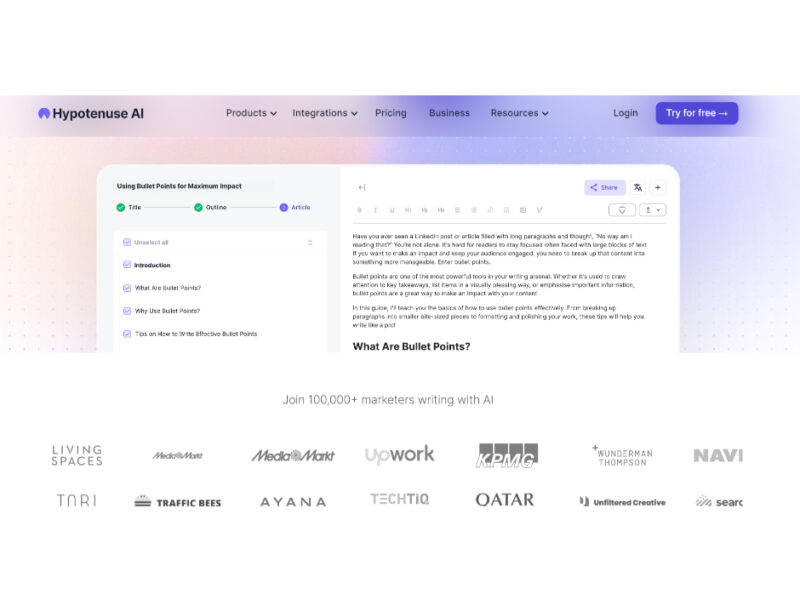
Hypotenuse AI is a state-of-the-art AI Writing Assistant and Text Generator designed to streamline and …

Explore Related Categories
Live Preview:
Updates automatically with live stats
Copied to clipboard!