RetroSolver - Team Retrospectives
RetroSolver - Team Retrospectives is a specialized online platform designed to facilitate frictionless and effective team retrospectives. It aims to overcome common challenges in traditional retro formats by ensuring every …

About RetroSolver - Team Retrospectives
Use Cases
Use Case 1: Neutralizing "Loudest Voice" Bias in Agile Sprint Retros
Problem: In many engineering teams, senior developers or extroverted team members dominate the conversation. Junior members or introverts often withhold valuable insights because they don't want to contradict the "loudest voice" or feel their ideas are redundant once a senior member has spoken.
Solution: RetroSolver uses Blind Mode to allow every team member to submit feedback simultaneously and secretly. By hiding cards until the ideation phase is over, the tool ensures that a junior developer's concern about the design system is treated with the same initial weight as a lead's suggestion about the deployment pipeline.
Example: During a Sprint 42 retro, the DevOps Lead might usually steer the meeting toward server issues. However, using Blind Mode, three junior developers anonymously highlight that "unclear requirements" are the real bottleneck. Because these cards are revealed at once, the team realizes this is a collective pain point that would have otherwise been suppressed.
Use Case 2: Conducting Blameless Post-Mortems After Technical Incidents
Problem: After a system outage or a failed release, the atmosphere can become defensive. Team members may hide the root cause of an error to avoid blame, or the conversation may fixate on a single mistake rather than systemic improvements.
Solution: RetroSolver provides a structured, anonymous environment that fosters psychological safety. The Democratic Voting feature allows the team to focus on the most impactful systemic fixes rather than getting bogged down in finger-pointing.
Example: After a database failure, the team uses RetroSolver to list contributing factors anonymously. Instead of blaming the person who ran the script, the team votes on cards like "Lack of staging environment parity" and "Missing automated backups." The highest-voted items are converted into Trackable Action Items with assigned owners to ensure the fix is implemented before the next release.
Use Case 3: Anonymous Team Health and Morale Checks
Problem: People managers often struggle to get an honest pulse on team morale. In 1-on-1s or open meetings, employees may say "everything is fine" to avoid awkwardness, even when they are experiencing burnout or process friction.
Solution: Managers can use the tool for Team Health Checks outside of standard project retros. The three-phase flow (Ideate, Vote, Review) allows the team to surface interpersonal or cultural issues without the pressure of a face-to-face confrontation.
Example: An Engineering Lead runs a monthly health check. In Blind Mode, several team members surface "Meeting Fatigue" as a major issue. Through Democratic Voting, the team identifies this as the #1 priority. The lead then uses the Review phase to create an action item: "Implement No-Meeting Wednesdays," which is then tracked in-app to ensure the change sticks.
Use Case 4: Facilitating Inclusive Decision-Making for Distributed/Remote Teams
Problem: Remote and hybrid teams often feel disconnected, and those in different time zones can feel like their feedback arrives too late to influence "office-centric" decisions.
Solution: RetroSolver’s Structured Three-Phase Flow provides a clear, synchronized framework that works for both synchronous video calls and asynchronous feedback. It ensures that regardless of location, every team member gets the same number of votes to influence the department's direction.
Example: A distributed marketing team needs to decide which new software tool to adopt. Instead of a messy Slack thread where the last person to post wins, the manager sets up a RetroSolver board. Everyone adds their tool preferences in Blind Mode, votes on the best options, and the manager exports the final decision and "Next Steps" directly to their project management tool.
Key Features
- Anonymous "Blind Mode" ideation
- Democratic priority dot voting
- Trackable action item assignment
- Project management tool exports
- Integrated smart session timers
- Specialized facilitator control dashboard
- Structured three-phase retro workflow
Similar Tools You Might Like
Discover more tools in the same category
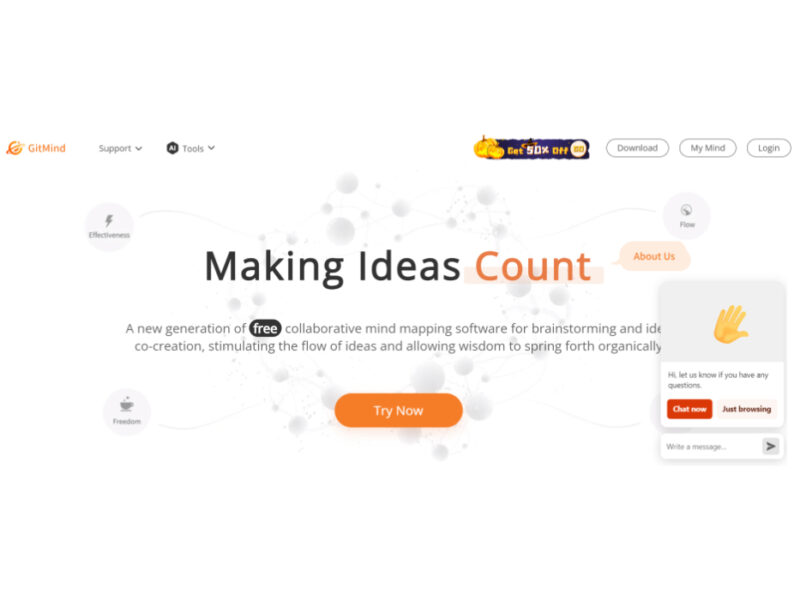
GitMind AI
GitMind is a dynamic and free collaborative mind-mapping software that serves as a powerful tool …

Product Manager OS
Product Manager OS is a comprehensive AI-powered toolkit specifically crafted for Product Managers, designed to …

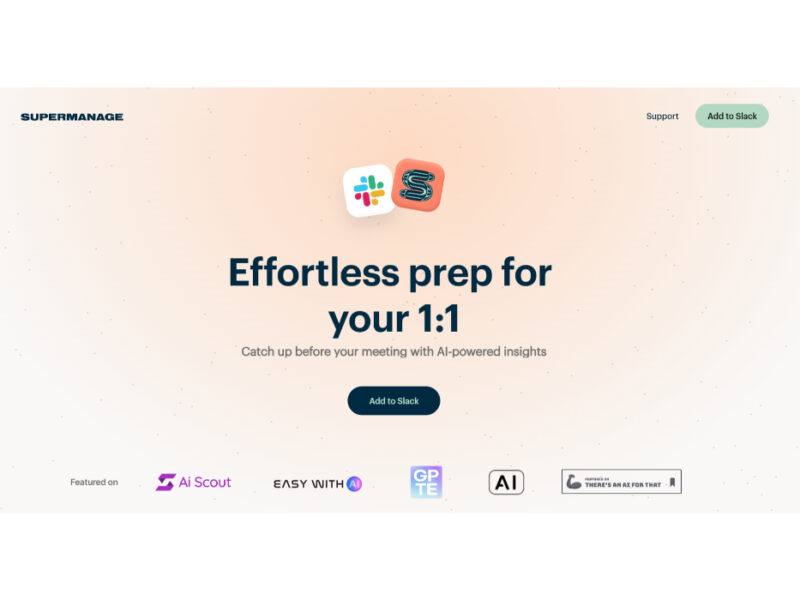
Supermanage AI
Supermanage AI is an innovative tool leveraging AI to revolutionize the managerial experience. It focuses …
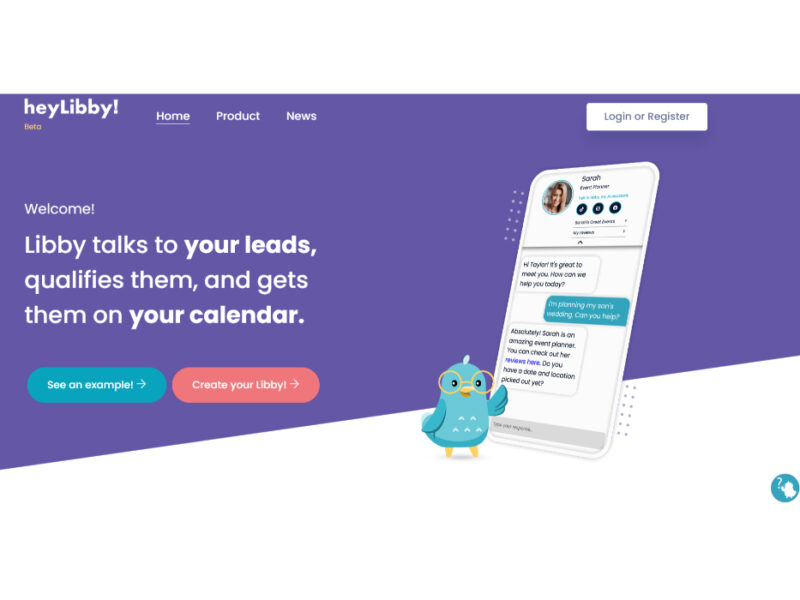
Heylibby.ai
HeyLibby! is a dynamic lead qualification and scheduling tool designed to streamline the lead management …

Apple Books
Experience the thrill and convenience of AI-narrated audiobooks, now at your fingertips on Apple Books. …
Explore Related Categories
Live Preview:
Updates automatically with live stats
Copied to clipboard!