QuickTask AI
QuickTask AI, developed by TaskLabs, is a Chrome extension designed as a productivity tool, leveraging AI to optimize web activities and save users hours each week.
About QuickTask AI
Use Cases
Use Case 1: Accelerated Market Research for Content Creators
Problem: Content creators and marketers often spend hours reading through long-form industry reports, long-form blog posts, and competitor whitepapers to find key insights for their own content.
Solution: Using the summarizer feature of QuickTask AI, users can instantly condense 2,000+ word articles into digestible bullet points without leaving their browser tab.
Example: A tech blogger opens a dense PDF report on "The Future of AI in 2024." Instead of reading the whole document, they use the extension to generate a summary of the top five trends, which they then use as the foundation for a script for a quick social media video.
Use Case 2: Multilingual Support for Bootstrapped Startups
Problem: Early-stage startups often receive customer inquiries or partnership requests in languages they don't speak, but they lack the budget for a dedicated localization team or professional translation services.
Solution: QuickTask AI’s translation and general writing capabilities allow founders to understand incoming messages and draft professional, grammatically correct responses in the sender's native language.
Example: A startup founder receives a partnership inquiry in Japanese on LinkedIn. They use the extension to translate the message to English, then use the "writing" tag feature to draft a polite, professional reply in Japanese that expresses interest and proposes a meeting time.
Use Case 3: Rapid Outreach for Sales and Business Development
Problem: Sales professionals and business developers waste significant time switching between tabs to research prospects and draft personalized outreach emails or LinkedIn messages.
Solution: As a Chrome extension, QuickTask AI stays within the user's workflow, allowing them to generate personalized message drafts based on the information visible on a prospect’s profile or website.
Example: While viewing a potential lead’s LinkedIn profile, a sales rep uses QuickTask AI to draft a 3-sentence "icebreaker" email that references the lead’s recent career update, saving them from manual drafting and reducing the time per lead by 50%.
Use Case 4: Simplifying Technical Documentation for Developers
Problem: Developers frequently encounter complex, poorly formatted, or overly verbose technical documentation for new APIs or libraries, which can slow down the implementation process.
Solution: Developers can use the summarization and productivity tools to extract specific action items, configuration steps, or "TL;DR" versions of dense README files or documentation pages.
Example: A developer is looking at a massive GitHub repository's documentation. They highlight the "Installation" and "Configuration" sections and ask QuickTask AI to provide a simplified checklist of commands to run, allowing them to set up their environment in minutes rather than reading the entire manual.
Key Features
- AI-powered writing assistance
- Instant webpage summarization
- Multi-language text translation
- Automated web activity optimization
- Seamless browser integration
- Startup-focused task management
Similar Tools You Might Like
Discover more tools in the same category
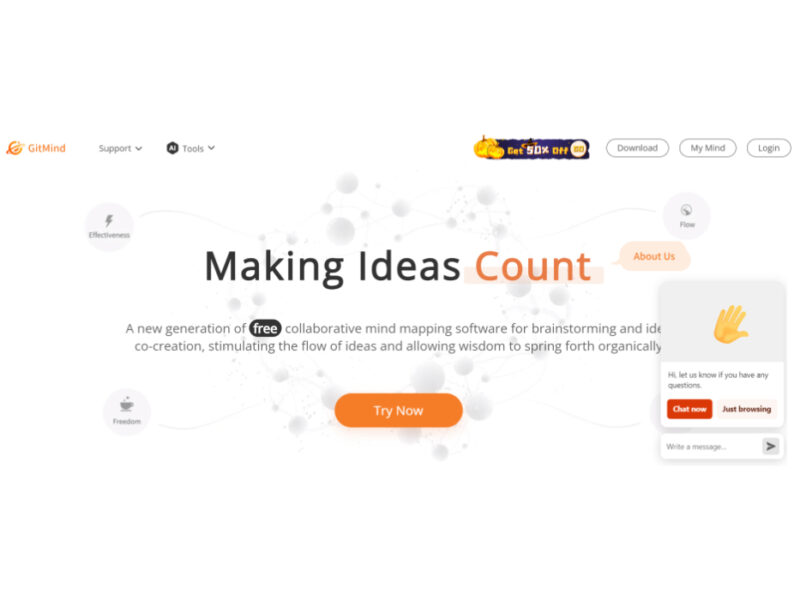
GitMind AI
GitMind is a dynamic and free collaborative mind-mapping software that serves as a powerful tool …

Product Manager OS
Product Manager OS is a comprehensive AI-powered toolkit specifically crafted for Product Managers, designed to …
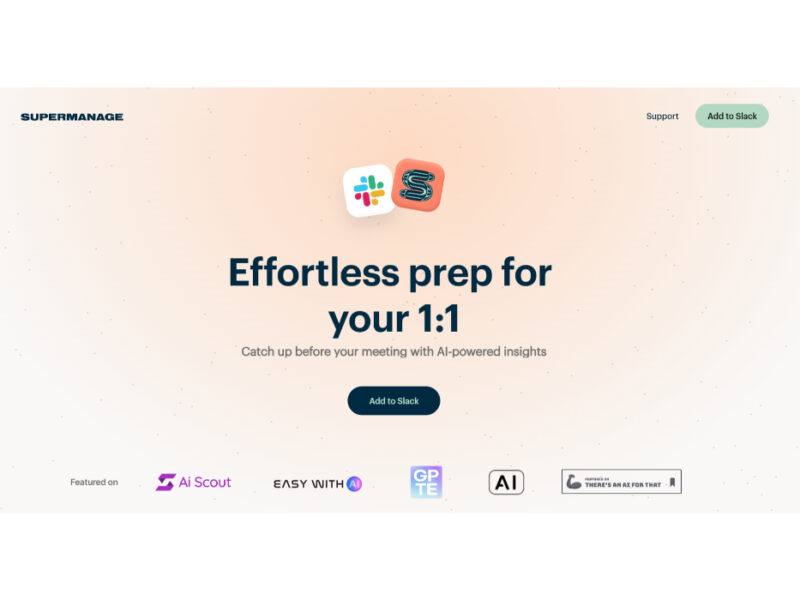
Supermanage AI
Supermanage AI is an innovative tool leveraging AI to revolutionize the managerial experience. It focuses …
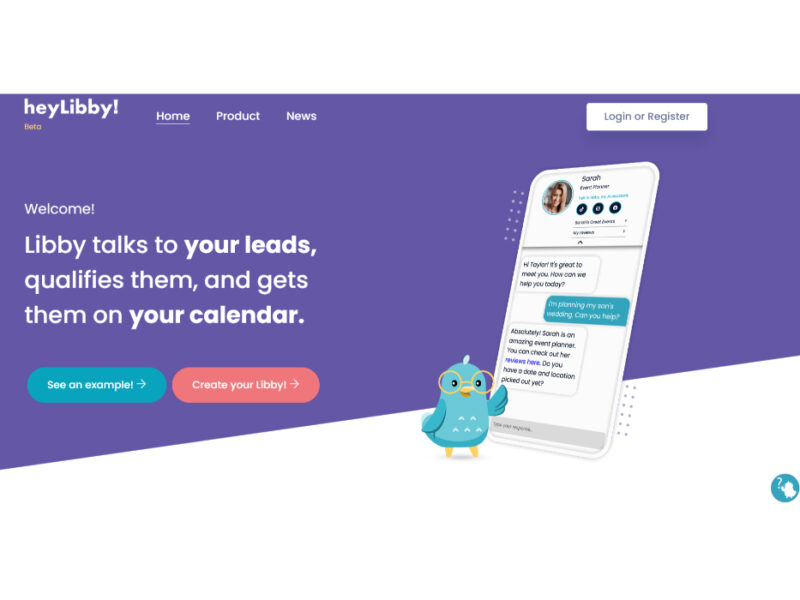
Heylibby.ai
HeyLibby! is a dynamic lead qualification and scheduling tool designed to streamline the lead management …
Explore Related Categories
Live Preview:
Updates automatically with live stats
Copied to clipboard!