Prompt Refine
Welcome to Prompt Refine, the ultimate LLM playground! Our platform is specifically designed to assist you in conducting prompt experiments and improve your results. Join us now and discover the …
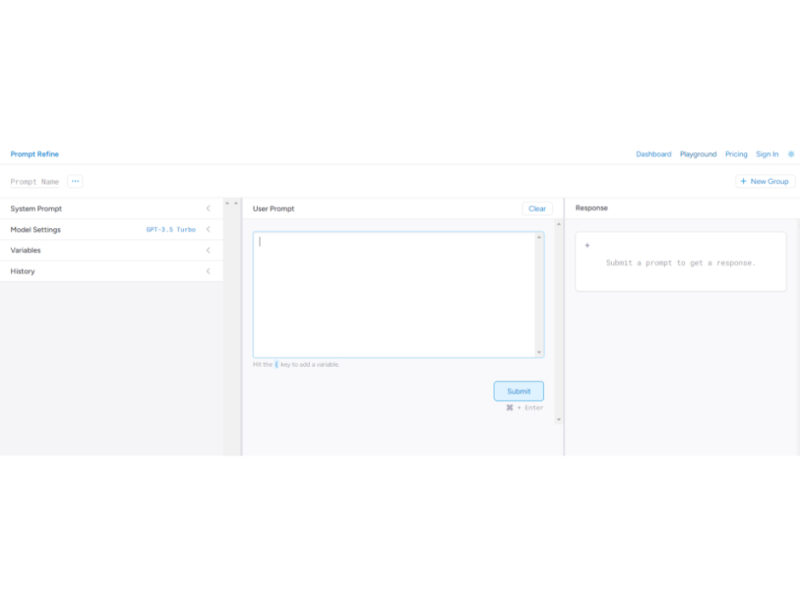
About Prompt Refine
Use Cases
Use Case 1: Cross-Model Performance Benchmarking
Problem: Developers and product managers often struggle to decide which LLM provider (OpenAI, Anthropic, Cohere, etc.) delivers the best quality-to-cost ratio for a specific feature, such as automated code reviews or creative writing.
Solution: Prompt Refine supports multiple models in one interface. Users can run the exact same prompt across different providers and use the "Compare" feature to see side-by-side results, helping them choose the most effective model for their specific application.
Example: A developer tests a complex SQL-generation prompt across GPT-3.5 and Claude. By comparing the results side-by-side, they discover that one model handles JOIN statements more reliably, leading them to choose that API for their production environment.
Use Case 2: Iterative Prompt Engineering with Version Control
Problem: When fine-tuning a prompt, small changes (like adding "be concise") can drastically change the output. Without a history log, creators often lose "the version that actually worked" after making too many experimental changes.
Solution: The tool automatically saves every run to a history log and provides highlighted diffs. This allows users to see exactly which word or parameter change led to a better or worse response, acting as a Git-like version control system for prompts.
Example: A marketer is refining a prompt for generating email subject lines. They make five subtle changes to the "System Prompt." By looking at the highlighted diffs in the history, they pinpoint that adding the variable "Target Audience: Gen Z" was the specific change that improved the click-through-rate of the generated copy.
Use Case 3: Scaling Data Analysis via CSV Export
Problem: Businesses often need to test a prompt against hundreds of real-world data points (like customer feedback) to ensure it handles various edge cases before deploying it at scale.
Solution: By using the "Variables" feature, users can swap out specific pieces of text within a prompt. Once the experiments are finished, the user can export all prompt-response pairs into a CSV for manual scoring or further data analysis.
Example: A customer success lead creates a prompt for "Sentiment Analysis." They use the {customer_comment} variable to test 50 different reviews. They then export the results to a CSV to share with the data science team to verify the AI's accuracy against human-labeled data.
Use Case 4: Building a Collaborative Team Prompt Library
Problem: In many companies, prompt engineering knowledge is siloed. One employee might have a "perfect" prompt for generating SEO briefs, but other team members have no access to it, leading to inconsistent work quality.
Solution: Prompt Refine allows users to organize prompts into "Groups" and share them with coworkers. This creates a centralized "source of truth" for the best-performing prompts within an organization.
Example: A content agency creates a "Client Onboarding" prompt group. New writers can access the dashboard, see the exact system prompts and model settings used by senior editors, and produce high-quality drafts that match the agency's standards from day one.
Key Features
- Multi-model compatibility and testing
- Side-by-side prompt run comparison
- Version history with highlighted diffs
- Dynamic variable support in prompts
- Shared prompt organization groups
- CSV export for data analysis
- Local and cloud model integration
Similar Tools You Might Like
Discover more tools in the same category

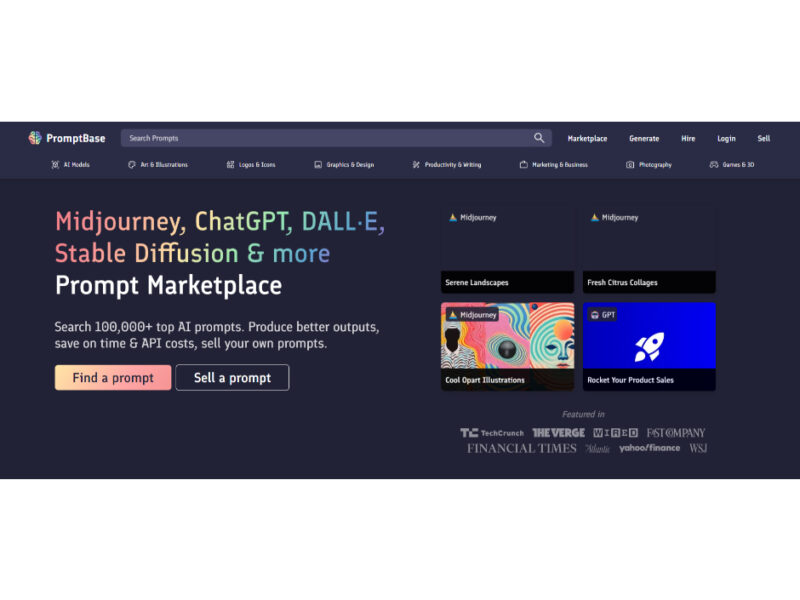
PromptBase
Get the best prompts and save money on API expenses. Discover exciting and enticing options …
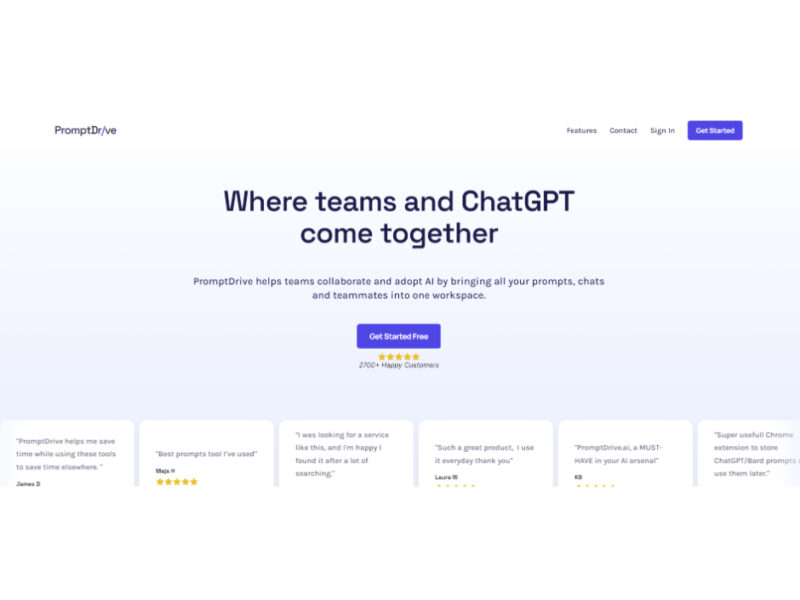
PromptDrive.ai
PromptDrive.ai is an innovative web application that simplifies the process of creating and managing prompts. …
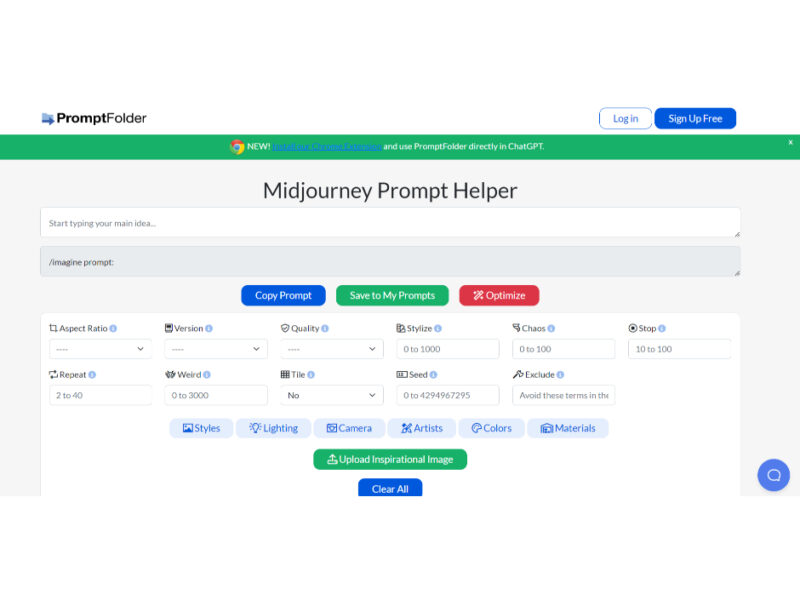
PromptFolder
PromptFolder is a specialized tool designed to maximize the potential of ChatGPT, the advanced AI …

Trickle AI: Prompts Warehouse
Trickle Prompts Warehouse is a comprehensive prompt collection tool integrated with GPT-powered AI, designed to …

Ordinary People Prompts
Join our AI prompt community to create, vote, and comment on your favorite artificial intelligence …
Explore Related Categories
Live Preview:
Updates automatically with live stats
Copied to clipboard!