Pixelicious
Pixelicious is a unique online tool that simplifies the transformation of standard images into pixel art, a style that is especially popular in the gaming and digital art communities. This …
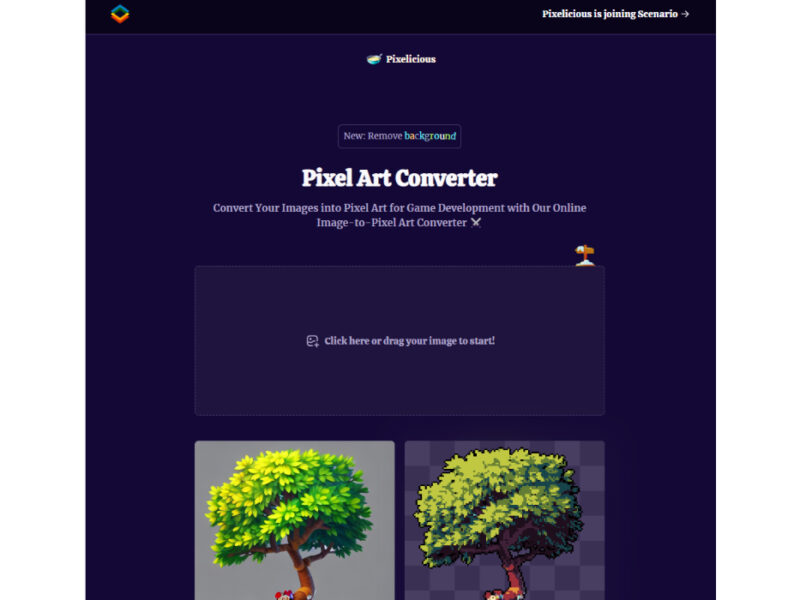
About Pixelicious
Use Cases
Use Case 1: Retro Game Assets
Problem: Indie developers often struggle to manually create pixel art for game sprites and environment tiles.
Solution: Pixelicious allows users to instantly transform high-resolution illustrations into authentic pixel art with adjustable grid sizes.
Example: An indie developer converts a 3D character render into a 32px sprite for a retro-style platformer.
Use Case 2: Stylized Social Media Portraits
Problem: Content creators want unique and recognizable avatars that stand out from standard photography.
Solution: The tool transforms photos into distinctive pixel art portraits, evoking a nostalgic gaming aesthetic.
Example: A YouTuber pixelates their profile picture to create a consistent 8-bit brand identity across social channels.
Use Case 3: Mobile Game UI Elements
Problem: UI designers need crisp, low-resolution icons that look professional on mobile screens.
Solution: Users can define specific grid sizes and palettes to generate consistent, pixel-perfect buttons and icons.
Example: A designer creates a set of pixelated inventory icons by processing clean vectors through the pixelation engine.
Key Features
- Instant pixel art conversion
- Adjustable grid resolution (16px-256px)
- Automatic color palette extraction
- Custom hex code palette customization
- Noise removal for smooth edges
- Background removal for isolated sprites
- Consistent aesthetic saving and reuse
Similar Tools You Might Like
Discover more tools in the same category

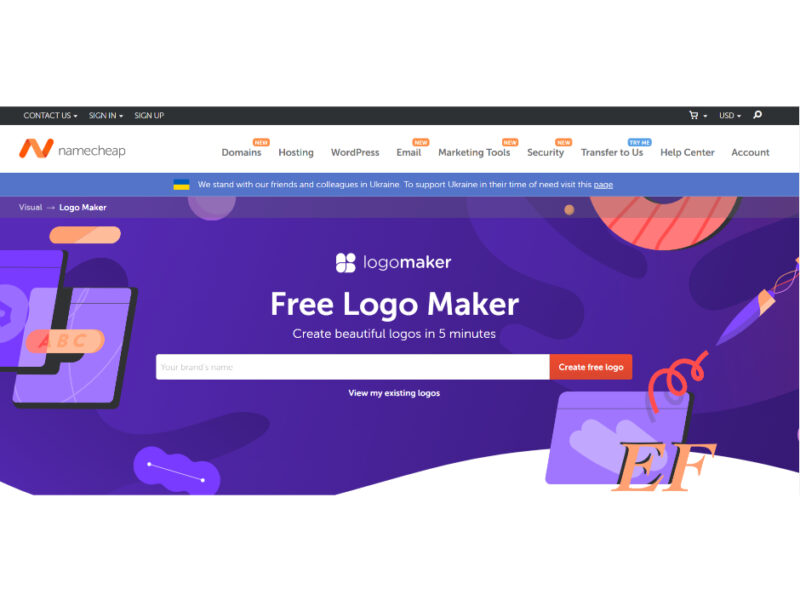
Namecheap Logo Maker
Looking for free logos to download? Answer questions and get access to an exciting collection …



Hypotenuse ai
Hypotenuse AI is a state-of-the-art AI Writing Assistant and Text Generator designed to streamline and …

Explore Related Categories
Live Preview:
Updates automatically with live stats
Copied to clipboard!