Pictory
Pictory is an AI-powered video creation tool that simplifies the process of producing professional-quality videos. It is designed for users who want to create engaging videos effortlessly, without needing advanced …
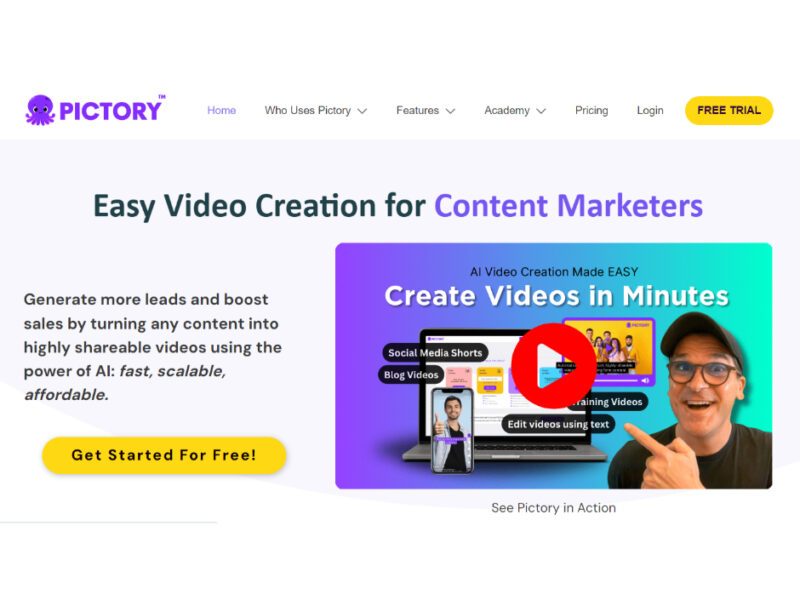
About Pictory
Use Cases
Use Case 1: Transforming Blog Posts into Social Media Teasers
Problem: Content marketers spend hours writing high-quality blog posts that often get low engagement on social media because users prefer video content over long-form text.
Solution: Use the "URL to Video" feature to instantly convert published articles into short, engaging videos. Pictory extracts the key points, pairs them with relevant stock visuals, and adds captions automatically, making the content "scroll-stopping."
Example: A marketing agency pastes the URL of a client’s new industry report into Pictory. The AI generates a 60-second highlight video with background music and captions, which is then posted to LinkedIn to drive traffic back to the full article.
Use Case 2: Repurposing Webinars and Podcasts into "Snackable" Clips
Problem: Creators of long-form video or audio content (like 60-minute webinars or podcasts) struggle to gain new viewers because the high time commitment discourages discovery.
Solution: Utilize the "Summarize Video" and "Audio to Video" tools to automatically identify the most impactful moments. The AI cuts the footage into short highlights, adds subtitles, and removes filler words (like "um" and "uh") to create polished clips for YouTube Shorts, Reels, or TikTok.
Example: A tech podcaster uploads a 1-hour MP3 interview. Pictory identifies three key insights, adds relevant B-roll footage and captions, and exports three 30-second "audiograms" that the creator uses to promote the full episode across social media.
Use Case 3: Scaling Corporate Training and Onboarding
Problem: HR and Operations teams often rely on static PowerPoint decks or dense manuals for training, which leads to low employee engagement and poor knowledge retention.
Solution: Use the "PPT to Video" and "AI Voiceover" features to turn traditional presentations into professional training videos. This creates a consistent learning experience that can be consumed at the employee's own pace without requiring a live trainer.
Example: An HR manager uploads a 20-slide "Code of Conduct" PowerPoint. Pictory syncs the slides with an AI-generated professional voiceover, adds brand colors and logos, and produces a 5-minute instructional video for the company’s internal learning management system (LMS).
Use Case 4: Rapid Creation of Customer Support Video Tutorials
Problem: Support teams are often overwhelmed by repetitive tickets because users find text-based "Help Center" articles difficult to follow, but the team lacks the video editing skills to create tutorials manually.
Solution: By using the "Screen Recorder" and "AI Video Editor," support staff can record a quick walkthrough of a feature and let the AI handle the "cleanup." The tool automatically removes silences and filler words while adding clear captions for accessibility.
Example: A Customer Success Manager records a 2-minute screen share explaining a complex software setting. They use Pictory to trim the dead air, add a "How-To" text overlay, and export the video to embed directly into a help desk article, reducing future support tickets for that topic.
Use Case 5: Automated Video Production for E-commerce
Problem: Small business owners need to create product videos for multiple platforms (Amazon, Instagram, Facebook) but cannot afford professional videography for every item in their catalog.
Solution: Use the "Text to Video" and "AI Studio" tools to generate product explainers from simple descriptions or prompts. Business owners can use the "Image to Video" feature to turn static product photos into dynamic, animated clips.
Example: A boutique owner enters a prompt describing their new summer collection. Pictory’s AI Studio generates high-quality visuals of the clothing in a lifestyle setting, adds upbeat music and sales text, and exports the video in vertical format for Instagram Stories and horizontal format for the website.
Key Features
- URL to video conversion
- Automated video highlights and summaries
- Text-based video editing interface
- PowerPoint to video transformation
- Automated filler word removal
- Script to video generation
- Audio to video podcast creation
- Workflow automation via Zapier integration
Similar Tools You Might Like
Discover more tools in the same category
Wonderway Coach
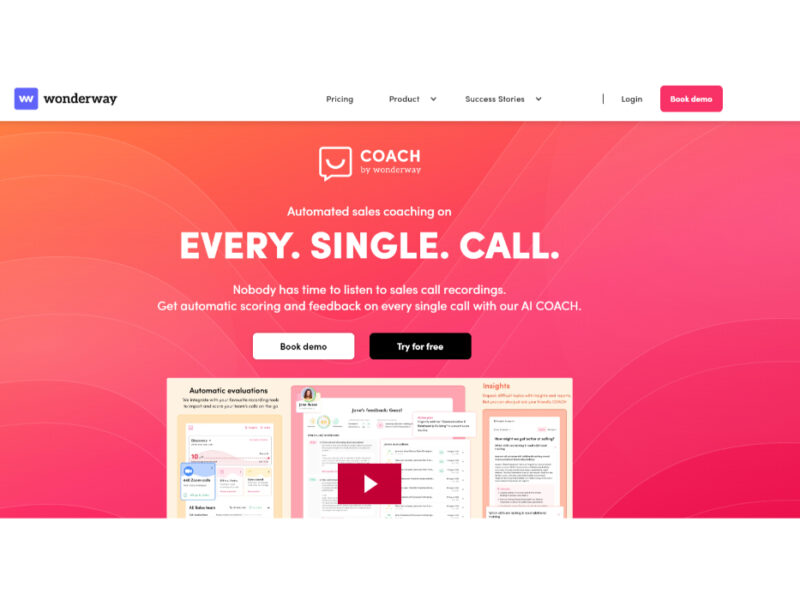
Wonderway Coach is an innovative AI-powered sales coaching tool that leverages ChatGPT technology to provide …
Icebreaker
Icebreaker AI is an innovative solution designed to automate and enhance the process of creating …


WTF Does This Company Do?
Welcome to our landing page, where you can explore and engage with our website solely …
Explore Related Categories
Live Preview:
Updates automatically with live stats
Copied to clipboard!