PDF Candy
PDF Candy is a comprehensive online platform designed to handle a wide range of PDF-related tasks. It supports file conversion to and from PDF format, accommodating over 20 different file …
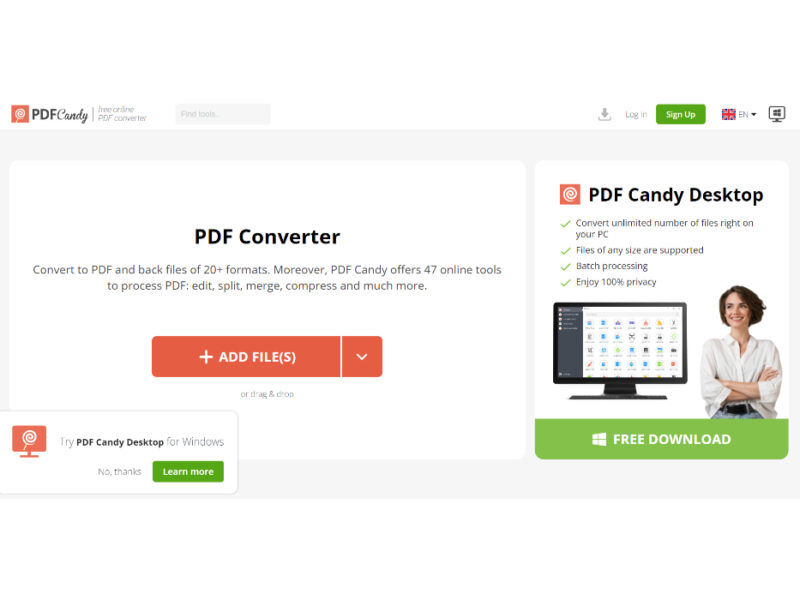
About PDF Candy
Use Cases
Use Case 1: Accelerating Research and Information Retrieval
Problem: Researchers and business analysts often have to sift through lengthy whitepapers, industry reports, or technical manuals to find specific data points, which is time-consuming.
Solution: PDF Candy offers "Chat with PDF" and "Summarize" tools. These AI-driven features allow users to interact with a document as if it were a chatbot, asking specific questions or generating a concise overview of the document's main points instantly.
Example: A market researcher uploads a 60-page PDF of annual industry trends. Instead of reading the whole document, they use the "Chat with PDF" tool to ask, "What was the percentage growth for the renewable energy sector in 2023?" and receive an immediate answer.
Use Case 2: Streamlining the New-Hire Onboarding Process
Problem: HR departments often deal with multiple separate documents for new employees (contracts, tax forms, handbooks, and NDAs) that need to be organized and signed.
Solution: Using the "Merge PDF," "Rearrange pages," and "Sign PDF" tools, HR managers can consolidate all onboarding documents into a single professional package and add legally binding signatures.
Example: An HR manager takes three separate Word documents and one PDF form, converts the Word files to PDF, merges them into one 10-page "Onboarding Pack," rearranges the signature page to the end, and uses the "Sign PDF" tool to add the company’s official digital signature before sending it to the candidate.
Use Case 3: Optimizing Large Media Kits for Email Distribution
Problem: Marketing teams and content creators often produce high-resolution media kits or portfolios that are too large (e.g., 100MB+) to be sent via standard email attachments.
Solution: The "Compress PDF" and "Resize pages" tools allow users to significantly reduce file sizes without losing significant visual quality, ensuring the document stays under the typical 25MB email limit.
Example: A graphic designer completes a 150MB portfolio. They use the "Compress PDF" tool to shrink it to 12MB. They also use the "PDF to JPG" tool to extract specific high-quality thumbnails from the PDF to use in the body of their outreach email.
Use Case 4: Digitizing Legacy Paper Records for Searchability
Problem: Businesses often have "image-only" PDFs—scanned versions of old paper invoices or contracts—where the text cannot be highlighted, searched, or copied into other software.
Solution: The "PDF OCR" (Optical Character Recognition) tool scans the images within a PDF and converts them into selectable and searchable text.
Example: An administrative assistant uploads a folder of scanned invoices from 2015. After running the "PDF OCR" tool, they can now use "Ctrl+F" to find specific invoice numbers and use the "PDF to Excel" tool to export the data into a spreadsheet for the accounting team.
Use Case 5: Localizing Marketing Assets for Global Campaigns
Problem: Marketing managers frequently receive PDF assets (like brochures or flyers) in one language but need to adapt them for international markets quickly.
Solution: The "Translate PDF" and "Edit PDF" tools allow for the direct translation of document content while maintaining the original layout.
Example: A marketing manager has a product brochure in English. They use the "Translate PDF" tool to generate a French version. Then, they use the "Edit PDF" tool to tweak the layout slightly and the "Add Watermark" tool to label it as "Draft" for the regional team's review.
Key Features
- AI-powered Chat with PDF
- AI document summarization and translation
- Advanced OCR text recognition
- Multi-format file conversion toolkit
- Comprehensive page management tools
- Secure PDF encryption and signing
- Cross-platform desktop and web access
Similar Tools You Might Like
Discover more tools in the same category

Palette.fm
Palette is an innovative AI-powered colorizer tool designed to breathe new life into a wide …
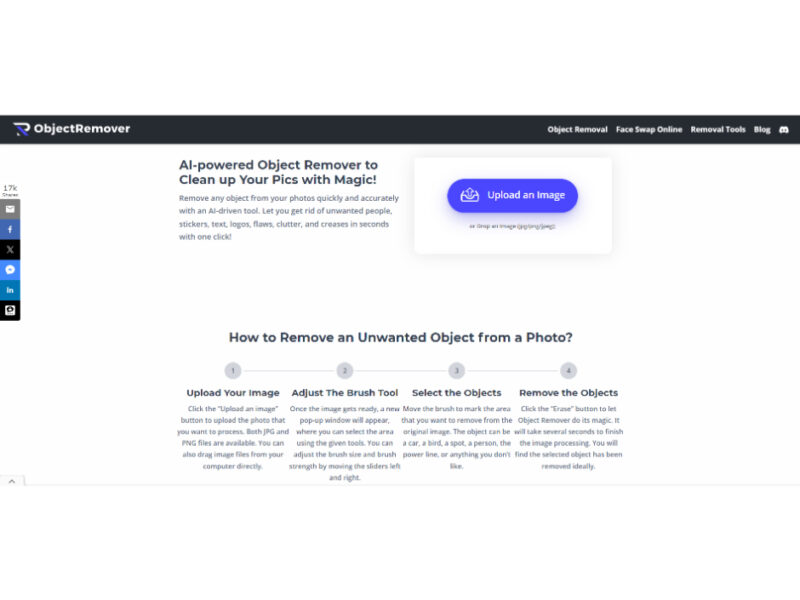
Object Remover
Object Remover is an AI-driven photo editing tool designed for effortless removal of unwanted objects …
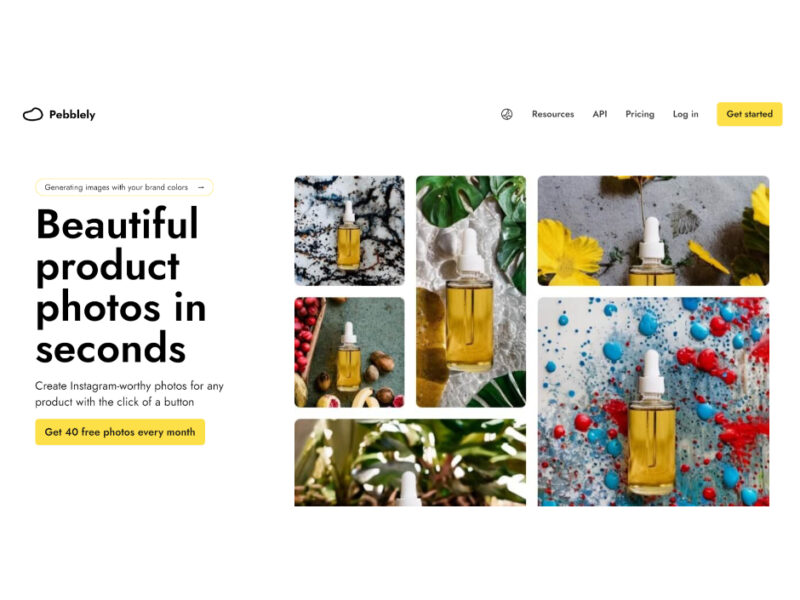
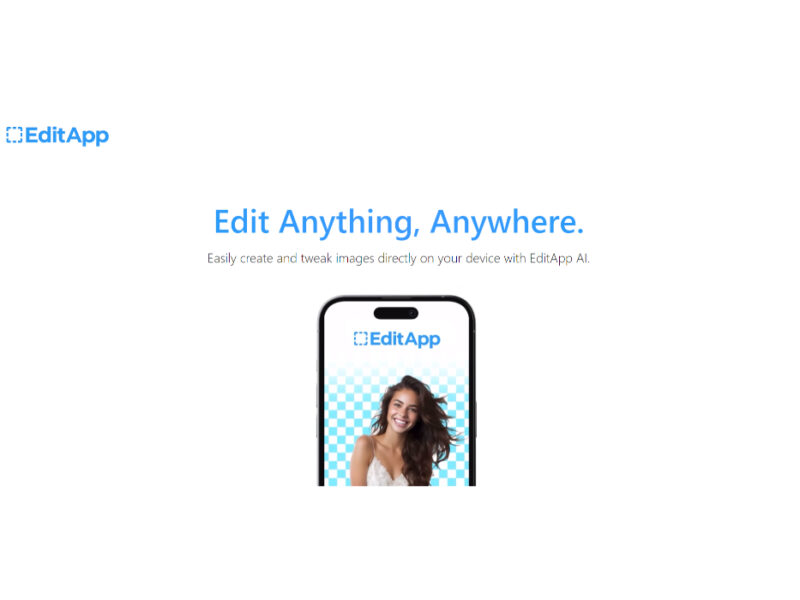
EditApp AI
EditApp AI is an innovative photo editing application that brings a new level of creativity …
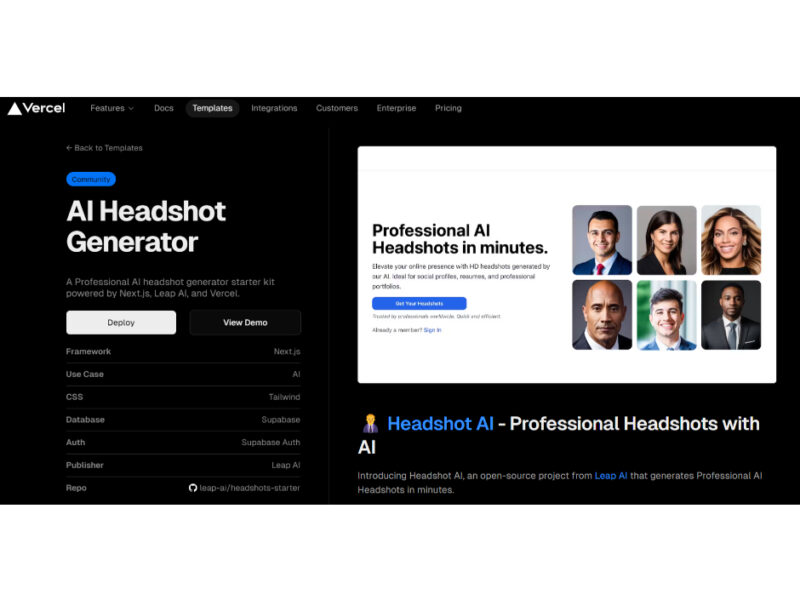
AI Headshot Generator
The AI Headshot Generator is an innovative open-source project from Leap AI that equips developers …
Explore Related Categories
Live Preview:
Updates automatically with live stats
Copied to clipboard!