Notion AI
Notion AI is a powerful AI assistant tailored to enhance the functionality of the Notion workspace. It’s designed to boost productivity and streamline workflows by assisting users with information retrieval, …
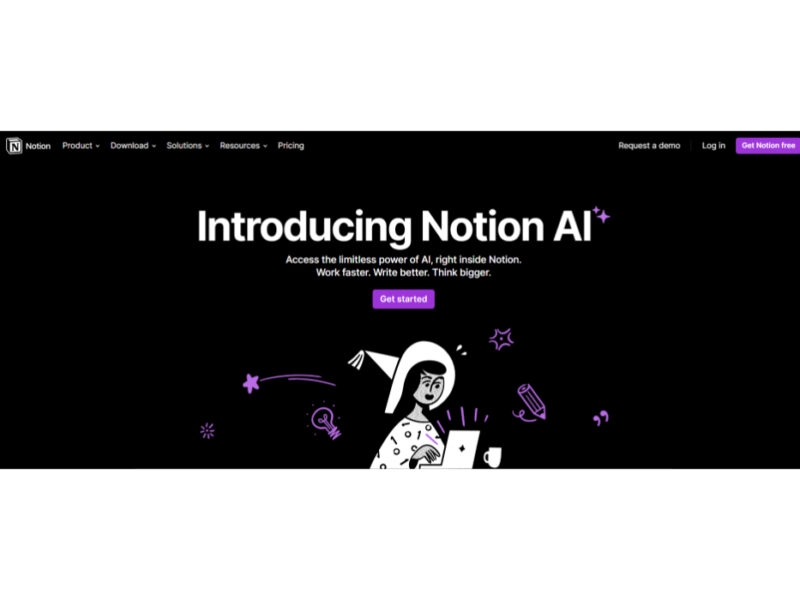
About Notion AI
Use Cases
Use Case 1: Unified Knowledge Retrieval Across Disconnected Apps
Problem: Employees often waste hours every week searching for specific information scattered across different platforms, such as Slack messages, Google Drive PDFs, and various Notion pages.
Solution: Notion AI’s "Enterprise Search" acts as a centralized brain. It connects to external apps via MCP (Model Context Protocol) and searches through all internal documents to provide instant, summarized answers with citations.
Example: A project manager asks Notion AI, "What were the client’s specific requirements for the API security layer mentioned in last month's meeting?" Notion AI searches through connected PDFs, meeting transcripts, and project docs to provide a bulleted list of requirements without the manager needing to open a single file.
Use Case 2: Transforming Meeting Insights into Marketing Assets
Problem: Marketing teams often have great ideas during strategy meetings, but the process of turning those raw discussions into polished social media posts or landing page copy is tedious and time-consuming.
Solution: Notion AI can bridge the gap from "brainstorm to roadmap" by analyzing meeting notes and automatically generating content in specific styles. It can repurpose one type of content (like a transcript) into another (like a social post or a landing page).
Example: After a product launch brainstorm, a content creator uses Notion AI to "Turn meeting notes into 5 LinkedIn posts." The AI analyzes the transcript, identifies the most engaging hooks, and drafts the posts in the brand's specific voice.
Use Case 3: Automated Project Management and Database Maintenance
Problem: Maintaining a project database—summarizing status updates, extracting action items, and categorizing entries—is a manual task that often leads to "data rot" where information becomes outdated.
Solution: Notion AI features "Autofill" for databases. It can automatically scan the content of a page and populate database properties with summaries, key insights, or next steps without manual data entry.
Example: A sales team has a database of 100+ call transcripts. Instead of reading each one, they use Notion AI to "Autofill" a "Pain Points" column and a "Sentiment" column for every row, instantly providing a high-level view of customer needs across the entire pipeline.
Use Case 4: Accelerated Technical Research and Documentation
Problem: Developers and researchers need to produce detailed technical documentation and diagrams, which requires synthesizing complex information and manual formatting.
Solution: Using "Research Mode" and the ability to "Generate flowcharts and diagrams," Notion AI helps technical teams move from a rough concept to a structured document with visual aids.
Example: A developer needs to document a new microservice architecture. They prompt Notion AI to "Research current best practices for Kubernetes scaling" and then ask it to "Generate a flowchart showing the data flow between the auth service and the database." The AI creates the structured text and the visual diagram in seconds.
Use Case 5: Efficient Global Communication for Remote Teams
Problem: Global teams struggle with language barriers when sharing documentation, leading to delays in approvals and misunderstandings of project requirements.
Solution: Notion AI provides integrated translation and "Style Revision" tools that allow users to translate entire docs while maintaining the professional tone and context of the original workspace.
Example: A design lead in Tokyo writes a detailed UI specification in Japanese. With one click, they use Notion AI to "Translate to English" and "Make it sound professional" so the engineering team in New York can implement the changes immediately without hiring an external translator.
Key Features
- AI search across connected apps
- Automated meeting notes and transcripts
- Autofill databases with AI insights
- Custom AI agents for workflows
- Multi-model chat including GPT and Claude
- Research mode for detailed documentation
- AI-driven email sorting and filtering
- Generate AI flowcharts and diagrams
Similar Tools You Might Like
Discover more tools in the same category
GitMind AI
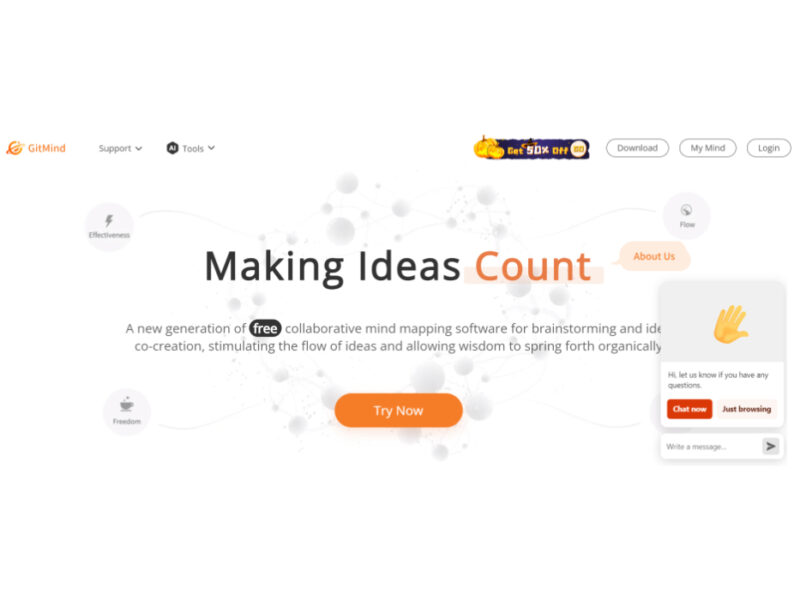
GitMind is a dynamic and free collaborative mind-mapping software that serves as a powerful tool …

Product Manager OS
Product Manager OS is a comprehensive AI-powered toolkit specifically crafted for Product Managers, designed to …
Supermanage AI
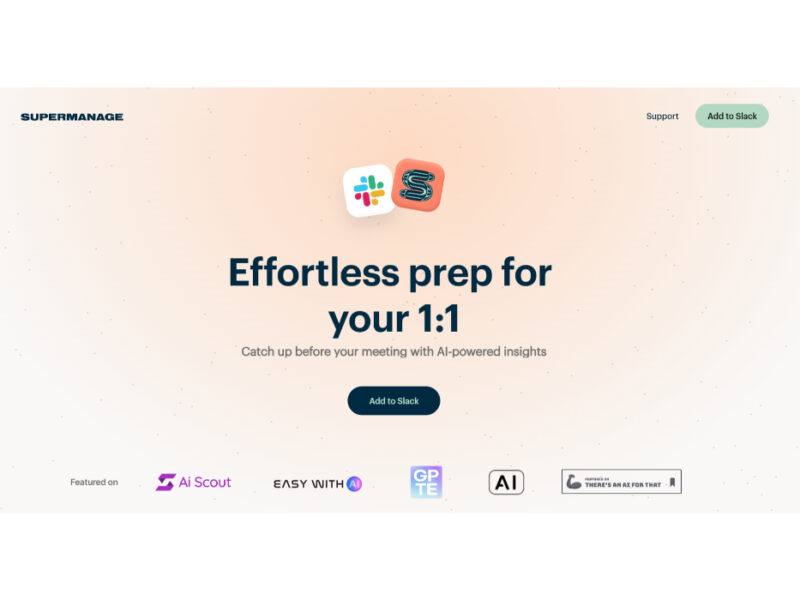
Supermanage AI is an innovative tool leveraging AI to revolutionize the managerial experience. It focuses …
Heylibby.ai
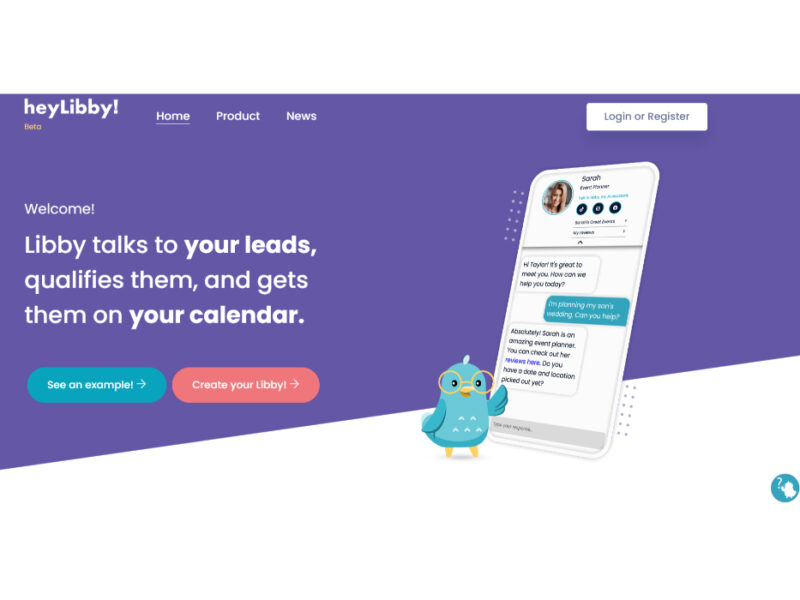
HeyLibby! is a dynamic lead qualification and scheduling tool designed to streamline the lead management …
Live Preview:
Updates automatically with live stats
Copied to clipboard!