Morise.ai
Morise.ai is an innovative AI-powered tool engineered to enhance the performance of YouTube channels. It serves as a virtual assistant for content creators, focusing on various aspects of content optimization. …
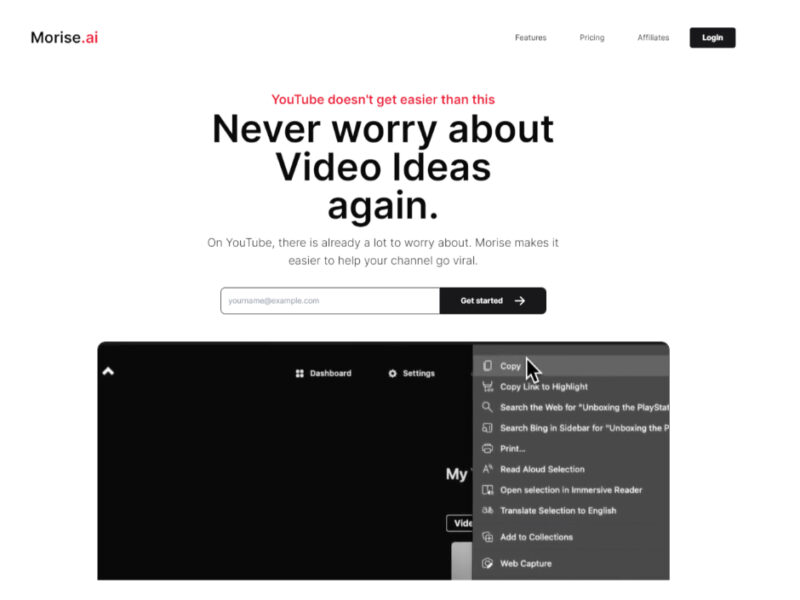
About Morise.ai
Use Cases
Use Case 1: Scaling Faceless "Cash Cow" YouTube Channels
Problem: Creators managing multiple YouTube channels (like Matt Par with 12+ channels) struggle to maintain a high volume of quality scripts and metadata without hiring a massive team of writers and SEO specialists.
Solution: TubeMagic automates the heavy lifting of content production. By using the "Match Your Style" feature, the AI learns the brand voice of each specific channel. It then uses high-performing "Inspiration Videos" to generate viral-ready scripts in seconds, ensuring consistency across a large portfolio of channels.
Example: A creator running a historical documentary channel uses the "Article to Script" tool to convert a Wikipedia entry into a dramatic 15-minute script, picks the "Claude" model for a human-like flow, and generates SEO-optimized tags and descriptions to ensure the video ranks in search results immediately.
Use Case 2: Repurposing Written Content for Video Marketing
Problem: Bloggers and businesses often have libraries of high-quality articles but lack the time or expertise to restructure that information into a format that works for YouTube's visual storytelling.
Solution: The "Article to Script" and "YouTube Link to Formatted Transcript" features allow users to bridge the gap between text and video. TubeMagic can take a long-form article and condense it into a script of a specific length (from 1 to 20 minutes) while maintaining the original's key information.
Example: A marketing agency takes a client’s 2,000-word case study and runs it through TubeMagic. The tool generates a 5-minute video script and suggests a catchy "Video Title" and "Thumbnail Idea," allowing the agency to quickly produce a YouTube video to accompany the blog post.
Use Case 3: Data-Driven Content Strategy and Research
Problem: New creators often suffer from "creator's block" or waste time making videos on topics that have no search volume, leading to low view counts and slow growth.
Solution: TubeMagic functions as an all-in-one research suite. Using the "Niche Explorer," "Video Idea Generator," and "Keyword Research" tools, creators can identify what their audience is actually searching for before they ever hit record.
Example: A gaming creator uses the "Niche Explorer" to find trending sub-topics in the "Indie Games" category. They use the "Video Idea Generator" to plan out three months of content and save them in the "Video Ideas Manager," ensuring they always have a data-backed plan for their next upload.
Use Case 4: Multi-Language Channel Expansion
Problem: Translating and optimizing a YouTube channel for international audiences is difficult and expensive, as it requires understanding local SEO and nuances in different languages.
Solution: TubeMagic supports over 95 languages for descriptions, titles, tags, and community posts. This allows creators to take their existing English content and optimize it for global markets (e.g., Spanish, Japanese, or German) with high-quality, AI-driven accuracy.
Example: An educational YouTuber wants to launch a Spanish version of their channel. They use TubeMagic to translate their best-performing English titles and descriptions into Spanish, then use the "Keyword Research" tool to find the specific Spanish tags that will help them rank in search results across Latin America.
Use Case 5: Optimizing Video Performance for High Search Ranking
Problem: Even great videos fail if they aren't optimized for the YouTube algorithm. Many creators find manually writing SEO tags, descriptions, and "Warp" upload settings tedious and confusing.
Solution: The tool provides a "Warp Upload Optimizer" and a dedicated "Tags Organizer" to ensure every video meets SEO best practices. It rivals tools like VidIQ by using data from the most successful channels to suggest keywords that drive visibility.
Example: A DIY channel finishes a video on "Home Renovation." Instead of guessing keywords, they use the "Video Tags" generator to pull the exact high-ranking phrases used by top competitors, then use the "Video Descriptions" tool to write a keyword-rich summary that satisfies both human readers and the YouTube algorithm.
Key Features
- Automatic brand voice matching
- Custom LLM model selection
- Time-based script length customization
- Video inspiration data merging
- Integrated YouTube SEO keyword research
- Article to video script conversion
- Multi-language support for 95+ languages
- AI-powered YouTube thumbnail generation
Similar Tools You Might Like
Discover more tools in the same category



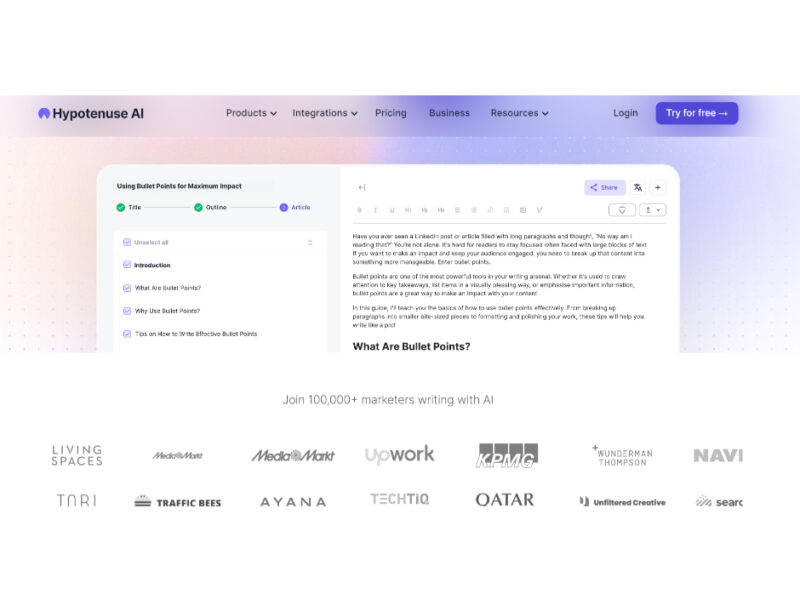
Hypotenuse ai
Hypotenuse AI is a state-of-the-art AI Writing Assistant and Text Generator designed to streamline and …


Explore Related Categories
Live Preview:
Updates automatically with live stats
Copied to clipboard!