Microsoft Bing
Microsoft’s Bing, enhanced with AI integration, acts as a multifunctional assistant for web searches. This advanced version of Bing combines the roles of a research assistant, personal planner, and creative …
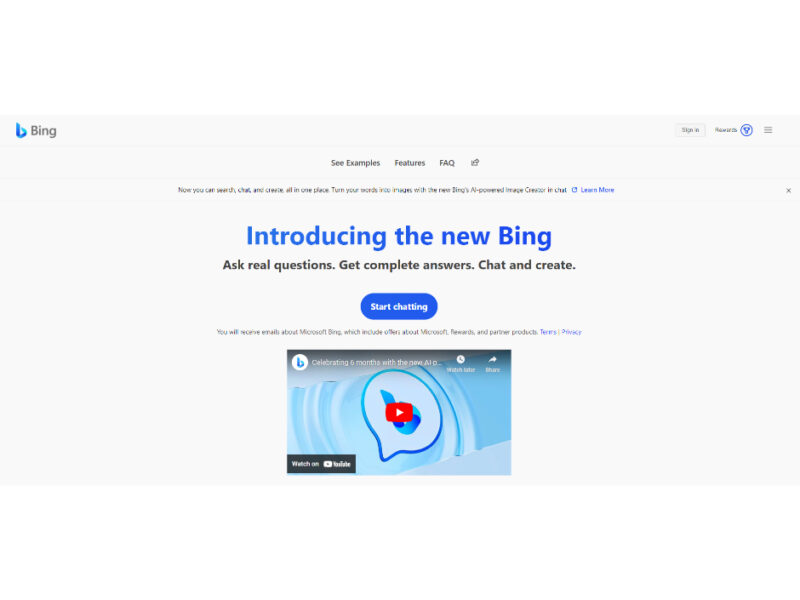
About Microsoft Bing
Use Cases
Use Case 1: Accelerated Market Research and Fact-Checking
Problem: Marketers and business analysts often spend hours sifting through dozens of search results to find specific industry statistics, competitor trends, or verified data points for reports.
Solution: Bing’s Copilot Search provides summarized answers that aggregate information from multiple sources into a single, cohesive response. Crucially, it includes cited sources, allowing users to verify facts instantly without manually clicking through every blue link.
Example: A marketing manager asks, "What are the projected growth rates for the EV charging industry in Europe through 2030?" Bing provides a summarized breakdown of CAGR percentages, identifies key market players, and provides direct links to the consulting reports or news articles where the data originated.
Use Case 2: Rapid Visual Content Creation for Social Media
Problem: Content creators and small business owners often lack the budget for professional graphic designers or the time to hunt for royalty-free stock footage that fits a specific, niche concept.
Solution: Bing Image Creator (powered by DALL-E 3) and Bing Video Creator allow users to generate custom visuals and 5-second videos using simple natural language prompts directly from the browser.
Example: A social media manager needs a unique header for a "Cyber Monday" tech campaign. They type "create an image of a futuristic neon city with floating shopping bags in 3D render style" into the Edge address bar. Within seconds, Bing generates a high-quality visual they can immediately download and post.
Use Case 3: Technical Troubleshooting and Documentation for Developers
Problem: Developers frequently encounter obscure error codes or need to quickly understand how to implement a specific library function without reading through pages of dense documentation.
Solution: Bing’s AI-powered search acts as a coding assistant, generating dynamic snapshots of technical answers. It can interpret code-heavy queries and provide step-by-step explanations or code snippets derived from developer forums and documentation.
Example: A developer is struggling with a Python error. They paste the traceback into Bing. The tool identifies the most likely cause (e.g., a version mismatch), provides the command to fix it (e.g., pip install --upgrade package), and cites the Stack Overflow thread or GitHub issue that confirms the solution.
Use Case 4: Strategic Business Travel and Logistics Planning
Problem: Organizing a multi-city business trip involves balancing flight schedules, hotel locations, and local transportation, which usually requires switching between several different tabs and tools.
Solution: Bing integrates Travel, Maps, and AI search into one ecosystem. Users can discover destinations, visualize routes with real-time traffic updates, and book accommodations through a centralized interface.
Example: A sales executive needs to visit three clients in Chicago. They use Bing Travel to book a hotel central to all three locations, use Bing Maps to calculate travel times between meetings during rush hour, and ask Copilot to "suggest highly-rated quiet cafes near the Loop for a client lunch."
Use Case 5: Real-Time Competitor Pricing Intelligence
Problem: E-commerce businesses need to monitor market prices and customer sentiment across millions of products to remain competitive, but manual tracking is inefficient.
Solution: Bing Shopping aggregates millions of products, allowing users to compare prices, read aggregated reviews, and find exclusive offers in a personalized feed.
Example: A small business owner selling ergonomic chairs uses Bing Shopping to track how competitors are pricing similar models. They can see real-time price drops across various retailers and read recent customer reviews to identify common complaints, which helps them adjust their own product descriptions or pricing strategy.
Key Features
- AI-powered summarized search results
- Search answers with cited sources
- AI-generated short video creation
- DALL-E 3 powered image generation
- Personalized shopping and price comparison
- Real-time traffic and navigation tools
- Automatic daily desktop wallpaper refreshes
- Address bar visual generation integration
Similar Tools You Might Like
Discover more tools in the same category
Apple Books
Experience the thrill and convenience of AI-narrated audiobooks, now at your fingertips on Apple Books. …
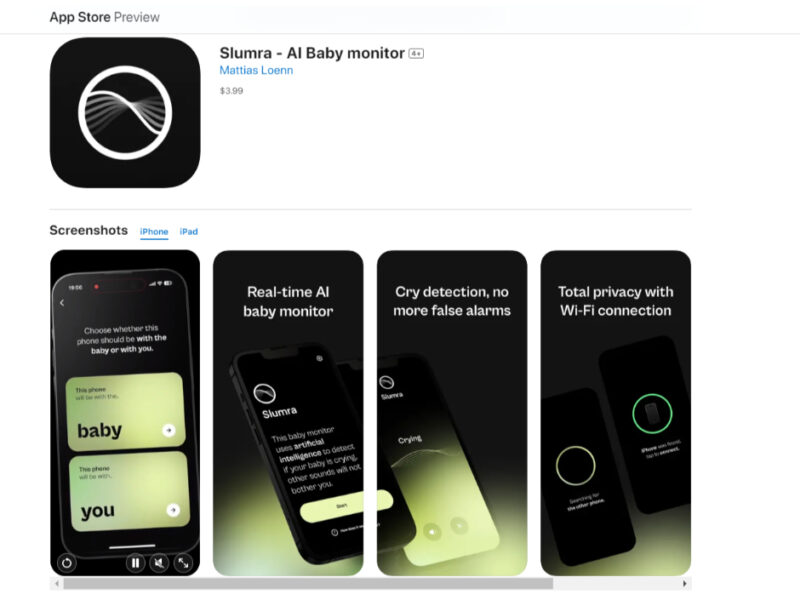
Slumra - AI Baby monitor
Effortless Baby Monitoring at Your Fingertips: Slumra is designed to redefine the baby monitoring experience, …
Prodigy AI
Prodigy AI Coach is an innovative AI-powered career coaching tool designed to assist job seekers …

Explore Related Categories
Live Preview:
Updates automatically with live stats
Copied to clipboard!