Meshy
Create mesmerizing and captivating 3D game assets effortlessly with the power of Artificial Intelligence (AI). Unleash your creativity and let AI bring your game ideas to life. Dive into the …
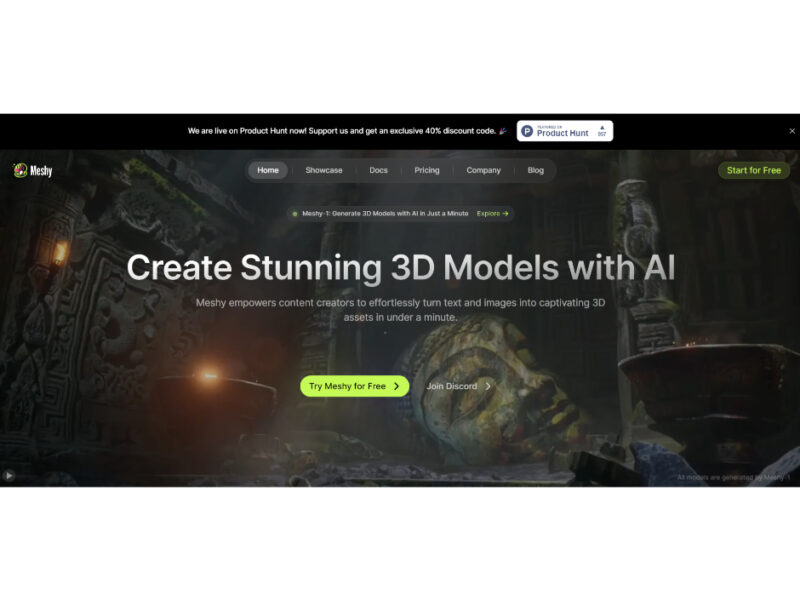
About Meshy
Use Cases
Use Case 1: Rapid Asset Prototyping and Scaling for Indie Game Developers
Problem: Indie game studios often struggle with the "content bottleneck"—the high cost and time required to create hundreds of unique 3D props, environment assets, and background characters needed to make a game world feel populated and immersive.
Solution: Meshy allows developers to bypass traditional manual modeling and UV mapping. By using "Text to 3D" or "Image to 3D," developers can generate thousands of assets simultaneously. With built-in support for PBR textures (Metallic, Roughness, Normal maps) and seamless export to engines like Unity or Unreal, it turns a process that took days into one that takes minutes.
Example: A developer needs 20 different styles of "steampunk street lamps" and "mechanical crates." Instead of modeling each, they input text prompts into Meshy, use the "Smart Remesh" feature to ensure the poly count fits their performance budget, and export the FBX files directly into Unreal Engine.
Use Case 2: Creating Realistic 3D Product Concepts for Marketing and E-commerce
Problem: Marketing teams and product designers often need to visualize how a 2D sketch or brand concept would look in a 3D space for social media ads or stakeholder presentations. Hiring a 3D agency for early-stage "what-if" concepts is often too expensive and slow.
Solution: Marketers can upload a 2D product sketch or a mood board image to Meshy’s "Image to 3D" tool. They can then use "AI Texturing" to experiment with different materials (e.g., leather vs. plastic) simply by changing text prompts, allowing for rapid visual A/B testing without CAD expertise.
Example: A footwear brand wants to see how a new sneaker design looks in a "cyberpunk" vs. "minimalist" style. They upload a sketch, generate the 3D base, and then use the "AI Texture Editing" tool to instantly swap colors and materials for a high-quality promotional video.
Use Case 3: Transforming 2D Illustrations into 3D-Printable Collectibles
Problem: Digital artists and hobbyists often want to turn their 2D character illustrations or fan art into physical 3D-printed models, but they lack the technical skills to use complex sculpting software like ZBrush or Blender to create "watertight" printable files.
Solution: Meshy's "Image to 3D" tool converts 2D illustrations into detailed 3D meshes. The platform includes specific features for 3D printing, such as the "Resize and Pivot Tool" to set real-world dimensions and the ability to export in printer-ready formats like STL and 3MF.
Example: An artist uploads a drawing of a custom tabletop gaming miniature. Meshy generates the 3D model, the artist uses "Smart Remesh" to ensure clean geometry, sets the height to 32mm using the Resize tool, and exports the STL file for their resin printer.
Use Case 4: Rapid Character Animation for Social Media Content Creators
Problem: Social media creators (on TikTok or YouTube) want to use 3D characters to stand out, but rigging a character (creating a digital skeleton) and animating it manually is a highly technical skill that takes years to master.
Solution: Meshy provides an "all-in-one" pipeline for creators. After generating a character from an image or text, users can use the "Automatic Rigging" feature. They can then apply motions from Meshy’s library of 500+ game-ready animations (walking, dancing, fighting) to bring the character to life instantly.
Example: An AI influencer creator generates a stylized 3D mascot from a text prompt. They use the "Auto-rigging" tool and select a "dance move" from the animation library. Finally, they use the "3D to Video" tool to export a finished video clip of the mascot dancing, ready to be posted as a Reel or Short.
Use Case 5: Efficient Architectural Previsualization and Interior Design
Problem: Interior designers often need specific, custom furniture pieces or decor items to fill a 3D room render for a client. Finding the exact 3D model in a marketplace is difficult, and modeling a custom "mid-century modern velvet sofa" from scratch is time-consuming.
Solution: Designers can use Meshy to turn a simple text description or a photo from a catalog into a production-ready 3D asset. Because Meshy supports industry-standard formats like USDZ and BLEND, these assets can be dropped directly into professional design software without needing conversion.
Example: To match a client's mood board, a designer types "art deco emerald green armchair with gold legs" into the Text-to-3D tool. They generate the model, refine the texture using the AI Texture generator to ensure the "velvet" look is photorealistic, and import it into their 3D scene in Blender.
Key Features
- Text and image to 3D
- AI texturing with PBR maps
- Automatic character rigging and animation
- Multi-view image to 3D conversion
- Bulk concurrent 3D asset generation
- Smart remeshing and topology control
- 3D model to video generation
- Native game engine and 3D plugins
Similar Tools You Might Like
Discover more tools in the same category
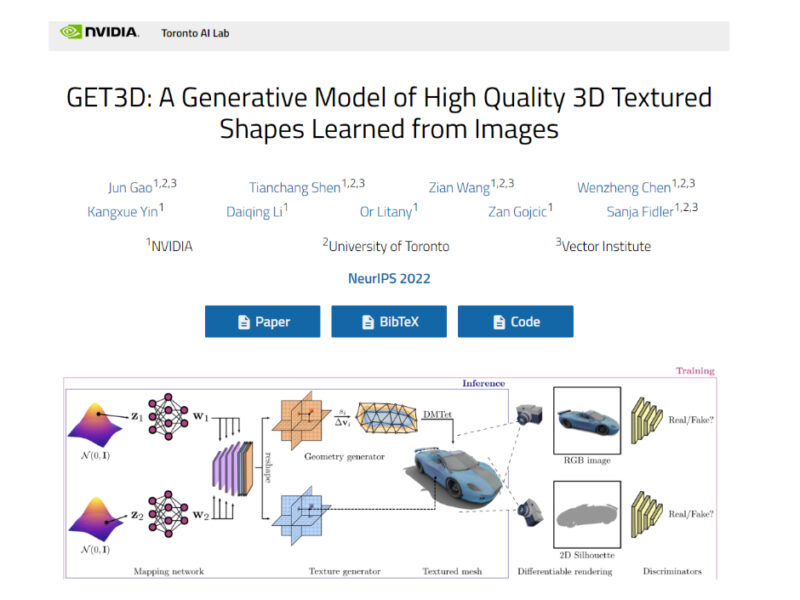
GET3D (Nvidia)
Introducing our exhilarating and captivating Generative 3D Textured Shapes from Images. Transform your visuals with …
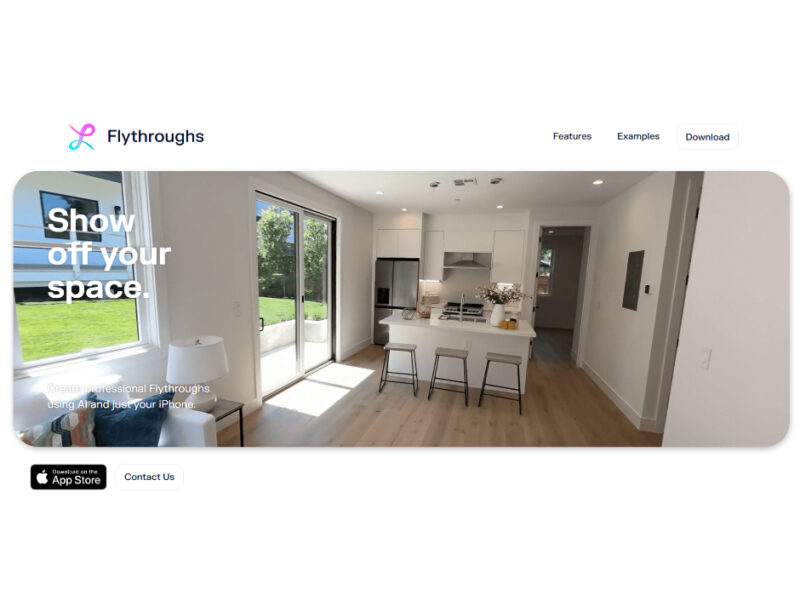
Flythroughs
Our cutting-edge AI technology enables users to effortlessly produce stunning Flythroughs of professional quality using …
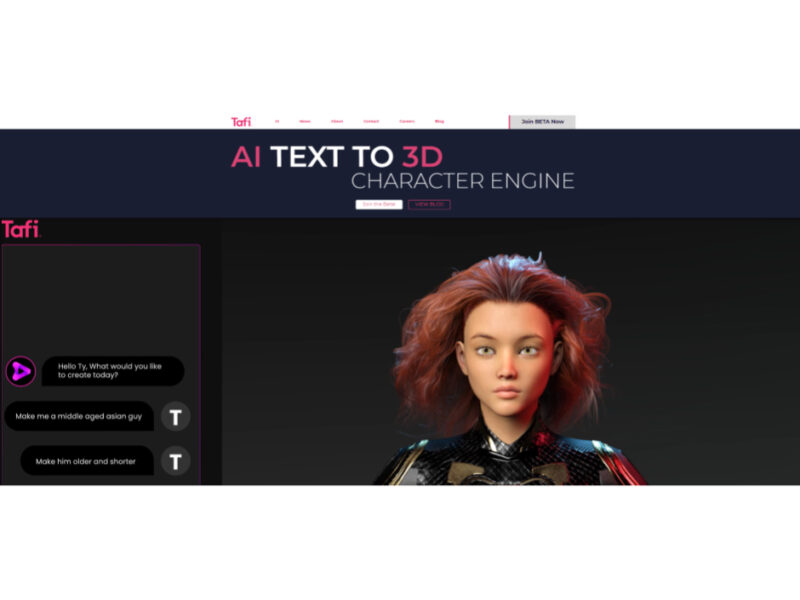
Tafi Avatar
Experience the revolutionary Text-to-3D Character Engine that brings your words to life! Create dynamic and …

Explore Related Categories
Live Preview:
Updates automatically with live stats
Copied to clipboard!