Lang SYnc
Lang Sync is an AI-assisted translation tool, primarily designed for processing language-specific files, strings, and texts. Its integration with the Microsoft Translator API and user-friendly Command Line Interface (CLI) allows …
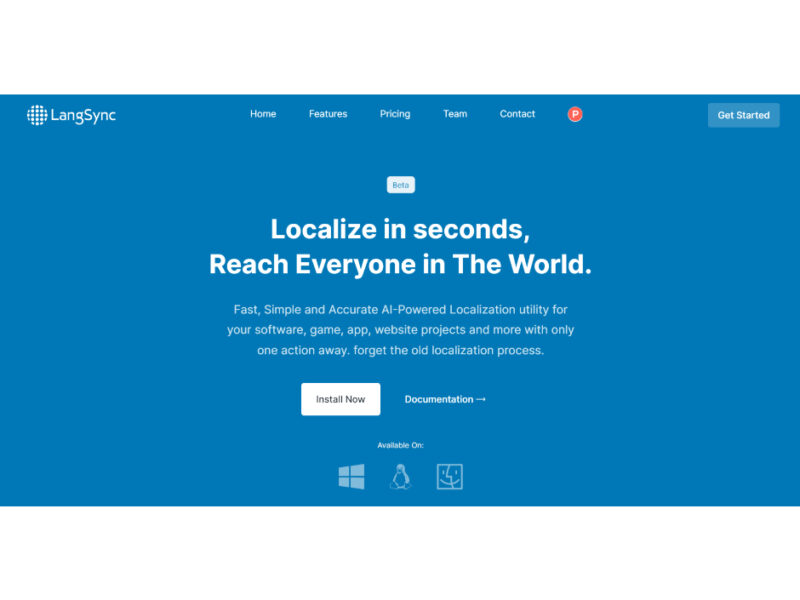
About Lang SYnc
Use Cases
Use Case 1: Rapid Internationalization (i18n) for Mobile and Web Apps
Problem: Developers often spend hours manually copying and pasting text strings from source files (like en.json or strings.xml) into translation services, then manually formatting the results back into code-compliant files. This process is slow and highly prone to syntax errors.
Solution: Lang Sync automates the localization of structured language files. By using the CLI, developers can translate entire resource files into multiple languages simultaneously while maintaining the original file structure and key-value pairs.
Example: A developer working on a React app adds 50 new UI strings to locales/en.json. Instead of translating them one by one, they run a Lang Sync command that detects the new strings and generates updated es.json, fr.json, and de.json files automatically using the Microsoft Translator API.
Use Case 2: Automated Translation in CI/CD Pipelines
Problem: In fast-paced development environments, translation often lags behind feature updates. Releasing a new feature in English while waiting days for human translators to update other languages creates a fragmented user experience across different regions.
Solution: Because Lang Sync features a Command Line Interface (CLI), it can be integrated directly into a project's continuous integration/continuous deployment (CI/CD) pipeline.
Example: A team sets up a GitHub Action that triggers Lang Sync every time a pull request is merged into the main branch. The tool automatically scans for missing translations in the codebase and commits the translated files back to the repository, ensuring all supported languages are 100% up-to-date at the moment of deployment.
Use Case 3: Scaling Documentation for Global Product Launches
Problem: Content creators and documentation managers struggle to keep technical docs or help center files synced across several languages. When a product feature changes, updating the documentation in five different languages is a massive manual undertaking.
Solution: Lang Sync allows managers to process text-heavy files and strings quickly. Its integration with AI ensures that the context of the technical language is preserved better than generic copy-paste translation methods.
Example: A product manager updates the "Getting Started" guide in the source Markdown files. They use Lang Sync to push those changes to the Japanese and Brazilian Portuguese versions of the documentation site, allowing for a simultaneous global launch of the new feature documentation.
Use Case 4: Synchronizing Marketing Strings Across Platforms
Problem: Marketing teams often manage micro-copy for buttons, banners, and notifications across different platforms (iOS, Android, and Web). Keeping the tone and terminology consistent across these platforms and languages is difficult.
Solution: Lang Sync acts as a central tool for processing these strings, ensuring that the same AI-assisted translation logic is applied to the marketing assets regardless of the file format or platform.
Example: An e-commerce business is launching a "Black Friday" campaign. The marketing lead uses Lang Sync to translate the promotional strings once and deploy them across the web storefront (JSON), the iOS app (Strings), and the Android app (XML), ensuring a consistent message in every language.
Key Features
- AI-powered translation engine
- Microsoft Translator API integration
- Command Line Interface accessibility
- Language-specific file processing
- Automated string localization
- Developer-focused translation workflow
Similar Tools You Might Like
Discover more tools in the same category
ReliableGPT
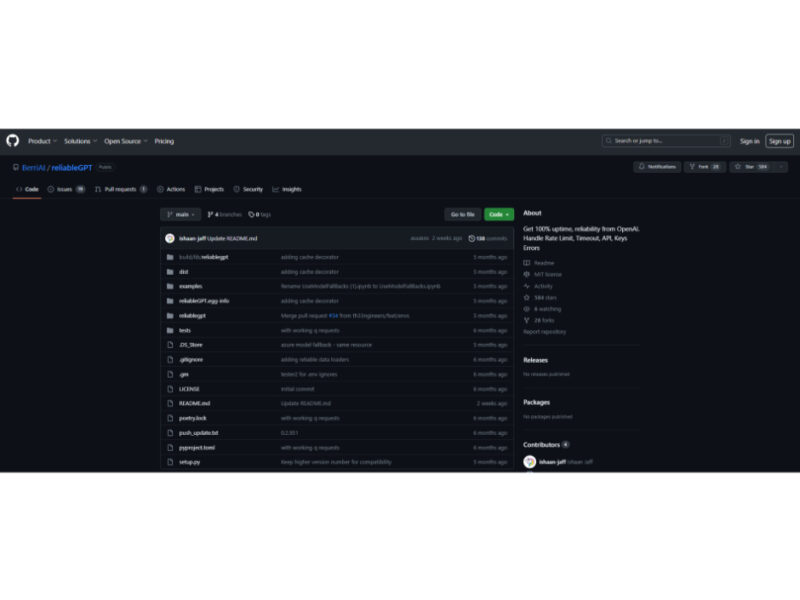
ReliableGPT is a robust and innovative tool designed to enhance the stability and reliability of …
Opera One Browser
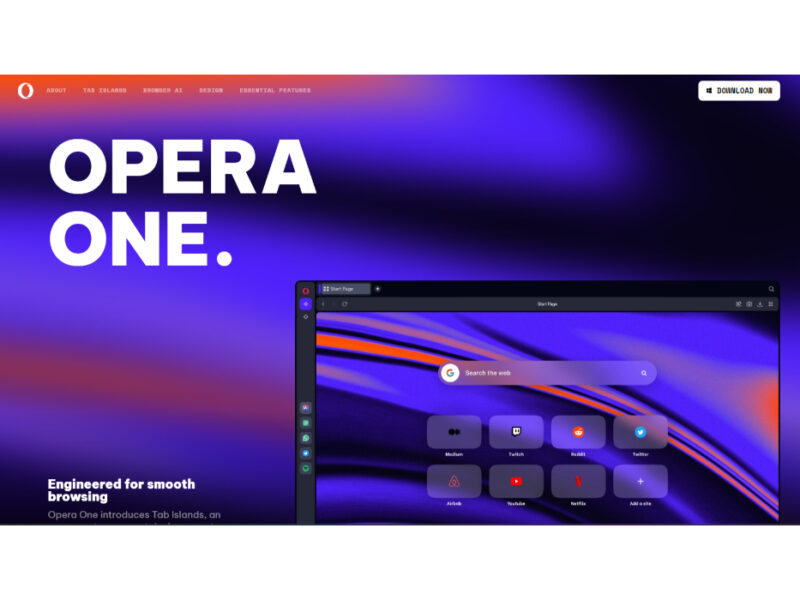
Opera One is a next-generation browser that emphasizes a liquid navigation experience. It stands out …
MindStudio
MindStudio by YouAi is an innovative platform that enables users to create personalized AI applications …
Live Preview:
Updates automatically with live stats
Copied to clipboard!