Inline Help
Generate the best AI generated hentai in seconds with the best AI hentai generator!
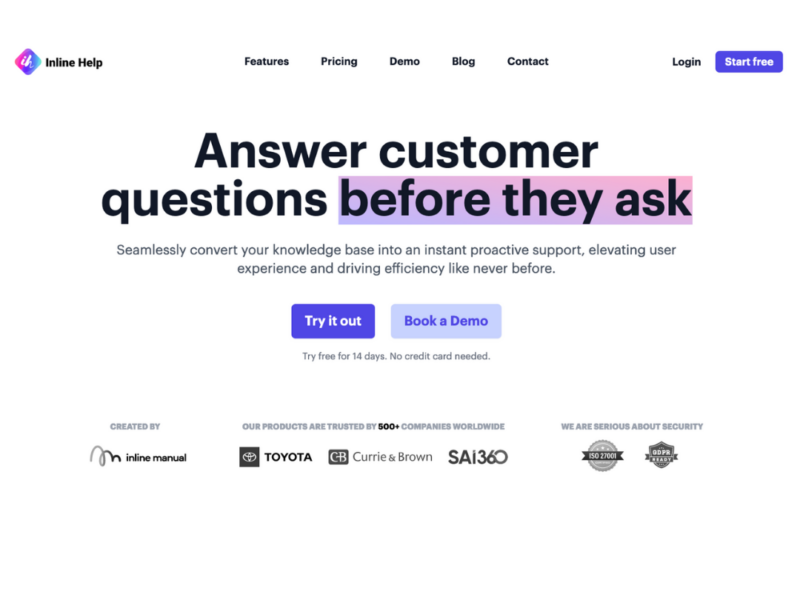
About Inline Help
Use Cases
Use Case 1: Streamlining Complex SaaS Feature Adoption
Problem: Users often feel overwhelmed by complex dashboards or advanced features in specialized software (like Fintech or Data Analytics tools), leading to high churn rates during the trial period.
Solution: Use the "Explain This" and "Tooltips" features to provide instant, contextual clarity. Instead of forcing users to leave the app to search a documentation site, the tool provides AI-generated explanations directly where the confusion occurs.
Example: A new user on a financial platform is confused by a "Volatility Index" chart. They click the "Explain This" trigger on that specific element, and Inline Help immediately provides a three-sentence summary of how to read that specific chart based on the company’s existing documentation.
Use Case 2: Scaling International Support for Small Teams
Problem: A growing startup is expanding into global markets like Japan and France but lacks the budget to hire a 24/7 multilingual support team, resulting in slow response times for non-English speakers.
Solution: Leverage the AI Chatbot’s ability to communicate fluently in seven languages. The tool can ingest an English knowledge base and provide accurate, real-time support in German, French, Spanish, Italian, Portuguese, or Japanese.
Example: A Spanish-speaking customer asks a technical question about API integration in their native language. The AI Chatbot processes the query against the English knowledge base and responds with a precise, translated solution, resolving the issue without a human agent.
Use Case 3: Reducing Support Ticket Deflection for Routine Queries
Problem: Support teams are often bogged down by "Level 1" questions (e.g., "How do I change my password?" or "Where do I find my invoices?") that prevent them from focusing on high-priority, complex technical issues.
Solution: Implement the "Widget" as a centralized help hub that acts as the first point of contact. By surfacing the Knowledge Base and Chatbot prominently, the tool encourages self-service before a user ever reaches the "Ticket Form."
Example: A user clicks the help widget to ask about billing cycles. The AI Chatbot provides the answer instantly from the knowledge base. If the user is still unsatisfied, the widget offers a seamless transition to the "Ticket Form" within the same interface, keeping the experience frictionless.
Use Case 4: No-Code Product Marketing and UI Guidance
Problem: Marketing and Product teams often identify areas in the UI that need better explanation, but they have to wait for developers to find time in the "sprint" to hard-code tooltips or help text.
Solution: Use the "No-code and Instant" tooltip feature to add guidance layers over the application. This allows non-technical staff to improve the user experience and drive product adoption without touching the codebase.
Example: A marketing manager notices users are dropping off at the "Integrations" page. Using Inline Help, they quickly add an AI-powered tooltip to the "Webhook" section to explain its benefits, successfully increasing the activation rate for that feature within minutes.
Key Features
- Contextual AI-powered explanations
- No-code AI tooltips
- Real-time intelligent chatbot
- Multi-language AI support
- In-app ticket submission
- Knowledge base integration
- Unified support hub widget
Similar Tools You Might Like
Discover more tools in the same category
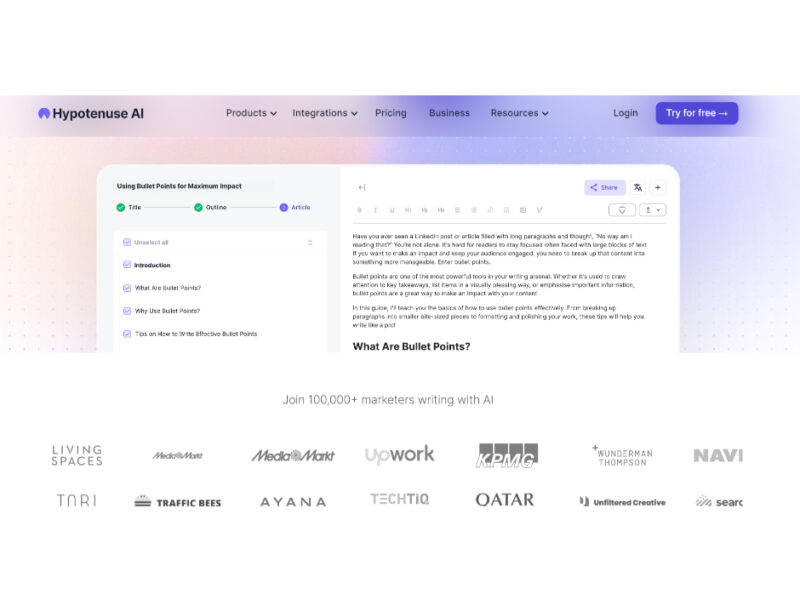
Hypotenuse ai
Hypotenuse AI is a state-of-the-art AI Writing Assistant and Text Generator designed to streamline and …
Explore Related Categories
Live Preview:
Updates automatically with live stats
Copied to clipboard!