Imagecolorizer
ImageColorizer is an advanced cloud-based editing and graphic design tool that specializes in rejuvenating old photographs using AI technology. It caters to photography enthusiasts, historians, archivists, genealogists, and anyone interested …
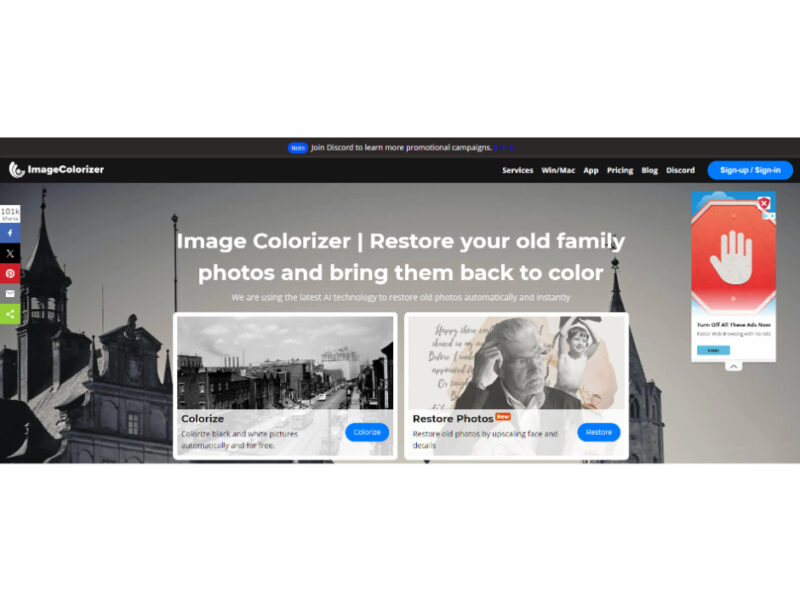
About Imagecolorizer
Use Cases
Use Case 1: Digital Archiving for Historical Societies and Museums
Problem: Historical societies often possess vast collections of physically damaged, faded, or black-and-white photographs that fail to engage modern audiences or are too fragile for public display.
Solution: Curators can use the AI Repair and Colorizer tools to digitize and revitalize archives. By automatically removing scratches, mold stains, and tears, the tool preserves the visual history while the colorization feature makes the past feel more relatable and "real" for digital exhibits.
Example: A local museum digitizes a collection of 1920s town hall photos. They use the "Remove Scratches" feature to fix water damage and the "Colorize" tool to create a vibrant "then and now" social media campaign to drive foot traffic.
Use Case 2: High-Quality Heritage Branding for Marketers
Problem: Established brands celebrating anniversaries often want to showcase their heritage, but their original founding photos are frequently low-resolution, blurry, or pixelated, making them look poor on high-definition retina displays.
Solution: Marketing teams can utilize the "Enhance Old Photos" and "AI Restore" features to upscale legacy assets to 2x resolution. This allows them to use vintage photography in modern advertising layouts without sacrificing image quality or brand standards.
Example: A heritage footwear brand takes a grainy 1950s photo of their first factory. They use the "Retouch" tool to sharpen the faces of the workers and the "AI Restore" tool to double the resolution, allowing the image to be used as a large-scale backdrop for a retail window display.
Use Case 3: Enhanced Visual Content for Genealogy Platforms
Problem: Genealogy businesses and family tree researchers often deal with "mystery" photos where facial features are too blurry to identify or identify correctly against other records.
Solution: By integrating "AI Retouch" and "Old Photo Restoration," these platforms can help users unveil the natural beauty and specific character features of their ancestors. Sharpening facial details and smoothing skin textures helps in identifying family resemblances and cleaning up the visual data in family trees.
Example: A professional genealogist uses the tool to fix a heavily creased 19th-century portrait of a client’s great-grandfather. After removing the creases and sharpening the eyes and facial structure, the client is finally able to confirm the ancestor's identity by comparing it to other family records.
Use Case 4: Cleaning Up Stock Photography for Content Creators
Problem: Content creators often find perfect historical or public domain images that are marred by distracting "noise," unwanted background objects, or photobombers that ruin the composition.
Solution: The "AI Object Remover" allows creators to clean up these historical images without needing advanced Photoshop skills. They can remove distracting elements or modern artifacts that shouldn't be in a vintage-style shot, ensuring the focus remains on the main subject.
Example: A documentary YouTuber finds a public domain B&W photo of a 1940s street scene but wants to remove a distracting, blurry bird in the foreground. They use the "AI Object Remover" to erase the bird and the "Colorize" tool to match the aesthetic of their high-production video.
Use Case 5: Professional Photography Restoration Services
Problem: Small photography studios often get requests for photo restoration, which can be a time-consuming manual process in software like Photoshop, making it expensive for the customer and low-margin for the studio.
Solution: Studios can use ImageColorizer as a "first-pass" tool to automate the bulk of the restoration work—colorization, scratch removal, and upscaling. This significantly reduces the manual labor required, allowing the studio to offer faster turnaround times and more competitive pricing.
Example: A portrait studio offers a "Vintage Revival" package. They use the "Start New Restorer" workflow to instantly fix a customer's torn wedding photo from the 1960s, performing 90% of the work in seconds before doing minor manual touch-ups for a premium finish.
Key Features
- AI-powered photo colorization
- Automatic scratch and tear repair
- 2x image resolution upscaling
- AI-driven unwanted object removal
- Portrait retouching and sharpening
- Batch photo processing
- Cross-platform desktop software support
Similar Tools You Might Like
Discover more tools in the same category
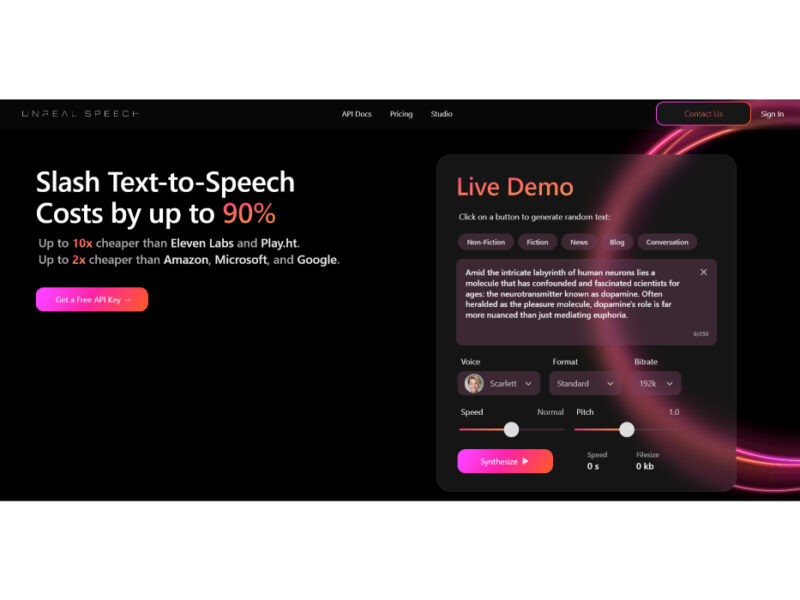
Unreal Meal
Looking for enticing and creative meal ideas for your recipes and projects? Explore our collection …

Hello History
Hello History is an innovative AI-powered chatbot app that offers users the unique opportunity to …


Clash of Bots
Clash of Bots is an innovative AI-powered tool designed to revolutionize the art of debate. …
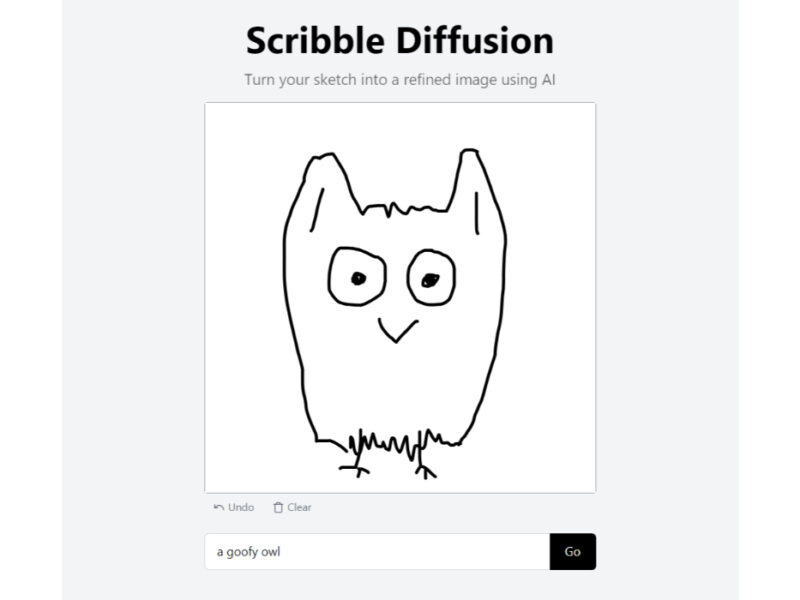
Scribble Diffusion
Scribble Diffusion is an innovative and entertaining app that harnesses the power of AI to …
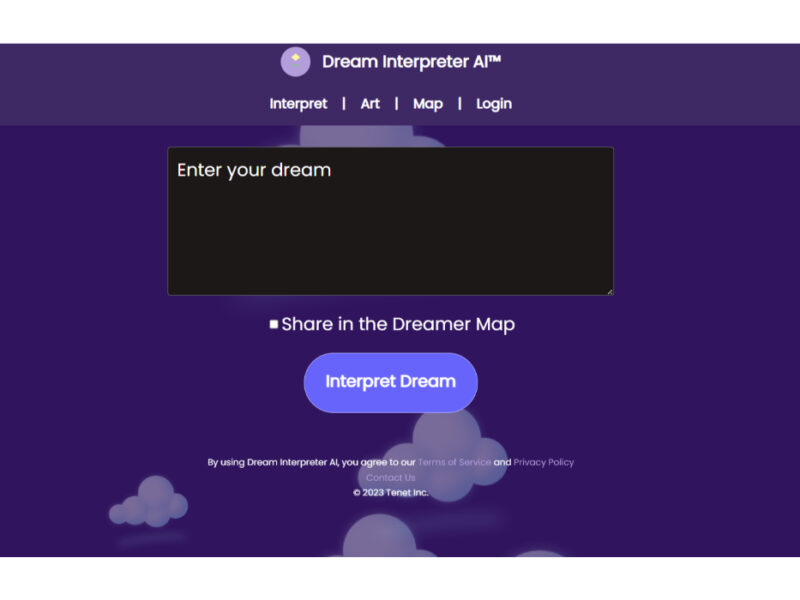
Dream Interpreter
Dream Interpreter AI is a state-of-the-art tool designed to delve into the fascinating world of …
Explore Related Categories
Live Preview:
Updates automatically with live stats
Copied to clipboard!