Galileo
Galileo AI stands as a transformative tool in the world of interface design, offering an AI-driven copilot to assist designers in creating stunning and intuitive UI designs. This advanced platform …
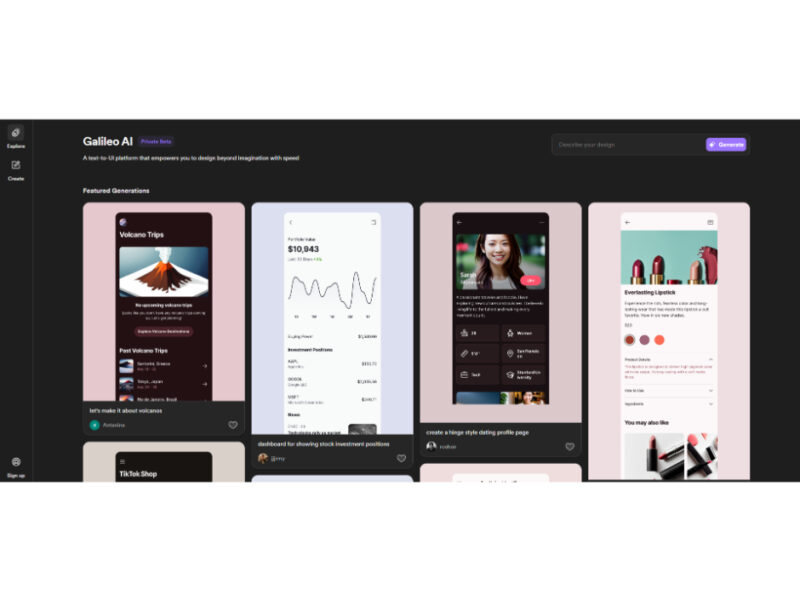
About Galileo
Use Cases
Use Case 1: Rapid High-Fidelity Prototyping for Startups
Problem: Early-stage founders often need to visualize their product to secure funding or validate ideas, but hiring a full-time UI/UX designer or learning complex design software is time-consuming and expensive.
Solution: Galileo allows users to transform natural language descriptions into editable, high-fidelity UI designs instantly. This bypasses the manual wireframing stage and provides professional-grade visuals in seconds.
Example: A founder types, "A minimalist mobile dashboard for a fintech app that tracks crypto investments and features a dark mode toggle," and Galileo generates a complete, themed interface that can be exported to design tools like Figma.
Use Case 2: UI Design Support for Independent Developers
Problem: Many developers excel at coding backend logic but struggle with "design debt"—creating interfaces that look amateurish or provide a poor user experience because they lack a visual design background.
Solution: The tool acts as an AI design partner for developers, providing layout patterns and UI components that are aesthetically pleasing and functional, ensuring the frontend looks as professional as the backend code.
Example: A developer building a personal project needs a "settings page for a SaaS platform with user profile management and subscription tiers." They use Galileo to generate the layout, ensuring proper spacing and typography without having to manually pixel-push.
Use Case 3: Iterative Landing Page Mockups for Marketing Teams
Problem: Marketing teams often need to test different visual styles or layouts for campaign landing pages, but waiting for a design department to produce multiple variations creates bottlenecks.
Solution: Galileo enables marketers to rapidly iterate on landing page concepts by describing different brand "vibes" or functional requirements, allowing for a diverse range of mockups to be compared before moving to production.
Example: A marketing manager prompts the tool to create "a vibrant, high-energy landing page for a summer music festival featuring a grid-style lineup and a bold ticket-buy button." They then request a second version that is "clean, corporate, and focused on B2B sponsorships" to see which direction fits the campaign better.
Use Case 4: Modernizing Legacy Software Interfaces
Problem: Businesses often rely on old internal tools that function well but have outdated, clunky interfaces that decrease employee productivity and morale.
Solution: Designers and product managers can use Galileo to reimagine old workflows by describing the existing functionality in a modern context, using AI to suggest contemporary UI patterns.
Example: An IT manager describes a 10-year-old internal inventory database as a "modern, streamlined inventory management dashboard with search filters, real-time status icons, and an intuitive sidebar navigation," using the AI's output as a blueprint for a system overhaul.
Key Features
- Text-to-UI generation
- High-fidelity editable components
- Seamless export to Figma
- AI-generated interface copy
- Rapid mobile design prototyping
- Image-to-UI design conversion
- Prompt-based layout iterations
Similar Tools You Might Like
Discover more tools in the same category
Icebreaker
Icebreaker AI is an innovative solution designed to automate and enhance the process of creating …
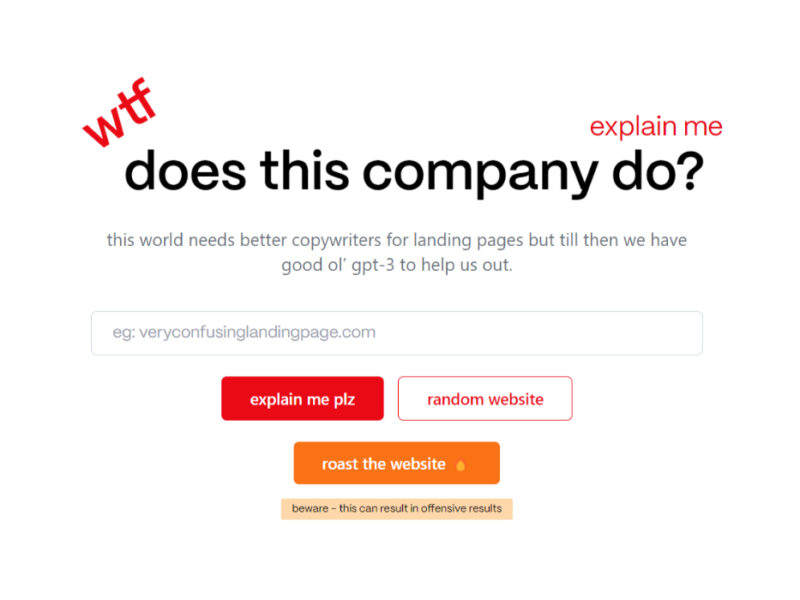
WTF Does This Company Do?
Welcome to our landing page, where you can explore and engage with our website solely …

Youtube Summarizer - Syllaby
Youtube Summarizer – Syllaby is an innovative tool designed for users who frequently use YouTube …
Explore Related Categories
Live Preview:
Updates automatically with live stats
Copied to clipboard!