Flux 2 – Free AI Image Playground (Flux2.one)
Flux2.one is a free web playground for the FLUX 2 AI image model. It lets users generate and experiment with images from natural-language prompts or reference photos, all inside the …

About Flux 2 – Free AI Image Playground (Flux2.one)
Use Cases
Use Case 1: Rapid Multi-Platform Social Media Campaigns
Problem: Content creators and social media managers often need to create visual assets for multiple platforms (e.g., Instagram Stories, LinkedIn posts, and YouTube thumbnails) simultaneously. Resizing a single image often leads to awkward cropping or low resolution.
Solution: Flux 2’s support for diverse aspect ratios (9:16, 1:1, 16:9, etc.) and superior prompt following allows users to generate platform-specific assets from the same prompt. This ensures visual consistency across a campaign without manual cropping or re-shooting.
Example: A digital marketer can use the same prompt—"A futuristic sneaker floating in a neon-lit cyberpunk city"—and generate a 9:16 version for TikTok ads, a 1:1 version for an Instagram post, and a 16:9 version for a website banner in minutes.
Use Case 2: Transforming Product Photography into Lifestyle Imagery
Problem: Small e-commerce businesses often have basic studio photos of their products but lack the budget for expensive on-location lifestyle shoots (e.g., showing a product at the beach or in a luxury home).
Solution: Using the "Natural Language Editing" and "Image to Image" features, users can upload a simple studio shot and describe a new environment. Flux 2 understands context, allowing it to change the background while keeping the product recognizable.
Example: An entrepreneur uploads a photo of a handmade candle on a plain white desk and uses the prompt: "Move this candle to a cozy wooden bedside table next to a stack of books with warm fireplace lighting in the background."
Use Case 3: Concept Art and Brand Consistency for Designers
Problem: Designers often struggle to maintain a consistent "look and feel" when generating multiple images for a brand’s visual identity or a storyboard.
Solution: Flux 2 offers a "Multi-Reference" feature (allowing 1-8 reference images) and a "Max" model for complex scenes. This allows designers to feed the AI existing brand assets or style references to guide the generation of new, stylistically aligned content.
Example: A game developer uploads three sketches of a specific character and uses the "Multi-Reference" mode to generate that same character in different environments (e.g., "Character in a dark forest" or "Character in a crowded marketplace") while maintaining the character's core features and art style.
Use Case 4: High-Resolution Web Design Hero Sections
Problem: Web developers often need ultra-wide, high-quality "Hero" images for modern websites, but standard stock photos often lack the specific composition needed to clear text overlays or fit 21:9 monitor displays.
Solution: Flux 2 provides a specific 21:9 aspect ratio and photorealistic output up to 4 megapixels. This allows developers to generate custom, high-resolution landscapes or textures that are tailor-made for wide-screen web headers.
Example: A developer for a travel agency website generates a custom 21:9 image with the prompt: "Aerial view of a turquoise tropical archipelago, minimalist composition with copy space on the left side, photorealistic, 4k resolution."
Use Case 5: Instant Iteration for Creative Directors
Problem: During the brainstorming phase, creative directors need to show clients "Before and After" concepts or style variations quickly without committing hours of a graphic designer's time.
Solution: Flux 2’s "Pro" model is optimized for speed (30-second generation), and its natural language editing allows for real-time feedback implementation.
Example: During a client meeting, a director takes a portrait of a model and uses Flux 2 to instantly show how the vibe changes by prompting: "Change the lighting to dramatic noir shadows" or "Change the model's business suit to a 1920s vintage outfit."
Key Features
- Natural language image editing
- Multi-reference image blending
- Versatile aspect ratio support
- High-resolution 4MP output
- Dual-tier model selection
- Watermark-free image downloads
- No-signup AI generation
Similar Tools You Might Like
Discover more tools in the same category
Icebreaker
Icebreaker AI is an innovative solution designed to automate and enhance the process of creating …

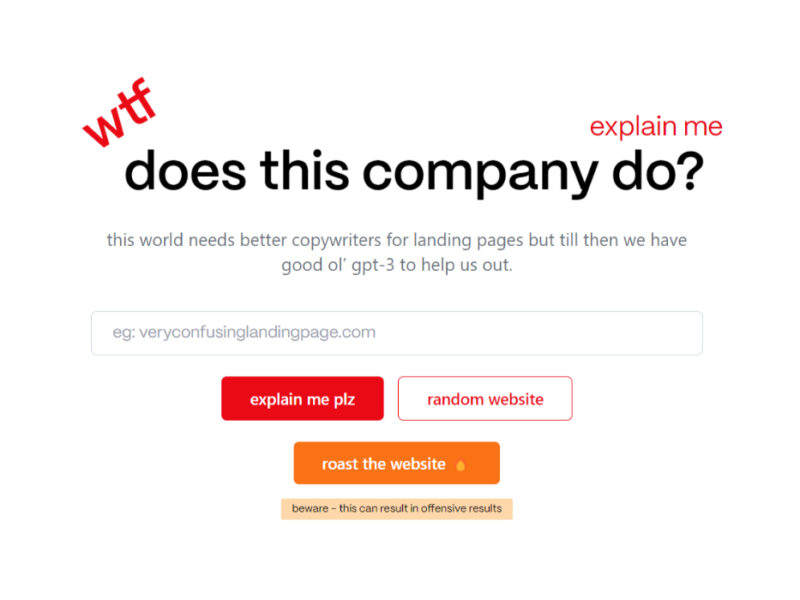
WTF Does This Company Do?
Welcome to our landing page, where you can explore and engage with our website solely …
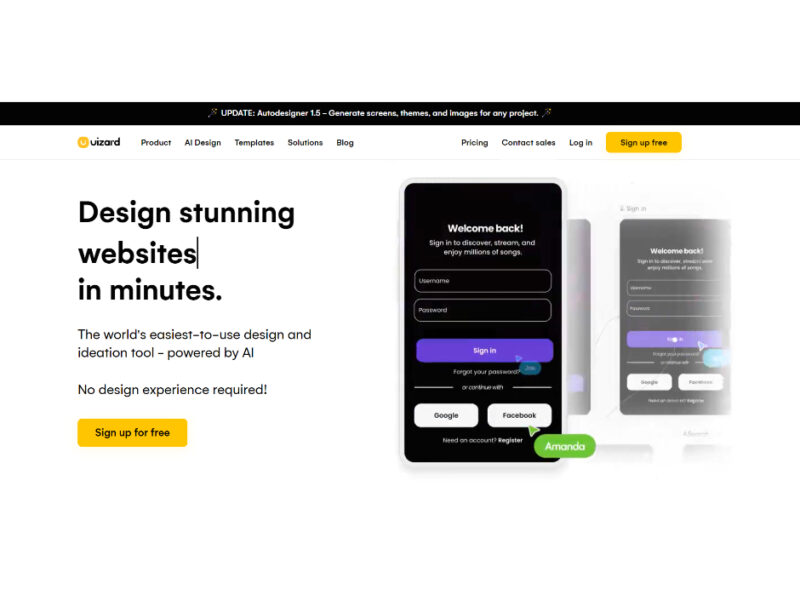

Youtube Summarizer - Syllaby
Youtube Summarizer – Syllaby is an innovative tool designed for users who frequently use YouTube …
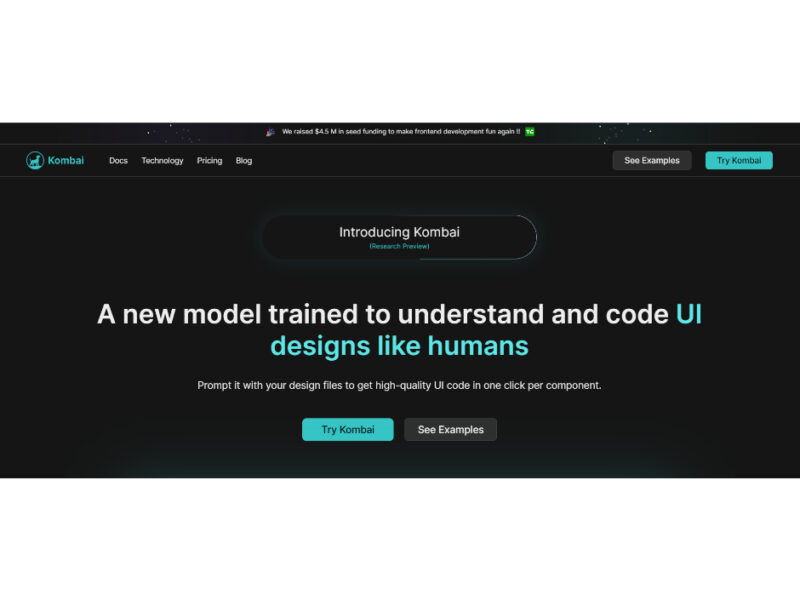
Live Preview:
Updates automatically with live stats
Copied to clipboard!