Flowpoint
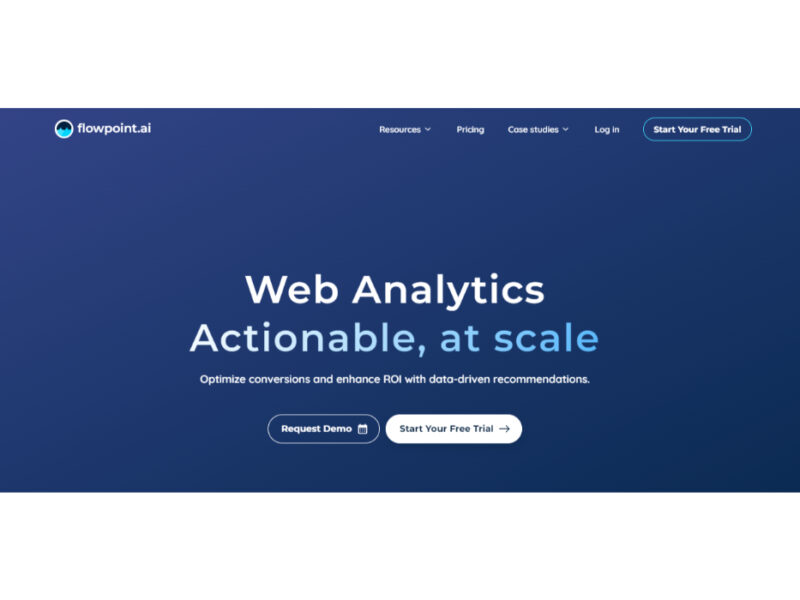
Flowpoint is a state-of-the-art web analytics tool powered by AI, designed to enhance online success. It specializes in identifying factors that lead to poor conversion rates, utilizing advanced machine learning …
About Flowpoint
Use Cases
Use Case 1: Identifying and Fixing Conversion Funnel Leaks
Problem: E-commerce startups often see high traffic but low sales, yet they struggle to identify exactly where potential customers are dropping off in the buying process.
Solution: Flowpoint’s "Funnels" and "Sessions" features allow marketers to visualize the step-by-step user journey. By pinpointing the specific page or interaction where users exit, the AI Agent can help identify if the issue is a technical bug, a confusing UI element, or a lack of clear call-to-action.
Example: A SaaS company notices a 70% drop-off on their pricing page. By reviewing the Events Timeline, they realize users are clicking on a non-interactive graphic thinking it’s a button. They quickly move the "Sign Up" button to that location to recover lost conversions.
Use Case 2: Automated Weekly Website Audits for Lean Teams
Problem: Small marketing teams often lack the time or technical expertise to perform deep-dive data analysis and regular website audits to stay competitive.
Solution: Using the AI Agentic Builder, marketers can automate the complex process of auditing their website. Instead of manually exporting data, the AI agent orchestrates a real-time analysis of website intelligence, providing actionable insights without requiring technical skills.
Example: A content creator sets up an automated workflow where Flowpoint’s AI agent scans the site every Monday. It delivers a summary highlighting the top three performing blog posts and identifies one page that has slowed down in load speed, allowing for an immediate fix.
Use Case 3: Optimizing Ad Spend through Source Attribution
Problem: Businesses often waste marketing budget on channels that drive high traffic volume but zero actual ROI or meaningful interactions.
Solution: Flowpoint provides a "Simple Website Analytics" dashboard that focuses on Top Sources and Events. This allows businesses to see not just where traffic comes from, but which specific sources trigger "meaningful interactions" (like newsletter sign-ups or demo requests).
Example: A startup runs ads on both LinkedIn and Meta. While Meta brings in 3x the traffic, Flowpoint’s dashboard shows that LinkedIn traffic has a 10x higher completion rate for the "Request Demo" event. The team shifts 80% of their budget to LinkedIn to maximize ROI.
Use Case 4: Troubleshooting UX Issues via Session Replays
Problem: Developers and designers often find it difficult to replicate intermittent bugs or understand why users are struggling with a new feature based on raw numbers alone.
Solution: The Sessions and Events Timeline features provide a granular view of how people interact with the site. Instead of guessing, the team can watch the full story behind each session to see exactly what a user did before they gave up.
Example: After launching a new checkout flow, a developer sees a spike in "Error" events. By filtering the Events Timeline, they observe that users in a specific geographic region are seeing a currency conversion error that wasn't caught during testing, enabling a rapid hotfix.
Key Features
- Agentic AI process builder
- AI-powered conversion optimization
- Single-panel website analytics dashboard
- Step-by-step user journey funnels
- Detailed session interaction tracking
- Sequential event timeline analysis
- AI-orchestrated website audits
- No-code data source integration
Similar Tools You Might Like
Discover more tools in the same category
Horizon AI Template
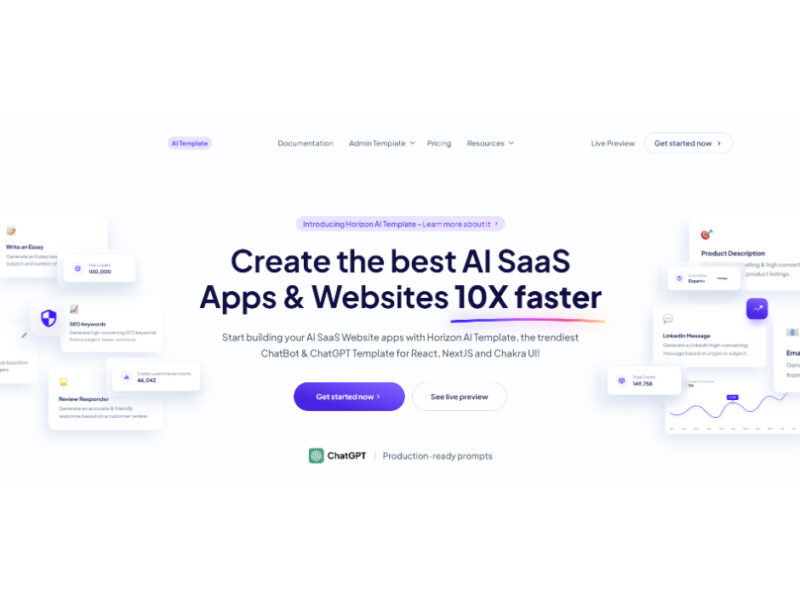
Horizon AI is an advanced template designed to facilitate the rapid development of AI Software …
Live Preview:
Updates automatically with live stats
Copied to clipboard!