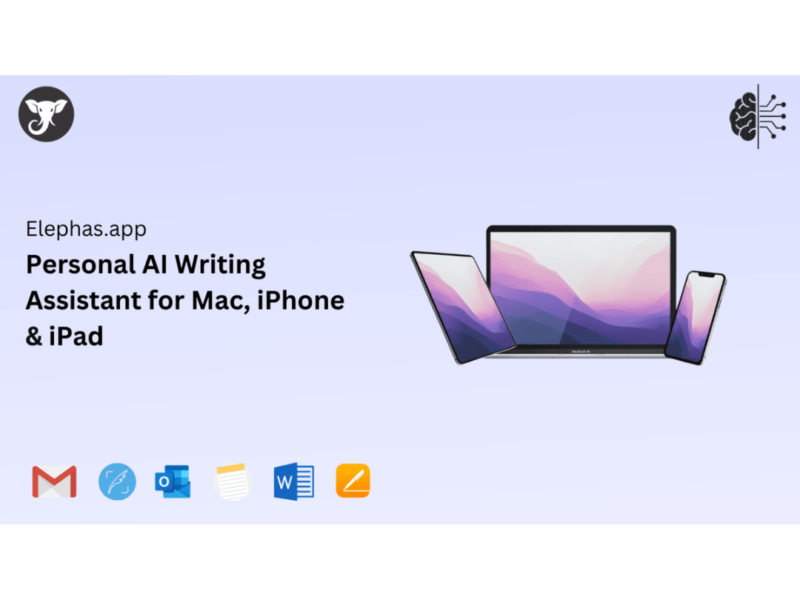
About Elephas
Use Cases
Use Case 1: Instant Strategic Recall for Executives
Problem: Executives participate in dozens of high-stakes meetings and email threads. Strategic decisions and board feedback often get buried in months-old Zoom transcripts, PDFs, or Slack channels, making it difficult to maintain consistency during follow-up meetings.
Solution: Elephas allows users to create a "Super Brain" by syncing Zoom transcripts, meeting notes, and board minutes. Instead of hunting through files, the executive can ask direct questions in plain English and receive answers with citations to the original source.
Example: Before a quarterly review, an executive asks their Super Brain: "What did we decide about the Asia expansion in March?" The AI retrieves the specific board decision (e.g., "Phased approach starting in Japan Q2") and cites the specific Board Minutes PDF from March 2024.
Use Case 2: Centralized Client Context for Consultants and Legal Professionals
Problem: Professionals handling multiple clients often have information scattered across disparate tools—Notion for notes, Apple Notes for quick thoughts, and local folders for contracts and reports. Cross-referencing these documents manually to find precedents or specific terms is time-consuming.
Solution: Elephas aggregates these scattered sources into specialized "Super Brains" for different clients or projects. Because it integrates with Apple Notes, Notion, and local files, it creates a unified searchable interface without requiring the user to move or re-tag their files.
Example: A consultant working on a new proposal can trigger a search across all past reports to find a specific clause by asking: "Find precedents on IP licensing disputes from my previous tech sector projects."
Use Case 3: Research Synthesis for Content Creators and Academics
Problem: Content creators and researchers consume a high volume of articles, newsletters, and papers. Most of this information is forgotten within a week, and "connecting the dots" between a Bloomberg article read last month and a current project requires manual effort.
Solution: Using the "Quick Capture" and Super Command features, users can save insights from the web or PDFs instantly. Later, they can use the AI to compare methodologies or find contradictions across their entire personal library of saved content.
Example: A financial blogger saves several articles about global interest rates. Three weeks later, while writing a new piece, they use ⌘+Space to ask: "What did I save about Japan’s rate hikes?" Elephas summarizes the BOJ’s 0.75% increase and cites the specific Bloomberg article saved previously.
Use Case 4: System-Wide Writing and Communication Efficiency
Problem: Professionals waste significant time switching between their knowledge base and their communication tools (Mail, Slack, etc.) to draft professional replies or summarize long threads.
Solution: The "Super Command" feature acts as a system-wide AI assistant. With a single keyboard shortcut (⌘+Space), users can access their "Brain" and AI writing tools directly inside any Mac app to rewrite text, summarize content, or draft replies based on their personal data.
Example: A manager receives a long strategy thread in Slack. Instead of reading the whole history, they highlight the text, hit ⌘+Space, and select "Summarize this." They then use the summary to draft a professional email reply in the Mail app using the "Reply professionally" command—all without leaving the current window.
Use Case 5: Secure Knowledge Management for Privacy-Conscious Businesses
Problem: Many companies are hesitant to use cloud-based AI because they cannot risk uploading sensitive internal documents or proprietary code to external servers for training.
Solution: Elephas offers an "Offline Mode" and local storage, ensuring that the data used to build the "Super Brain" stays on the user's Mac. It allows businesses to leverage AI productivity without their data being used to train public models.
Example: A software engineering lead uploads internal code documentation and technical specs to a local Elephas Brain. They can then query technical architecture questions—such as "How do we handle token encryption in our legacy API?"—knowing the sensitive data never leaves their hardware.
Key Features
- Custom Super Brain creation
- System-wide Super Command shortcut
- Privacy-first local data storage
- Seamless Apple ecosystem synchronization
- Source-cited knowledge retrieval
- Third-party app auto-syncing
- Fully functional offline mode
- Context-aware system-wide writing assistance
Similar Tools You Might Like
Discover more tools in the same category
GitMind AI
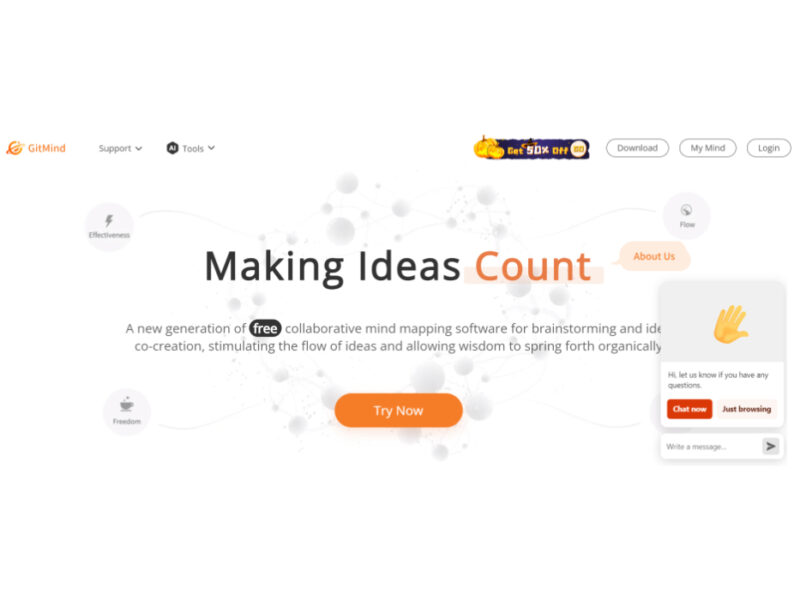
GitMind is a dynamic and free collaborative mind-mapping software that serves as a powerful tool …

Product Manager OS
Product Manager OS is a comprehensive AI-powered toolkit specifically crafted for Product Managers, designed to …
Supermanage AI
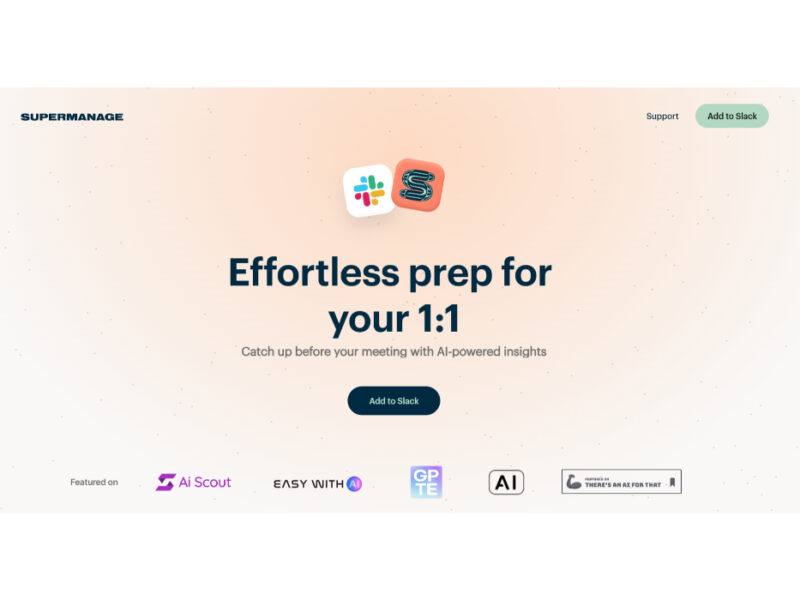
Supermanage AI is an innovative tool leveraging AI to revolutionize the managerial experience. It focuses …
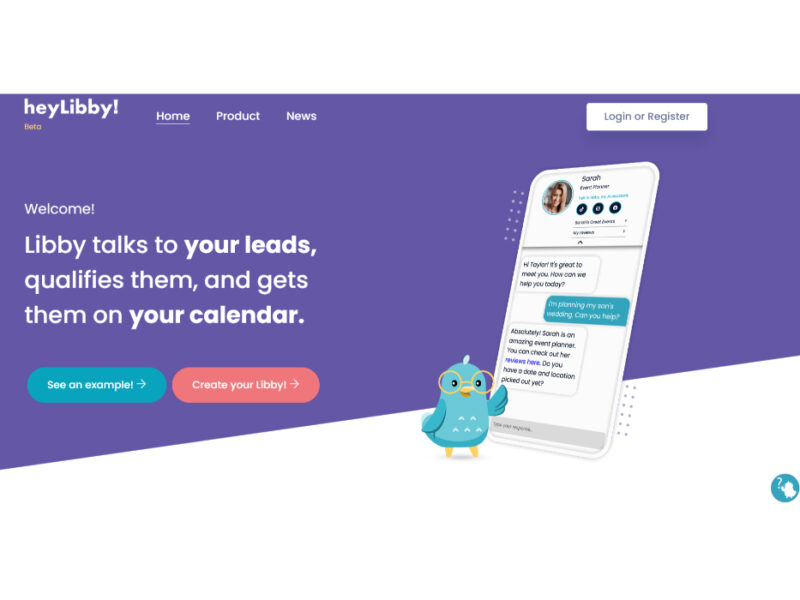
Heylibby.ai
HeyLibby! is a dynamic lead qualification and scheduling tool designed to streamline the lead management …
Explore Related Categories
Live Preview:
Updates automatically with live stats
Copied to clipboard!