Eesel AI
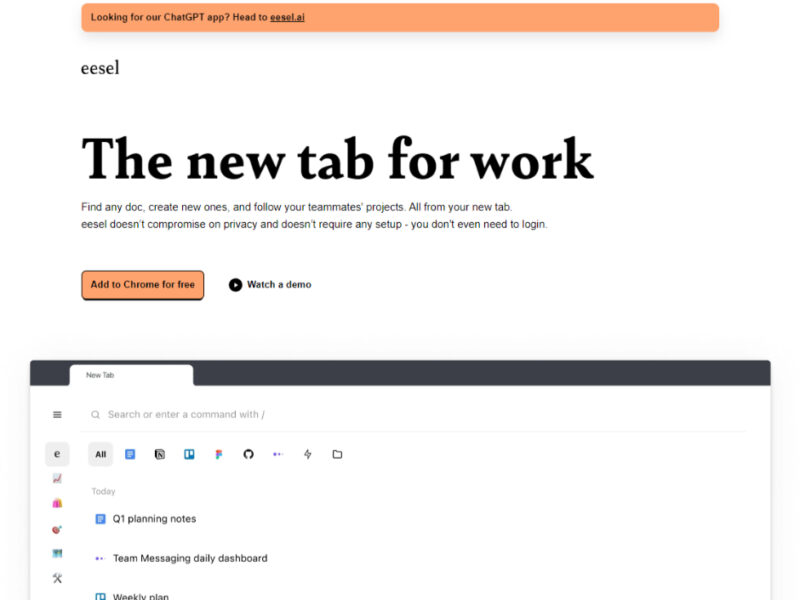
Eesel is a groundbreaking Chrome extension designed to turn your browser into an efficient and organized workspace. It employs artificial intelligence to automatically categorize and sort documents from various apps …
About Eesel AI
Use Cases
Use Case 1: Centralized Workspace Search
Problem: Professionals often waste time hunting for document links across dozens of different browser tabs and web applications.
Solution: Eesel filters browser history to present all work-related documents in one searchable interface within the new tab.
Example: A developer can instantly find a specific pull request or documentation page from three days ago without manually searching through GitHub or bookmarks.
Use Case 2: Effortless Project Organization
Problem: Keeping project-specific files organized is a manual and tedious process when spread across multiple tools like Figma and Notion.
Solution: The AI automatically sorts work into project-based folders for quick access to all relevant pages for a project or customer.
Example: A product manager creates a folder that automatically gathers all Notion pages and Jira tickets related to a new feature launch.
Use Case 3: Team Collaboration Sync
Problem: Team members often have to disrupt colleagues to ask for the latest version of a document or project status updates.
Solution: A live feed of work documents allows users to follow specific projects and see pages created by teammates directly in their new tab.
Example: A marketer sees a new campaign brief created by the content team appear in their feed without needing to ask for a link in Slack.
Key Features
- AI-powered document categorization
- Unified cross-app search engine
- Self-organizing project folders
- Privacy-focused local data processing
- Team project activity feeds
- Quick-access keyboard shortcuts
- Zero-setup browser extension
Similar Tools You Might Like
Discover more tools in the same category

Hypotenuse ai
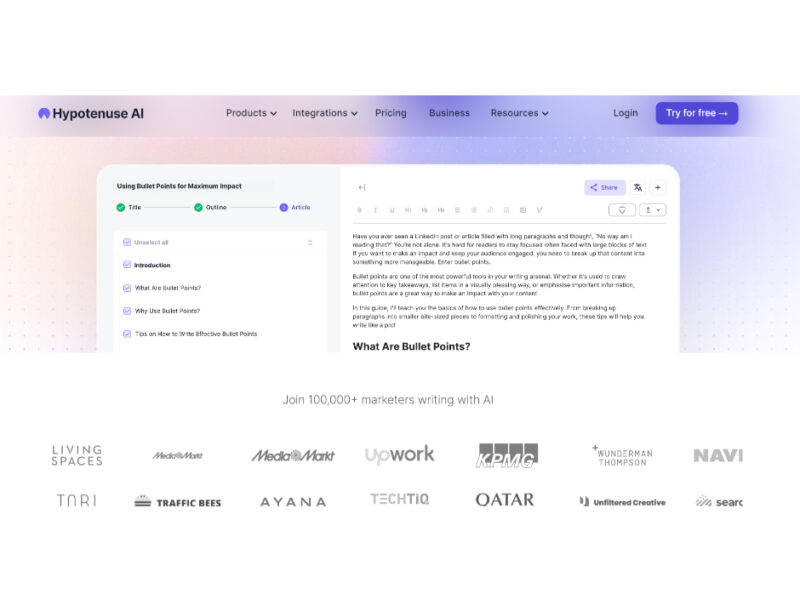
Hypotenuse AI is a state-of-the-art AI Writing Assistant and Text Generator designed to streamline and …
Explore Related Categories
Live Preview:
Updates automatically with live stats
Copied to clipboard!