Cowriter
Cowriter is an AI-powered writing assistant specifically designed to boost the speed and quality of creative writing endeavors. It offers an intuitive interface that simplifies the process of crafting high-quality …

About Cowriter
Use Cases
Use Case 1: Drafting Technical Documentation in Niche Industries
Problem: Developers and technical writers often struggle with specialized jargon and complex terminology, leading to typos or slowed productivity when documenting niche software or scientific processes.
Solution: Co:Writer Universal offers over 5 million "Topic Dictionaries." By selecting a specific dictionary related to their field (e.g., bioinformatics, blockchain, or aerospace), the tool’s word prediction becomes hyper-aware of industry-specific terms.
Example: A developer writing documentation for a new API uses a specific "Software Engineering" topic dictionary. As they type "authen," the tool immediately suggests "authentication" and "authorization," ensuring technical accuracy and significantly increasing typing speed.
Use Case 2: Content Creation Based on Complex Research
Problem: Content creators and marketers often need to write articles or reports based on dense research materials. Switching between a PDF/article and a word processor can lead to losing track of key vocabulary and context.
Solution: The "Momentary Dictionaries" feature automatically extracts vocabulary from the content the user is currently reading in the browser. This allows the tool to suggest relevant keywords and phrases while the user drafts their summary or analysis.
Example: A marketer reading a 20-page industry report on "Sustainable Energy Trends" keeps the Co:Writer Chrome extension active. As they begin writing a blog post summary, the tool suggests specific terms like "photovoltaic efficiency" and "decarbonization" because it recognized them from the open research tab.
Use Case 3: High-Speed Professional Communication for Neurodivergent Staff
Problem: In a fast-paced business environment, employees with dyslexia or dysgraphia may struggle with "flexible spelling" (phonetic spelling) or grammar, which can lead to anxiety and delays when responding to urgent emails or Slack messages.
Solution: The tool’s "Flexible Spelling" and "Word Prediction" features recognize what the user intends to write, even if the spelling is significantly off. "Text-to-Speech" provides auditory feedback, allowing the user to hear their sentences read back to them for self-correction.
Example: A business manager with dyslexia drafts an email. They type "The urgency of this prjkt is hiy." Co:Writer's flexible spelling automatically corrects this to "The urgency of this project is high," and the manager uses text-to-speech to listen to the draft before hitting send to ensure the tone is professional.
Use Case 4: Rapid Mobile Content Drafting for On-the-Go Creators
Problem: Content creators often have ideas while traveling but find typing long-form captions or scripts on a mobile keyboard tedious and prone to errors.
Solution: Co:Writer’s iOS 3rd party keyboard and "Speech-to-Text" capability allow creators to dictate their thoughts or use smart prediction anywhere on their mobile device without switching apps.
Example: A travel influencer at an airport uses the Co:Writer iOS keyboard to dictate a long-form caption for a social media post. The speech-to-text accurately captures the narrative, while the word prediction helps them quickly add complex location names and descriptive adjectives without the frustration of mobile autocorrect.
Key Features
- Grammar-smart word prediction
- Context-aware flexible spelling correction
- Integrated speech-to-text functionality
- Extensive topic-specific vocabulary dictionaries
- Automated momentary dictionary extraction
- Real-time auditory text-to-speech feedback
- System-wide iOS keyboard integration
- Built-in Chrome extension support
Similar Tools You Might Like
Discover more tools in the same category


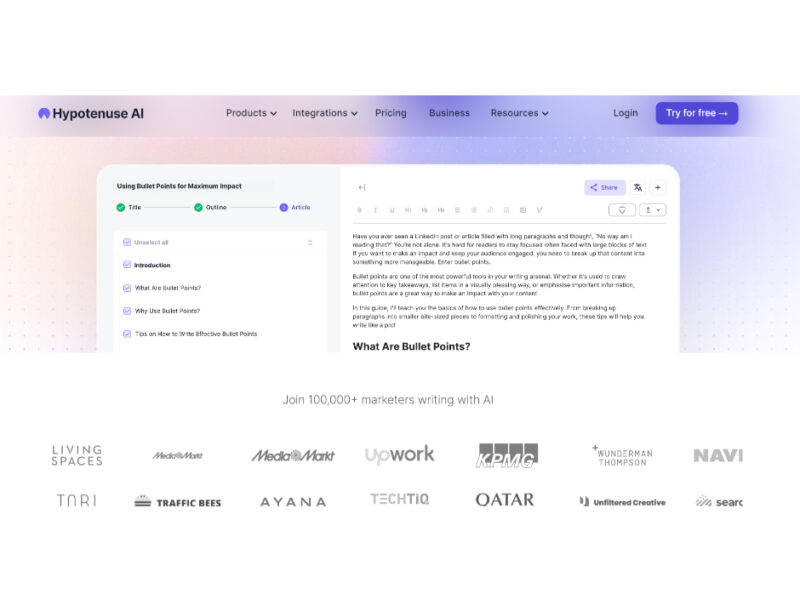
Hypotenuse ai
Hypotenuse AI is a state-of-the-art AI Writing Assistant and Text Generator designed to streamline and …


Explore Related Categories
Live Preview:
Updates automatically with live stats
Copied to clipboard!