ChatGPT Writer
ChatGPT Writer is an innovative Chrome extension that leverages advanced AI technology to simplify and enhance the email and message composition process. This tool is particularly beneficial for users who …
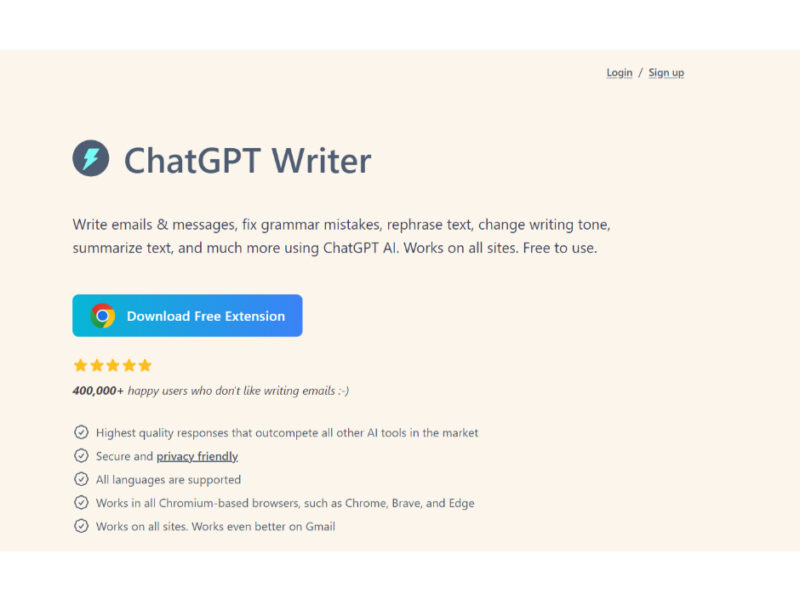
About ChatGPT Writer
Use Cases
Use Case 1: Rapid Professional Email Drafting for Busy Executives
Problem: Executives and managers often face "inbox paralysis," where a high volume of emails requires thoughtful, professional responses that take hours to draft manually.
Solution: Jetwriter AI acts as a co-pilot within the Chrome browser, allowing users to provide a few bullet points or a brief intent. The AI then expands these into a polished, grammatically correct, and tone-appropriate professional email.
Example: An executive receives a complex project proposal. Instead of spending 20 minutes drafting a reply, they type "Accept proposal but request a meeting Tuesday at 2 PM to discuss the budget" into the extension. The tool instantly generates a formal three-paragraph response.
Use Case 2: Personalized Sales Outreach for Marketers
Problem: Generic sales templates are often ignored or flagged as spam, but manually personalizing every cold email to a potential lead is not scalable for marketing teams.
Solution: Using the "Personalized AI" feature, marketers can feed the tool specific context about a lead. The AI adjusts the tone and content to make the outreach feel human-centric and tailored to the recipient's specific industry or needs.
Example: A marketer wants to reach out to a SaaS founder. They provide the tool with the founder’s name and a recent blog post they wrote. Jetwriter drafts a personalized opening line referencing the blog post before transitioning into the sales pitch.
Use Case 3: Polished On-the-Go Communication for Remote Teams
Problem: Writing long, professional emails on a mobile device is tedious and prone to typos, making it difficult for remote workers to stay productive while away from their desks.
Solution: With the mobile version of the assistant, users can dictate or type rough notes into the app. The AI cleans up the syntax and formats the text into a professional structure before it is sent.
Example: A project manager is traveling and needs to update a client on a delay. They type "Delay on Phase 2, server issues, fixed by Friday, sorry" into the Jetwriter mobile app. The tool generates a formal apology email that explains the technical hurdle and provides the updated timeline.
Use Case 4: Standardizing Technical Support Responses for Developers
Problem: Developers or technical founders often struggle to explain complex technical solutions to non-technical clients in a way that is easy to understand and empathetic.
Solution: Developers can use the desktop assistant to "translate" technical jargon into layman's terms. By selecting a "helpful" or "patient" tone, the AI ensures the technical fix is communicated clearly and professionally.
Example: A developer needs to explain a database migration to a client. They input the technical steps, and Jetwriter AI rewrites it as a clear, step-by-step update that focuses on the benefits (improved speed and security) rather than the code-level details.
Key Features
- Personalized AI writing assistant
- Chrome browser extension integration
- Native desktop application support
- Mobile device compatibility
- AI-powered email drafting
- Free trial accessibility
Similar Tools You Might Like
Discover more tools in the same category
Canary Mail
Canary Mail is an innovative email app that uses AI to improve email management, offering …

PowerDMARC
PowerDMARC is an all-encompassing email security service that focuses on safeguarding email domains from unauthorized …



Voxwave AI
Voxwave is a revolutionary tool designed to transform the way businesses engage with their leads. …
Explore Related Categories
Live Preview:
Updates automatically with live stats
Copied to clipboard!