ChatGPT Chrome Extension
Introducing Display ChatGPT – The Ultimate AI Chatbot for Enhanced Conversations
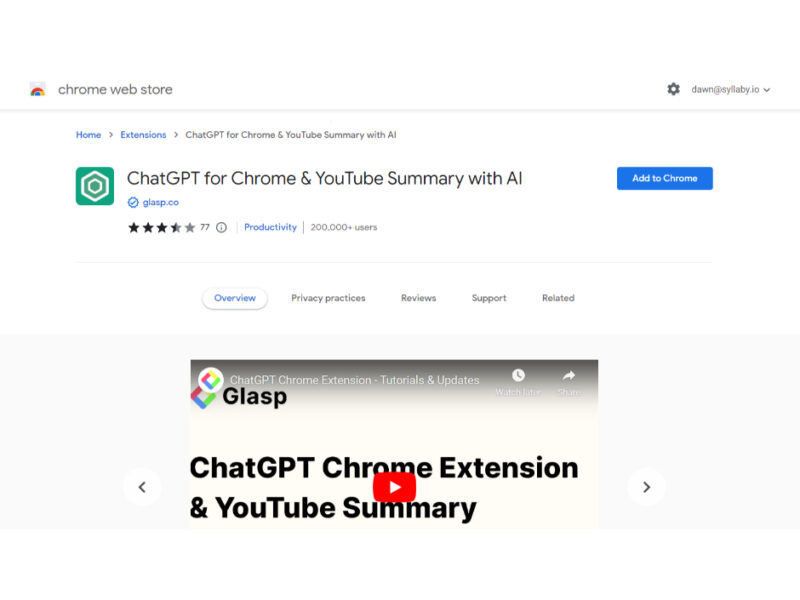
About ChatGPT Chrome Extension
Use Cases
Use Case 1: Competitive Research for Marketers
Problem: Marketing teams need to stay updated on competitor product launches and industry webinars, but watching dozens of hour-long videos to find specific positioning or feature mentions is time-consuming.
Solution: This extension allows marketers to quickly scan the summaries of competitor videos or industry events. By reviewing the timestamped summary, they can identify the exact moments where key features or pricing are discussed without watching the entire video.
Example: A marketing manager opens a competitor’s 45-minute keynote. Instead of watching it, they click "View AI Summary," scan the bullet points for "New Pricing Model," and click the timestamp to jump directly to that segment to take notes.
Use Case 2: Technical Troubleshooting for Developers
Problem: Developers often turn to YouTube for coding tutorials or documentation walkthroughs. Frequently, they only need one specific line of code or a configuration step buried in a 20-minute video.
Solution: Using the "Copy Transcript" and "View AI Summary" features, developers can quickly search for specific keywords (like a library name or a function) within the transcript or generate a summary to see the logical flow of the tutorial.
Example: A developer is struggling with a specific React hook. They find a tutorial, generate the summary to ensure it covers the specific use case, and then use the transcript to find the exact code snippet mentioned by the instructor to implement it in their own IDE.
Use Case 3: Content Repurposing for Creators
Problem: Content creators often need to turn their video content into blog posts, newsletters, or social media threads, but transcribing and outlining an existing video manually is a tedious task.
Solution: Creators can use the extension to instantly extract the full transcript and an AI-generated summary of their own (or others') videos. This provides a structured foundation for writing text-based content.
Example: A tech YouTuber wants to turn their latest review video into a newsletter. They use the Glasp extension to generate a summary, copy the transcript, and then use the ChatGPT toolbar shortcut to ask, "Rewrite this transcript into a 500-word blog post with three key takeaways."
Use Case 4: Rapid Learning for Business Professionals
Problem: Professionals need to keep up with industry trends by watching interviews and podcasts, but they often lack the 60–90 minutes required to listen to a full episode during the workday.
Solution: The extension’s ability to use different AI models (GPT-4, Claude, Gemini) to summarize content allows professionals to get high-quality, condensed versions of long-form interviews in seconds.
Example: An executive sees a trending interview with a top CEO. They use the extension to generate a "detailed summary" (customizing the prompt for depth), reads the 2-minute digest to understand the core message, and saves the most important insights to their CRM or notes app.
Use Case 5: International Market Analysis and Translation
Problem: Businesses expanding into global markets may need to analyze video content (customer reviews, local news, or tutorials) that is recorded in a language they do not speak fluently.
Solution: Since the tool handles multiple languages and allows users to choose the output language of the transcript and summary, it acts as a bridge for cross-lingual research.
Example: A business analyst in the US needs to understand a series of product reviews from a Japanese tech influencer. They open the videos, use the extension to generate summaries in English, and gain an immediate understanding of the local market's sentiment without hiring a translator.
Key Features
- YouTube video AI summarization
- Instant video transcript access
- Multi-model AI engine selection
- Interactive timestamped summaries
- Integrated toolbar chatbot access
- Customizable AI summary prompts
- Multi-language transcription support
Similar Tools You Might Like
Discover more tools in the same category
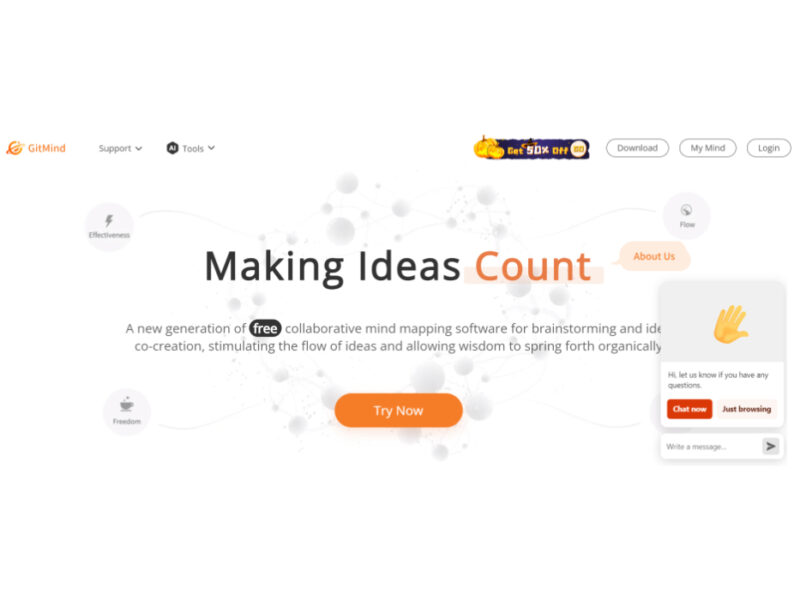
GitMind AI
GitMind is a dynamic and free collaborative mind-mapping software that serves as a powerful tool …

Product Manager OS
Product Manager OS is a comprehensive AI-powered toolkit specifically crafted for Product Managers, designed to …
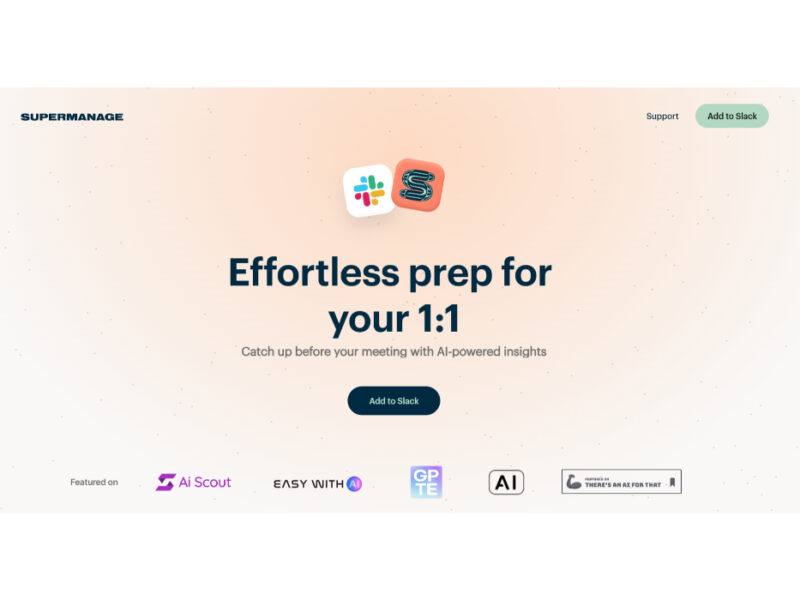
Supermanage AI
Supermanage AI is an innovative tool leveraging AI to revolutionize the managerial experience. It focuses …
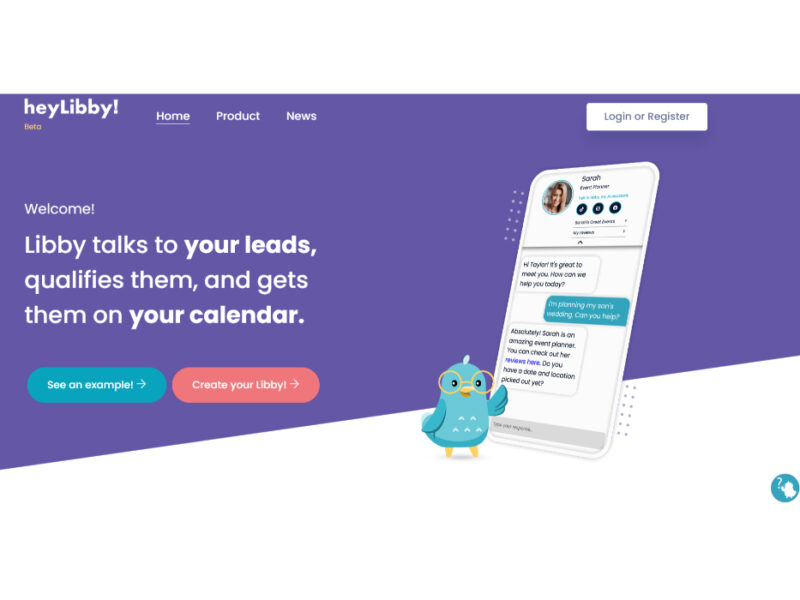
Heylibby.ai
HeyLibby! is a dynamic lead qualification and scheduling tool designed to streamline the lead management …
Live Preview:
Updates automatically with live stats
Copied to clipboard!