Browse AI
Browse AI is a revolutionary platform designed to democratize data extraction and monitoring, making these processes accessible even to those without coding skills. In a matter of minutes, users can …
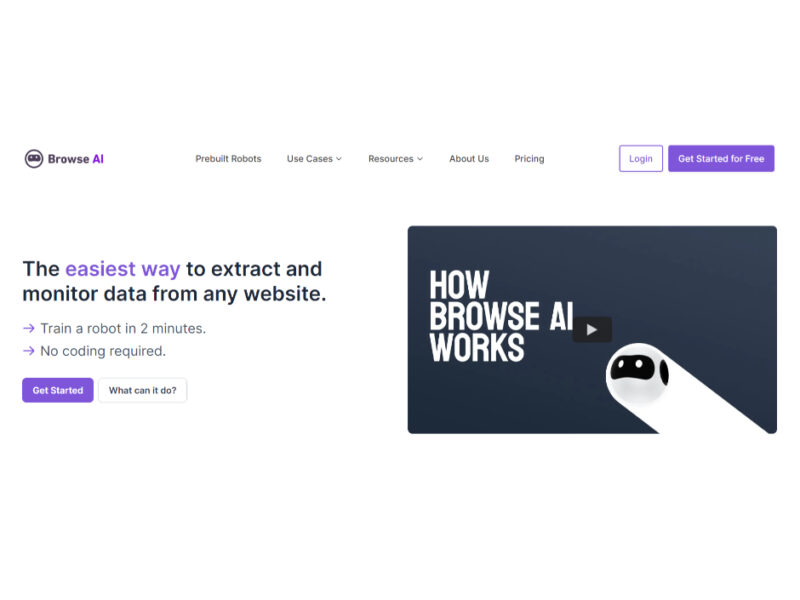
About Browse AI
Use Cases
Use Case 1: Dynamic Competitor Price Monitoring for E-commerce
Problem: E-commerce businesses struggle to stay competitive when rivals change prices multiple times a day. Manually checking dozens of product pages on Amazon or Best Buy is labor-intensive and leads to delayed reactions that cost sales.
Solution: Browse AI allows retailers to set up "point and click" monitors on competitor product pages. The tool automatically detects price changes and inventory fluctuations, even on dynamic sites that use anti-bot measures. Because it adapts to layout changes, the scraper doesn't break when a competitor updates their website design.
Example: A retailer uses the "Amazon price and product tracker" prebuilt robot to monitor 50 key competitor products. They set the monitor to run every two hours. When a competitor drops a price, Browse AI triggers a Webhook that automatically updates the retailer’s own pricing in their Shopify store via Zapier.
Use Case 2: Automated Lead Generation for Freelancers and Agencies
Problem: High-value job postings on platforms like Upwork, Freelancer.com, or We Work Remotely are often claimed within minutes. Agencies and freelancers lose opportunities because they cannot spend all day refreshing search result pages.
Solution: Users can create a custom robot to scrape job boards for specific keywords (e.g., "React Developer" or "SEO Audit"). Browse AI can be scheduled to run every hour, extracting job titles, descriptions, and budget ranges into a structured format without any coding.
Example: A marketing agency sets up a monitor for the keyword "Lead Generation" on Upwork. Browse AI scrapes new postings every hour and sends the details directly to the agency's Slack channel. This allows the sales team to be the first to apply to high-quality leads.
Use Case 3: Real Estate Investment Property Aggregation
Problem: Real estate investors need to track listings across multiple platforms like Redfin, Zillow, and Airbnb to find underpriced properties or high-yield rentals. Checking these sites individually makes it difficult to compare data side-by-side.
Solution: Browse AI’s "Deep Scraping" feature can navigate through category pages and subpages to extract detailed property specifications, images, and pricing. This data can be consolidated into a single spreadsheet or database for analysis.
Example: An investor uses the "Redfin Property Details" robot to scrape all 3-bedroom listings in a specific zip code. They integrate this data with Google Sheets, where they have a custom formula to calculate the "Price per Square Foot" and "Estimated ROI" automatically as new rows are added by Browse AI.
Use Case 4: Trend Analysis and Social Listening for Content Creators
Problem: Social media managers and influencers need to stay on top of viral trends on TikTok and YouTube. Manually tracking which hashtags are growing or which video styles are getting the most engagement is time-consuming and prone to human error.
Solution: Browse AI can extract TikTok video analytics, engagement metrics, and comments from specific hashtags or accounts. This allows creators to analyze what content is performing well in their niche using hard data rather than intuition.
Example: A beauty brand scrapes the top 100 videos under #skincaretips every week. They use Browse AI to extract the "view count" and "comment sentiment" to identify which specific ingredients (like "Snail Mucin" or "Retinol") are currently being discussed most, helping them plan their next product launch or content calendar.
Use Case 5: Building a Custom API for Legacy Websites
Problem: Developers often need to pull data from older websites or niche directories that do not offer an official API. Building a custom scraper from scratch is time-consuming and requires constant maintenance to handle site updates.
Solution: Browse AI can transform any website into a reliable data pipeline or REST API. Developers can point and click to define the data fields they need, and Browse AI provides a structured API endpoint that serves the latest data from that site.
Example: A developer building a travel app needs live ferry schedules from a local government website that has no API. They use Browse AI to scrape the schedule table and connect the Browse AI REST API to their app's backend, ensuring their users always see the most current departure times.
Key Features
- Point-and-click data extraction
- Automated website change monitoring
- Self-healing layout adaptation
- Transform websites into APIs
- Human-like interaction emulation
- 200+ prebuilt scraping robots
- Built-in bot evasion
- Geo-based data extraction
Similar Tools You Might Like
Discover more tools in the same category
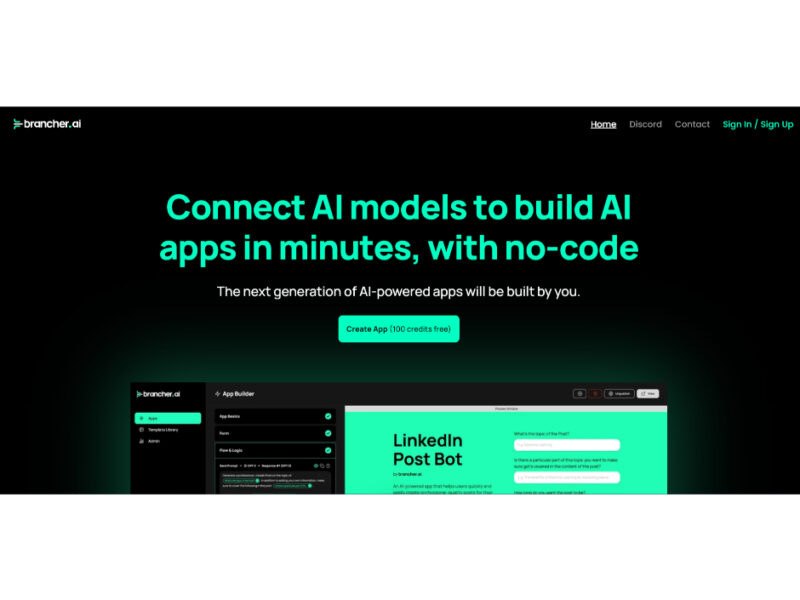
Brancher AI
Brancher.ai is a groundbreaking platform that enables users to create and share AI-powered applications without …
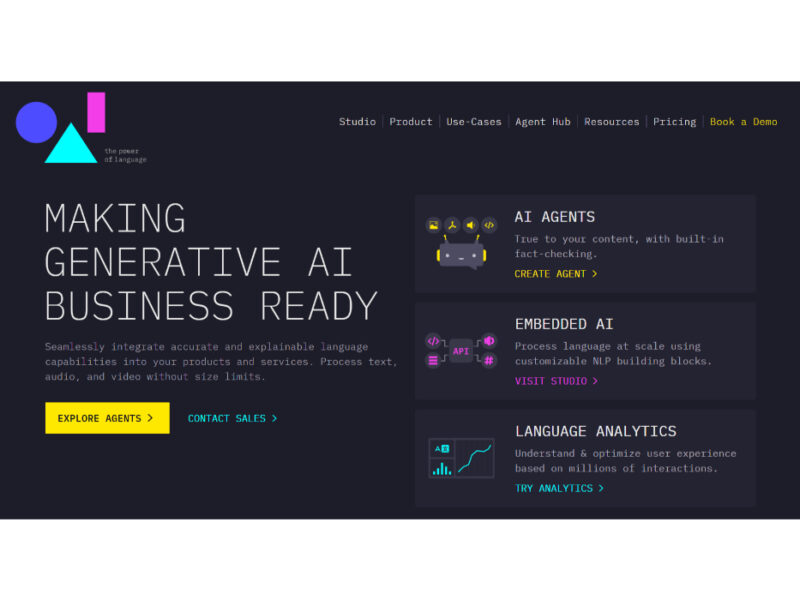
Entry Point
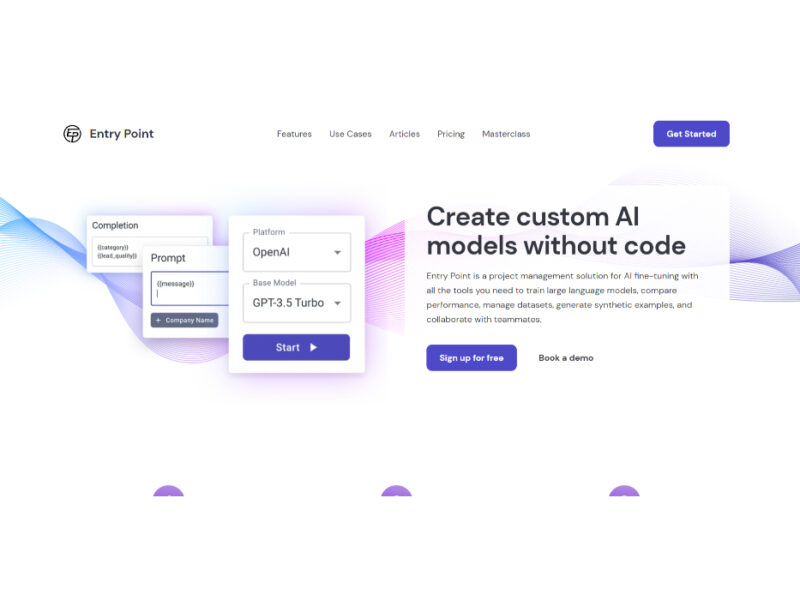
Entry Point is a groundbreaking platform that democratizes the use of artificial intelligence for businesses …
Supervised AI
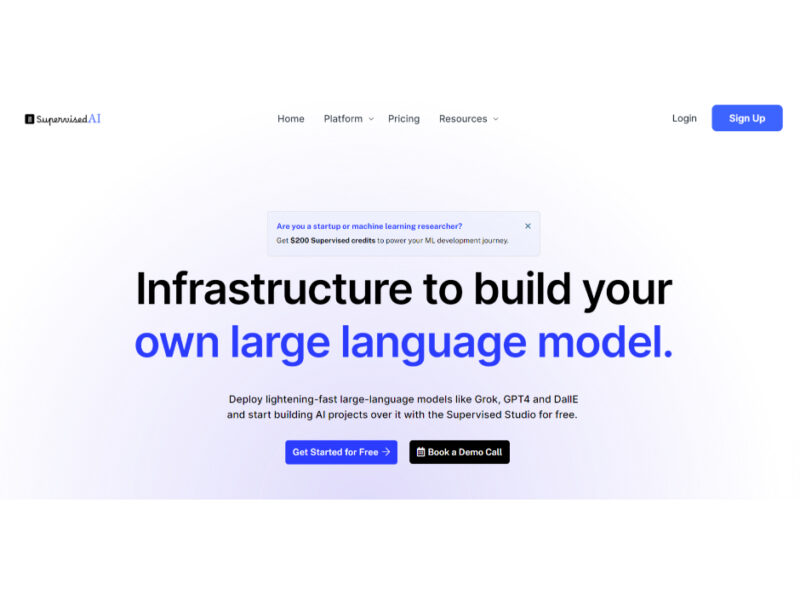
Supervised AI is an innovative AI development platform designed to enable both enterprises and individual …
Explore Related Categories
Live Preview:
Updates automatically with live stats
Copied to clipboard!