Beamcast
Beamcast is a tool that integrates AI commands into websites using OpenAI’s models, enhancing productivity and task efficiency.
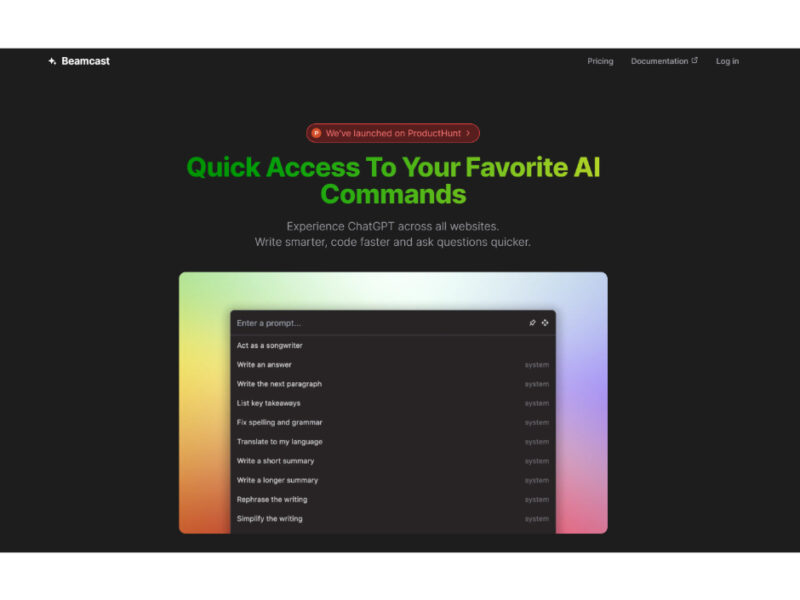
About Beamcast
Use Cases
Use Case 1: Streamlined Content Polishing for Marketers
Problem: Content creators often write drafts directly in CMS platforms (like WordPress or Ghost) or social media schedulers. Moving back and forth between these tabs and the ChatGPT website to fix grammar, change tone, or shorten text breaks the creative flow.
Solution: Beamcast allows marketers to refine their copy exactly where they are writing. By selecting a draft paragraph on any website, they can trigger a custom "Professional Tone" or "Shorten for Twitter" command to get instant results without leaving the page.
Example: A social media manager highlights a 300-word product description on their website and runs a custom Beamcast command: "Convert this into 3 punchy bullet points for a LinkedIn post." The result appears immediately, ready to be copied into their scheduler.
Use Case 2: Instant Code Explanation and Refactoring for Developers
Problem: When browsing unfamiliar repositories on GitHub or reading technical documentation, developers often encounter complex code snippets that require a deep dive to understand or optimize.
Solution: Since Beamcast works across all websites, developers can highlight blocks of code directly in their browser and run AI commands to explain logic, find bugs, or suggest more efficient versions using OpenAI or Gemini models.
Example: A developer looks at a legacy JavaScript function on a GitHub pull request. They highlight the code, run the "Explain Code" command, and receive a step-by-step breakdown of how the function handles data, helping them review the PR much faster.
Use Case 3: Rapid Professional Email & Messaging Responses
Problem: Business professionals spend hours drafting replies to LinkedIn messages, customer support tickets, or emails. Crafting a polite, well-structured response for every interaction is mentally taxing and time-consuming.
Solution: Beamcast enables users to generate replies based on the context of the message they are reading. By selecting the incoming text, the user can run a command to draft a response that fits a specific goal (e.g., "Schedule a meeting" or "Politely decline").
Example: A salesperson receives a long inquiry on LinkedIn. They select the message text, run a custom Beamcast command titled "Draft Follow-up," and the AI generates a personalized reply addressing the sender's specific questions in seconds.
Use Case 4: Efficient Research Summarization for Analysts
Problem: Knowledge workers and researchers often have to digest long-form articles, whitepapers, and news reports. Reading every word to find the "bottom line" is inefficient when trying to stay updated on industry trends.
Solution: Users can use Beamcast to summarize long sections of text on any webpage. Instead of reading a 10-page PDF or article, they can select key sections and use a "Key Takeaways" command to extract the most important information.
Example: While reading a dense 5,000-word industry report, an analyst highlights the "Methodology" and "Results" sections and runs a command: "Summarize into 5 bullet points for an executive summary." They get the gist of the report without reading the entire document.
Similar Tools You Might Like
Discover more tools in the same category
GitMind AI
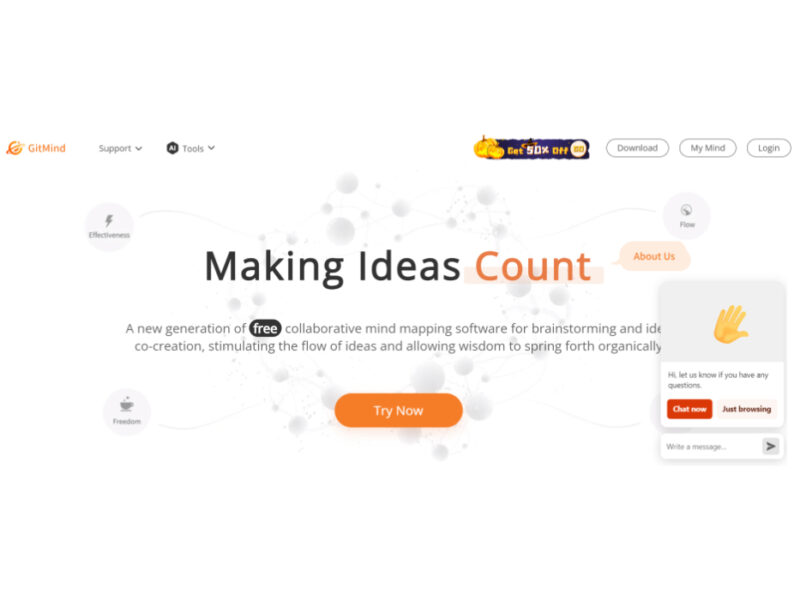
GitMind is a dynamic and free collaborative mind-mapping software that serves as a powerful tool …

Product Manager OS
Product Manager OS is a comprehensive AI-powered toolkit specifically crafted for Product Managers, designed to …

Supermanage AI
Supermanage AI is an innovative tool leveraging AI to revolutionize the managerial experience. It focuses …

Heylibby.ai
HeyLibby! is a dynamic lead qualification and scheduling tool designed to streamline the lead management …
Live Preview:
Updates automatically with live stats
Copied to clipboard!