BashSenpai
BashSenpai is an innovative terminal assistant tool that integrates OpenAI’s ChatGPT within the terminal environment. It’s designed to offer context-specific answers and ready-to-use commands, enhancing productivity and simplifying command execution …
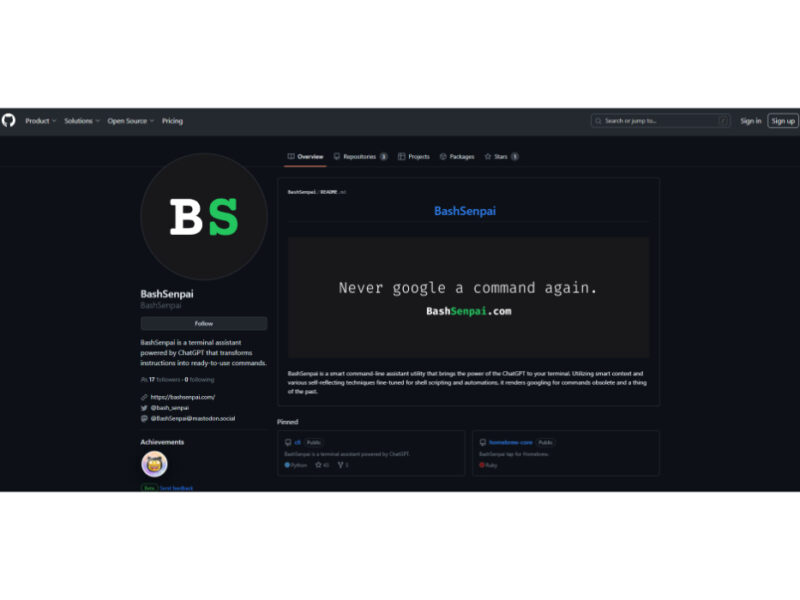
About BashSenpai
Use Cases
Use Case 1: Streamlining Complex DevOps and Container Management
Problem: DevOps engineers and developers often struggle to remember the precise syntax for complex Docker or Kubernetes commands, such as filtering specific containers or cleaning up resources based on age. Searching documentation or StackOverflow breaks the workflow and wastes time.
Solution: BashSenpai allows users to stay within the terminal and ask for specific infrastructure tasks in plain English. It understands the context of CLI tools and provides the exact command needed to manage environments.
Example: A developer needs to clear space. Instead of searching, they type: senpai "delete all docker volumes that are not being used by any containers" and BashSenpai generates: docker volume prune -f.
Use Case 2: Simplified File and Data Manipulation for Content Creators
Problem: Content creators or data analysts often need to perform batch operations on files, such as renaming hundreds of assets or converting file formats. Writing shell loops (like for loops in Bash) is error-prone for those who aren't shell scripting experts.
Solution: BashSenpai acts as a bridge between the user's intent and the shell's power. It translates descriptive requests into working scripts or one-liners, ensuring the task is completed without syntax errors.
Example: A creator has a folder of images and wants to add a prefix. They type: senpai "add the prefix 'final_' to all .png files in this directory" and BashSenpai provides the loop: for f in *.png; do mv "$f" "final_$f"; done.
Use Case 3: Troubleshooting and Version Control Recovery
Problem: Git is notoriously complex when it comes to fixing mistakes, such as undoing a commit, recovering a deleted file, or rebase operations. Using the wrong command can lead to data loss or a messy repository history.
Solution: BashSenpai provides a safe way to find the correct Git command by describing the desired outcome. This reduces the "Google-and-guess" cycle that often happens during high-pressure troubleshooting.
Example: A developer accidentally committed sensitive data. They type: senpai "remove the last commit but keep my changes in the staging area" and the tool provides: git reset --soft HEAD~1.
Key Features
- ChatGPT-powered terminal assistance
- Natural language command transformation
- Context-aware command generation
- Fine-tuned shell scripting automations
- Self-reflecting command refinement
- Integrated CLI assistant utility
Similar Tools You Might Like
Discover more tools in the same category

GitMind AI
GitMind is a dynamic and free collaborative mind-mapping software that serves as a powerful tool …

Product Manager OS
Product Manager OS is a comprehensive AI-powered toolkit specifically crafted for Product Managers, designed to …


Supermanage AI
Supermanage AI is an innovative tool leveraging AI to revolutionize the managerial experience. It focuses …

Heylibby.ai
HeyLibby! is a dynamic lead qualification and scheduling tool designed to streamline the lead management …

Live Preview:
Updates automatically with live stats
Copied to clipboard!