Autodraw
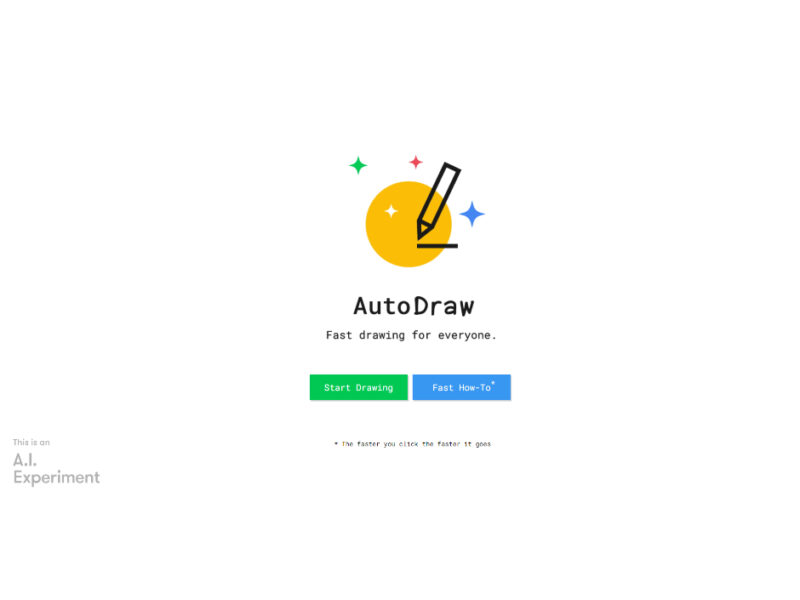
AutoDraw is an innovative drawing tool powered by machine learning, designed to simplify and expedite the drawing process for users of all skill levels. It is especially beneficial for non-artists …
About Autodraw
AutoDraw is an innovative drawing tool powered by machine learning, designed to simplify and expedite the drawing process for users of all skill levels. It is especially beneficial for non-artists who want to create drawings quickly and easily, as well as for design enthusiasts, educators, and students interested in the intersection of art and technology. The tool is known for its ease of use, making it accessible even to those without any artistic background. One of the key features of AutoDraw is its ability to speed up the drawing process based on the user’s clicks, enhancing the efficiency of drawing. In addition to its core drawing functionality, AutoDraw offers several useful features, including options to download and share creations, start over, and utilize shortcuts. This makes it a versatile tool not only for casual drawing but also for educational purposes and design projects. AutoDraw also provides an opportunity for users to learn from talented artists featured on the platform, adding an educational dimension to the experience.
Use Cases
Use Case 1: Rapid Prototyping for UI Designers Problem: Designers often need specific icons or illustrations for low-fidelity mockups but lack the time or artistic skill to create them manually. Solution: AutoDraw interprets rough sketches and offers professionally drawn suggestions instantly, allowing for rapid iteration. Example: A designer sketches a basic cloud shape and replaces it with a clean vector icon for a weather app prototype. ### Use Case 2: Educational Visual Aids Problem: Educators need to create clear visual representations of concepts during lessons but may not have the artistic talent to draw on digital whiteboards. Solution: The tool converts simple doodles into recognizable objects, enhancing student engagement and clarifying complex ideas. Example: A science teacher draws a rough outline of a leaf to demonstrate parts of a plant in a digital classroom setting. ### Use Case 3: Social Media Asset Creation Problem: Small business owners need simple, clean graphics for social media posts but often lack the budget for a professional illustrator. Solution: It provides a fast, free way to generate clean icons and shapes that can be used in marketing materials. Example: A cafe owner doodles a coffee cup and uses the AI suggestion to get a polished graphic for a sale announcement.
Key Features
- AI-powered drawing recognition and suggestions - Real-time conversion of doodles to professional art - Multiple canvas orientation options - Integrated text and shape creation tools - Simple bucket fill for coloring - Direct download and multi-platform sharing
Similar Tools You Might Like
Discover more tools in the same category
Icebreaker
Icebreaker AI is an innovative solution designed to automate and enhance the process of creating …
Audio Editing
Customer Support


WTF Does This Company Do?
Welcome to our landing page, where you can explore and engage with our website solely …
Audio Editing
Customer Support

Youtube Summarizer - Syllaby
Youtube Summarizer – Syllaby is an innovative tool designed for users who frequently use YouTube …
Audio Editing
Customer Support

Explore Related Categories
Live Preview:
Updates automatically with live stats
Copied to clipboard!