Altos
Discover Altos, the Cutting-Edge AI Tool for Ad Campaign Management: Altos is a game-changing AI-powered tool specifically designed for agencies looking to transform their approach to ad campaign management. By …
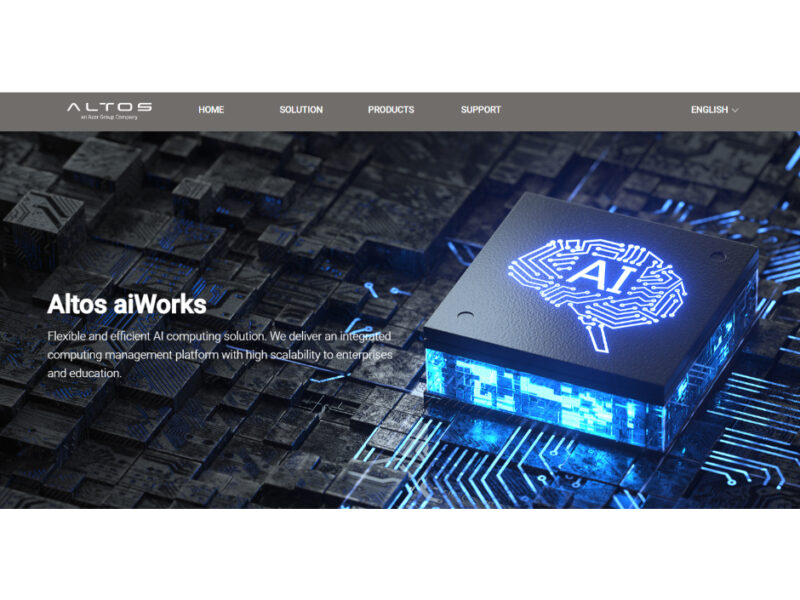
About Altos
Use Cases
Use Case 1: Collaborative GPU Resource Sharing in Research Labs
Problem: In university research labs or small AI startups, multiple researchers often need to share a limited number of high-performance GPUs. Manually scheduling "who uses which card" leads to hardware idling, resource conflicts, and the tedious task of manually reinstalling different software versions (like different CUDA or PyTorch versions) for each project.
Solution: Altos aiWorks uses the Altos Accelerator Resource Manager (AARM) to create independent development spaces for each user. It supports NVIDIA A100 Multi-Instance GPU (MIG) technology, allowing a single powerful GPU to be partitioned into smaller, isolated instances.
Example: A lab manager configures an Altos BrainSphere R680 server. One student requests a slice of the GPU for a small NLP model, while another requests a larger portion for computer vision training. AARM automatically schedules these resources and deploys the specific software stacks each student needs without them interfering with each other.
Use Case 2: Rapid Prototyping and Environment Switching for AI Startups
Problem: AI developers spend significant time configuring drivers, libraries, and dependencies every time they start a new project or switch from a training to an inference environment. This "environment hell" slows down the development cycle and increases the barrier to entry for new team members.
Solution: The solution provides a "One-Stop" hardware and software integration that allows for the rapid deployment of development environments. AARM automates the discovery and scheduling of CPU, GPU, memory, and storage, deploying the necessary AI software stacks in the backend.
Example: A startup developer needs to quickly test a new LLM. Instead of manually setting up the server, they use the AARM web console to select a pre-configured template. The system automatically provisions an Altos BrainSphere P550 workstation with the required environment, allowing the developer to start coding in minutes rather than hours.
Use Case 3: Remote AI Development for Distributed Teams
Problem: Data scientists often require the power of a high-end workstation or server (like the BrainSphere R385), but they cannot always be physically present in the office or data center. Standard remote desktop solutions can be laggy or difficult to manage for complex AI workloads.
Solution: Altos aiWorks features a Web-Based Management Console that supports remote login. This lifts the restriction of local hardware resources, allowing developers to access high-performance computing power from any location using a standard web browser.
Example: A lead data scientist working from home logs into the Altos web console to monitor a long-running training job on an Altos BrainSphere R685 F5 server located at the company headquarters. They can adjust resource allocations or redeploy a new environment remotely without needing physical access to the server room.
Use Case 4: Optimizing Hardware ROI for Scaling Businesses
Problem: Growing businesses often over-invest in hardware that is underutilized because they lack the tools to manage "GPU topology-awareness." Without smart management, data transfer bottlenecks between CPUs and GPUs can cause significant overhead, wasting the expensive hardware's potential.
Solution: Altos aiWorks provides GPU topology-aware resource allocation. By understanding how the hardware is physically interconnected, AARM minimizes communication overhead and ensures that tasks are assigned to the most efficient resource paths.
Example: An enterprise is running multiple concurrent AI tasks across a cluster of BrainSphere R389 F4 servers. AARM analyzes the GPU topology to place data-heavy tasks on GPUs that have the fastest direct paths to the necessary memory and CPU cores, maximizing the Return on Investment (ROI) by getting more processing power out of the same hardware.
Key Features
- GPU topology-aware resource allocation
- Integrated hardware and software solution
- Automated AI development stack deployment
- Web-based remote management console
- NVIDIA Multi-Instance GPU support
- Multi-user independent development environments
- Automated resource discovery and scheduling
Similar Tools You Might Like
Discover more tools in the same category
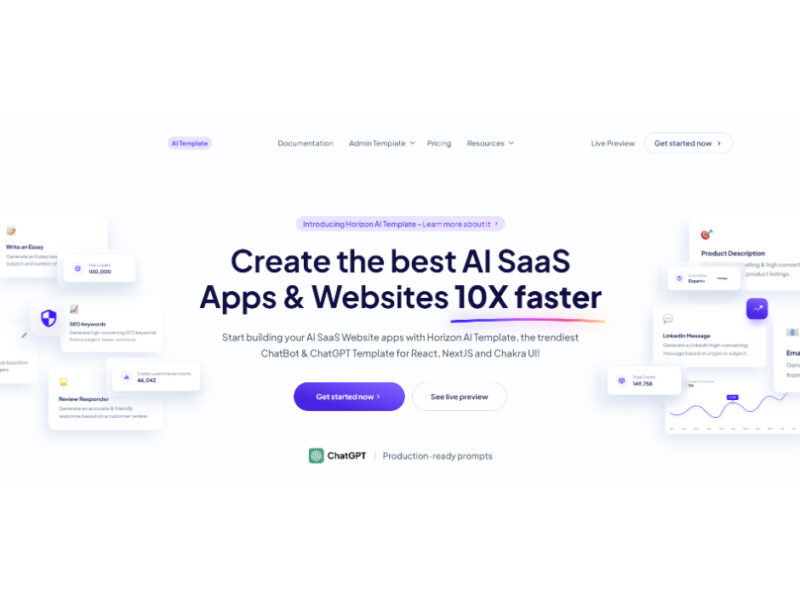
Horizon AI Template
Horizon AI is an advanced template designed to facilitate the rapid development of AI Software …
Live Preview:
Updates automatically with live stats
Copied to clipboard!