AI Trip Planner
BuildAI is an innovative tool designed to simplify the creation of AI interfaces, making it a valuable asset for developers, businesses, and individuals interested in integrating AI-driven features into their …
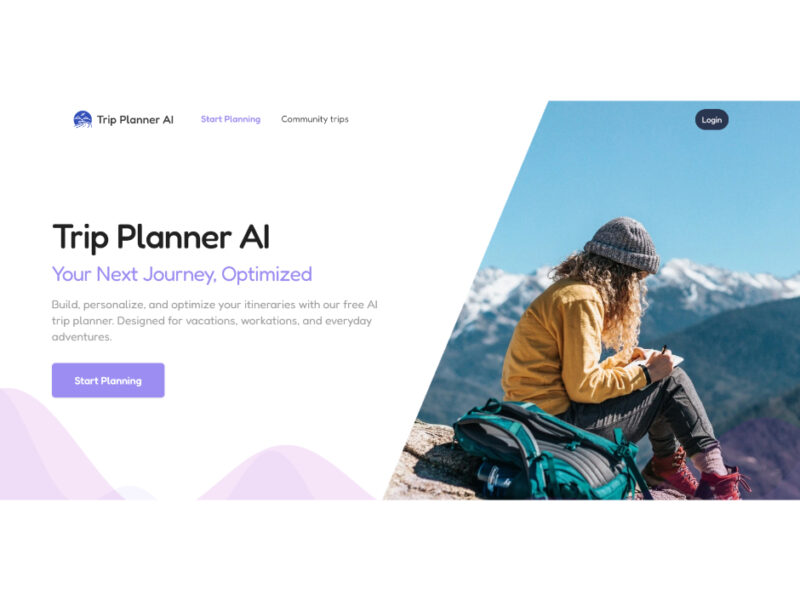
About AI Trip Planner
Use Cases
Use Case 1: Automated Itinerary Generation for Travel Content Creators
Problem: Travel bloggers and social media influencers spend dozens of hours researching logistics, pricing, and routes to create "perfect" itineraries for their audience. Keeping these guides updated with current prices and travel requirements is nearly impossible manually.
Solution: Content creators can use Tripplanner.ai to instantly generate baseline itineraries for any destination. They can use the "Flexible Editing" feature to swap in their specific "hidden gem" recommendations while letting the AI handle the tedious logistics like travel times between landmarks and live pricing.
Example: A YouTuber filming a "Budget vs. Luxury Rome" series uses the tool to generate two parallel 7-day itineraries. They quickly swap standard hotels for boutique suggestions from the AI and use the real-time price data from Skyscanner and Booking.com to provide their viewers with accurate, up-to-date cost estimates.
Use Case 2: Efficient Logistics Planning for Corporate Offsites
Problem: Office managers or HR professionals often struggle to plan multi-city team retreats that balance work sessions with team-building activities, all while staying within a strict budget and minimizing travel fatigue.
Solution: The "Multi-City Trip Planner" and "Route Optimization" features allow businesses to visualize complex trips (e.g., London to Berlin to Prague). The AI ensures that transfers are logical and that the pace allows for "downtime," which is crucial for professional groups.
Example: A startup planning a 10-day European "workation" uses the AI to plan a route from Rome to Florence to Paris. They use the "Collaborative Group Planning" feature to share the itinerary with department heads, allowing them to collectively decide on hotel upgrades or swap a museum visit for a private coworking space session.
Use Case 3: Rapid Trip Prototyping for Travel Agency Startups
Problem: Small travel agencies or "travel-as-a-service" startups need to provide rapid, professional-grade quotes and schedules to potential clients to win business, but manual drafting is slow and resource-heavy.
Solution: Agents can use the AI Trip Planner as a "prototyping" tool. By inputting client preferences (e.g., "Family-friendly Barcelona with a focus on Gaudí"), they get a structured plan in seconds. They can then use the Layla.ai chat interface to refine the details before presenting a polished version to the client.
Example: A boutique agent receives a request for a romantic 5-day Paris getaway. Instead of starting from scratch, they generate a "Couples Trip" itinerary, use the AI to find a hotel with a Colosseum/Eiffel Tower view, and then export the optimized schedule to send to the client within minutes of the initial inquiry.
Use Case 4: Event-Based Logistics for Workshop Organizers
Problem: Educators or photography workshop leaders who host "destination events" (like a Pacific Coast Highway photography tour) need to ensure their group hits specific locations at the right time (e.g., Golden Hour) without spending too much time driving.
Solution: The "Road Trip Planner" specifically solves for route optimization and scenic stopovers. Organizers can use the AI to map out the most efficient driving path while ensuring the group stops at must-see viewpoints like Big Sur or Santa Barbara.
Example: A photography instructor plans a 5-day California coast tour. They use the tool to identify the best overnight stops to avoid 5+ hour driving stretches and use the "Smart Routing" feature to ensure they don't backtrack, allowing the students more time behind the lens and less time in the van.
Key Features
- Instant AI-generated custom itineraries
- Integrated real-time booking engine
- Automated schedule and cost recalculation
- AI-powered travel route optimization
- Real-time collaborative group planning
- Interactive conversational travel agent
- Multi-modal transportation logistics planning
- Centralized travel detail management
Similar Tools You Might Like
Discover more tools in the same category
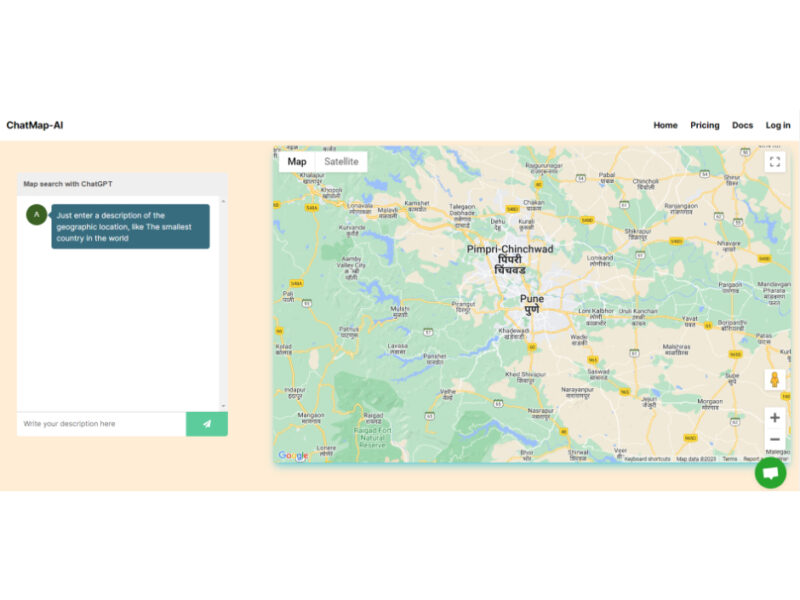
Chatmap AI
ChatMap-AI, developed by SMARTWAVE LLC, is an AI-driven map search tool that leverages the power …
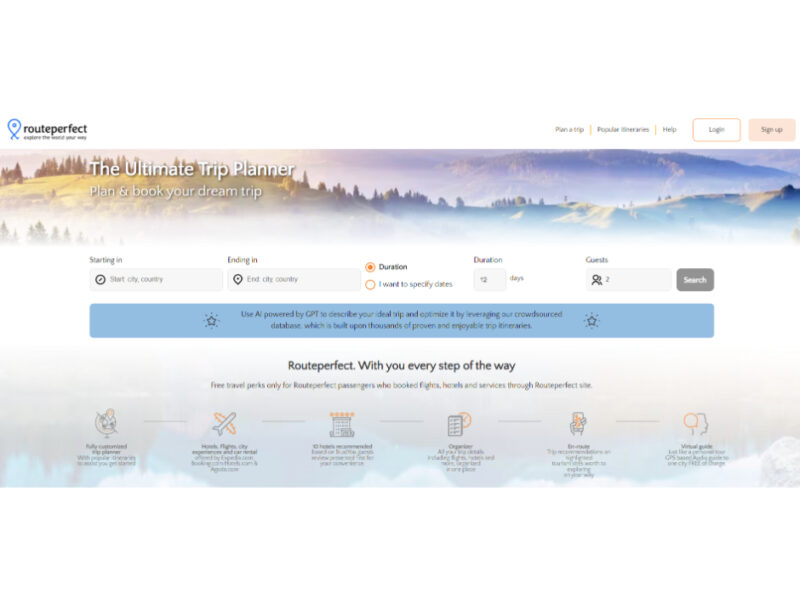
Routeperfect
RoutePerfect is a comprehensive AI-powered travel planning and booking tool designed to streamline the trip …
Roamaround
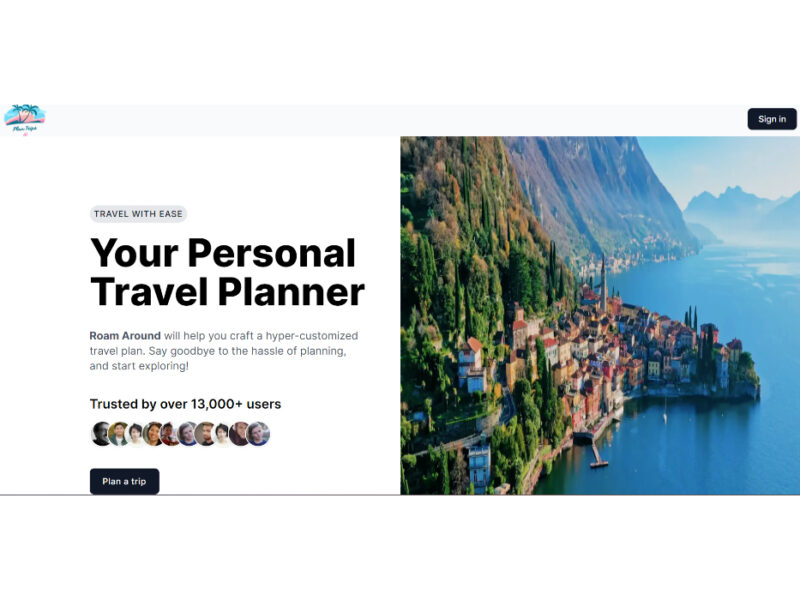
Roam Around is an AI-driven travel planning tool, innovatively using GPT-3 technology to provide personalized …
Smart With Points AI
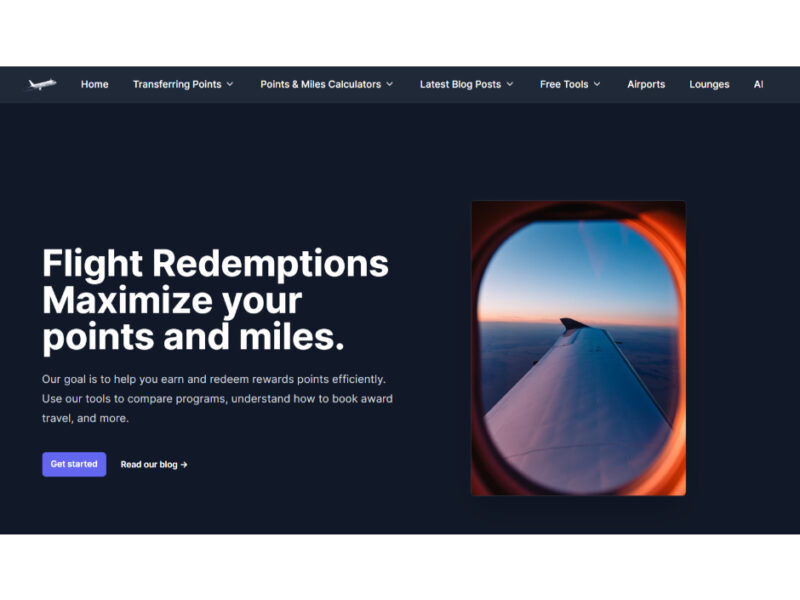
Your AI-Powered Travel Hacking Guide: Smart With Points AI is an innovative chatbot designed to …
Explore Related Categories
Live Preview:
Updates automatically with live stats
Copied to clipboard!