AI Transcription by Riverside
AI Transcription by Riverside is an advanced AI transcription tool designed to offer quick and accurate transcriptions of audio and video files in more than 100 languages. It is equipped …
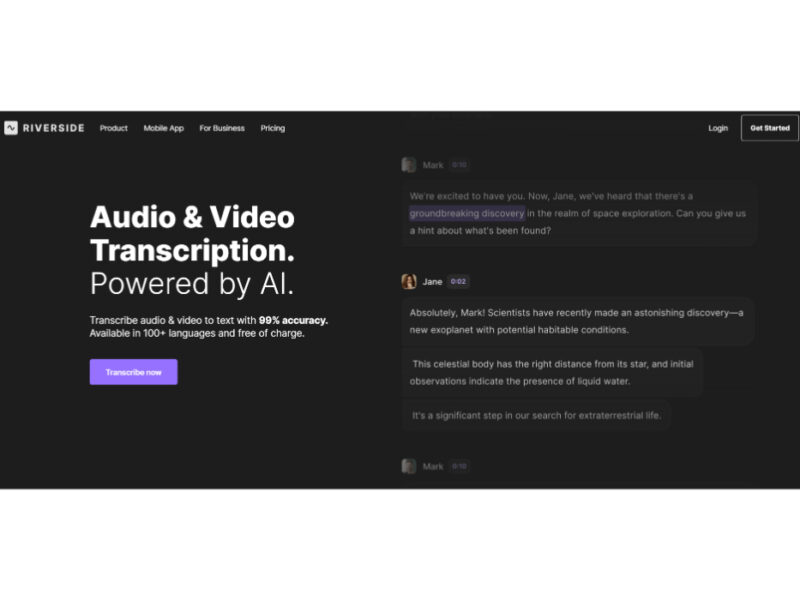
About AI Transcription by Riverside
Use Cases
Use Case 1: Streamlined Podcast Editing and Social Media Repurposing
Problem: Podcast creators often spend hours listening back to long recordings to find specific highlights or "filler" words (like "um" and "uh") to cut, which delays the publishing process.
Solution: Riverside’s AI transcription allows creators to edit their video or audio by simply editing the text. By deleting a sentence or a word in the transcript, the tool automatically removes that segment from the recording. Additionally, it generates SRT files for social media captions.
Example: A podcaster uploads a 60-minute interview, uses the transcript to quickly find a 30-second "gold nugget" quote, deletes the surrounding text to isolate the clip, and downloads the SRT file to ensure the clip is accessible on TikTok with 99% accurate captions.
Use Case 2: Accurate Documentation for Global Qualitative Research
Problem: Researchers conducting interviews across different countries often struggle with heavy accents and regional dialects, making manual transcription difficult and time-consuming.
Solution: The tool supports over 100 languages and is designed to handle various accents and regional nuances with high accuracy. The "Speaker Detective" feature automatically identifies and labels different participants, ensuring the data is organized.
Example: A UX researcher conducts five video interviews with participants from Singapore, India, and the UK. They upload the recordings to Riverside, which automatically distinguishes between the researcher and the participant, providing a clean, speaker-labeled TXT file for immediate analysis.
Use Case 3: Enhancing Corporate Webinar Accessibility
Problem: Marketing teams often host webinars that need to be shared globally, but they lack the budget or time to manually subtitle the content for non-native speakers or hearing-impaired viewers.
Solution: Because the tool is free and fast, businesses can instantly generate transcripts for long-form webinars in 100+ languages. This provides both a written record for "Show Notes" and a caption file to improve SEO and accessibility.
Example: A software company hosts a product launch webinar. Immediately after the session, they upload the MP4 to Riverside, generate a transcript to create a blog post summary, and use the SRT file to add closed captions to the replay on their website.
Use Case 4: Rapid Training Material Creation for L&D Teams
Problem: Learning and Development (L&D) professionals often have hours of raw "how-to" footage that needs to be converted into searchable written guides or manuals.
Solution: Using the AI-powered transcription, L&D teams can convert video tutorials into text instantly. The high accuracy ensures technical idioms and jargon are captured correctly, which can then be used to create study guides or searchable knowledge bases.
Example: A corporate trainer records a screen-share tutorial on a new CRM system. They use Riverside to transcribe the audio, copy the text to a manual, and use the "Magic Clips" feature to create short, captioned "micro-learning" segments for the company’s internal newsletter.
Key Features
- 99% accurate AI transcription
- Multilingual support for 100+ languages
- AI-powered automated speaker detection
- Text-based audio and video editing
- High-quality 4K video recording
- Instant TXT and SRT downloads
- AI-generated captions and clips
- No-signup free transcription access
Similar Tools You Might Like
Discover more tools in the same category
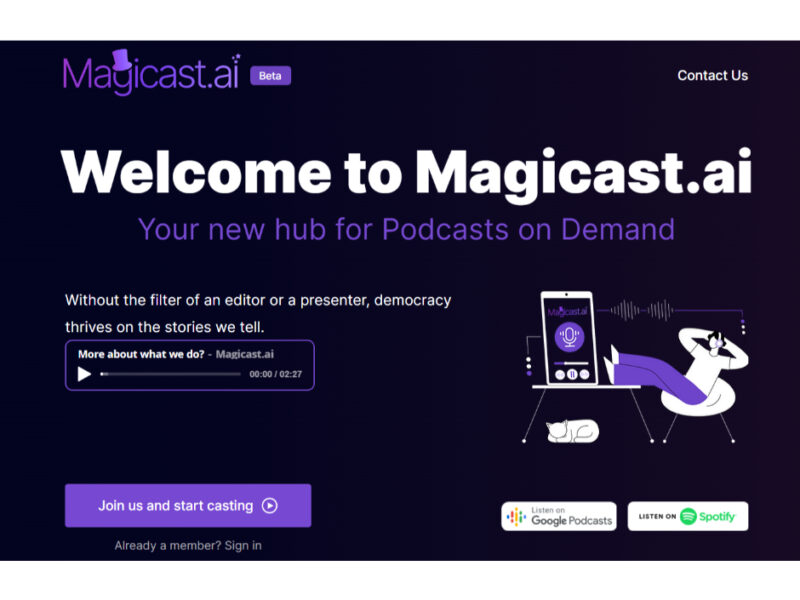
Magicast.ai
Magicast.ai is an innovative platform that revolutionizes podcast creation by allowing users to easily generate …
Explore Related Categories
Live Preview:
Updates automatically with live stats
Copied to clipboard!