Once Upon A Bot
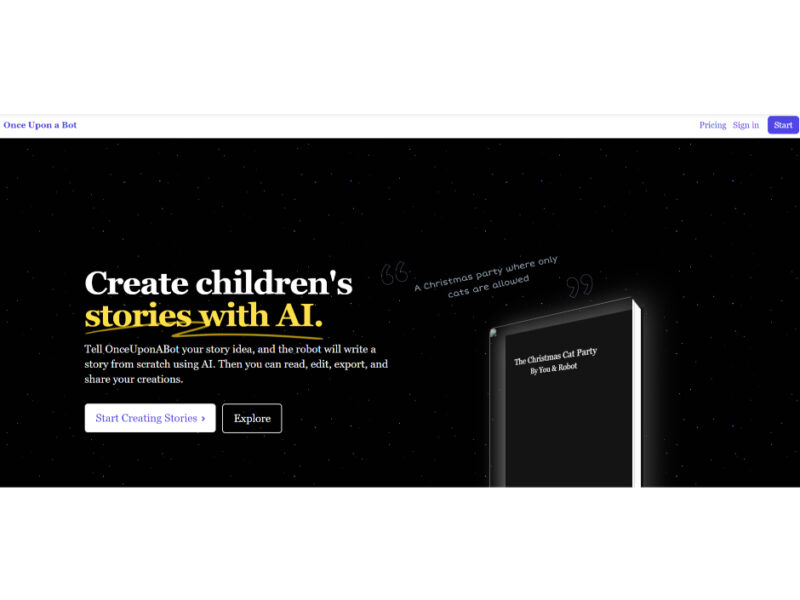
OnceUponABot is a groundbreaking AI-powered tool specifically designed to create unique and personalized children’s stories. This innovative platform harnesses the capabilities of GPT-3 and Stable Diffusion, crafting tailored and imaginative …
About Once Upon A Bot
Use Cases
Use Case 1: Streamlining Client Approvals for Video Production Agencies
Problem: Agencies often struggle with "feedback fatigue" where client comments are scattered across multiple email threads, Slack messages, and PDF markups. This leads to version confusion and delays the start of production.
Solution: Boords provides a centralized "organized home" for the entire pre-production process. It allows agencies to share a single live link with clients where they can leave comments directly on specific frames and provide formal sign-off digitally.
Example: A motion design studio creates a storyboard for a new brand film. Instead of sending a PDF, they send a Boords link. The client highlights Frame 4 to request a color change; the studio updates the frame, and the client clicks "Approve" immediately, cutting the feedback loop by 50%.
Use Case 2: Rapid Pre-Visualization for Multi-Character Animation
Problem: For complex animations involving multiple characters, keeping track of character arcs and visual consistency across dozens of frames can be technically demanding and time-consuming.
Solution: Using the multi-character storyboarding and asset management features, creators can organize characters and scenes within a dedicated workspace. The tool allows for the quick rearrangement of frames without the "tedious work" of manual reformatting.
Example: An animation lead uses the "multi-character" feature to map out a dialogue scene between three characters. They can quickly swap the order of shots to test different comedic timings, and the software automatically handles the renumbering and layout adjustments.
Use Case 3: Collaborative Script-to-Screen Development for Remote Teams
Problem: Creative teams working remotely often find it difficult to align the visual storyboard with the written script, leading to a disconnect between the writer's vision and the artist's execution.
Solution: Boords integrates the script directly into the storyboarding interface. This "all-in-one" environment ensures that every team member—from the copywriter to the director—is looking at the same version of the assets and script simultaneously.
Example: A remote marketing team drafts a script for a product launch video inside Boords. The storyboard artist draws frames that sit right alongside the script lines. The Creative Director reviews the "Animatic" version (a video preview of the storyboard) to ensure the pacing matches the voiceover before the shoot begins.
Use Case 4: High-Efficiency Storyboarding for Freelance Content Creators
Problem: Independent creators often spend more time on "menial, repetitive tasks" like formatting PDF exports and organizing project folders than on actual creative drawing.
Solution: The platform automates the formatting and export process. It offers customizable PDF download options and project folders that keep all assets organized, allowing freelancers to present a professional, "visually pleasing" product to clients with minimal effort.
Example: A freelance storyboard artist needs to deliver three different layout options (1x1 for social, 16x9 for TV, and a contact sheet) to a client. Instead of manually resizing images in Photoshop, they use Boords’ export settings to generate all three professional PDF versions in seconds.
Key Features
- Multi-character storyboard creation
- Centralized client feedback collection
- Automated frame rearrangement logic
- Integrated script and animatics
- Real-time collaborative versioning
- One-click client sign-off system
- Customizable PDF export options
- Organized project folder management
Similar Tools You Might Like
Discover more tools in the same category
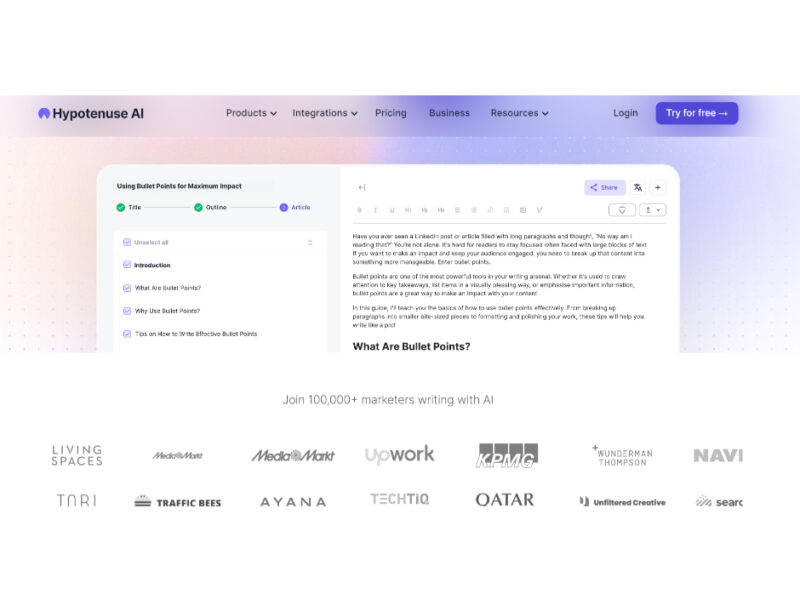
Hypotenuse ai
Hypotenuse AI is a state-of-the-art AI Writing Assistant and Text Generator designed to streamline and …

Explore Related Categories
Live Preview:
Updates automatically with live stats
Copied to clipboard!